Chat — Yesterday's information, found in three words.
Comunik Sphere Chat search filters by sender, conversation, date or file, and groups the results. Hashtags gather a topic, pinned messages stay at the top of the group, and your saved messages keep a note.
Search
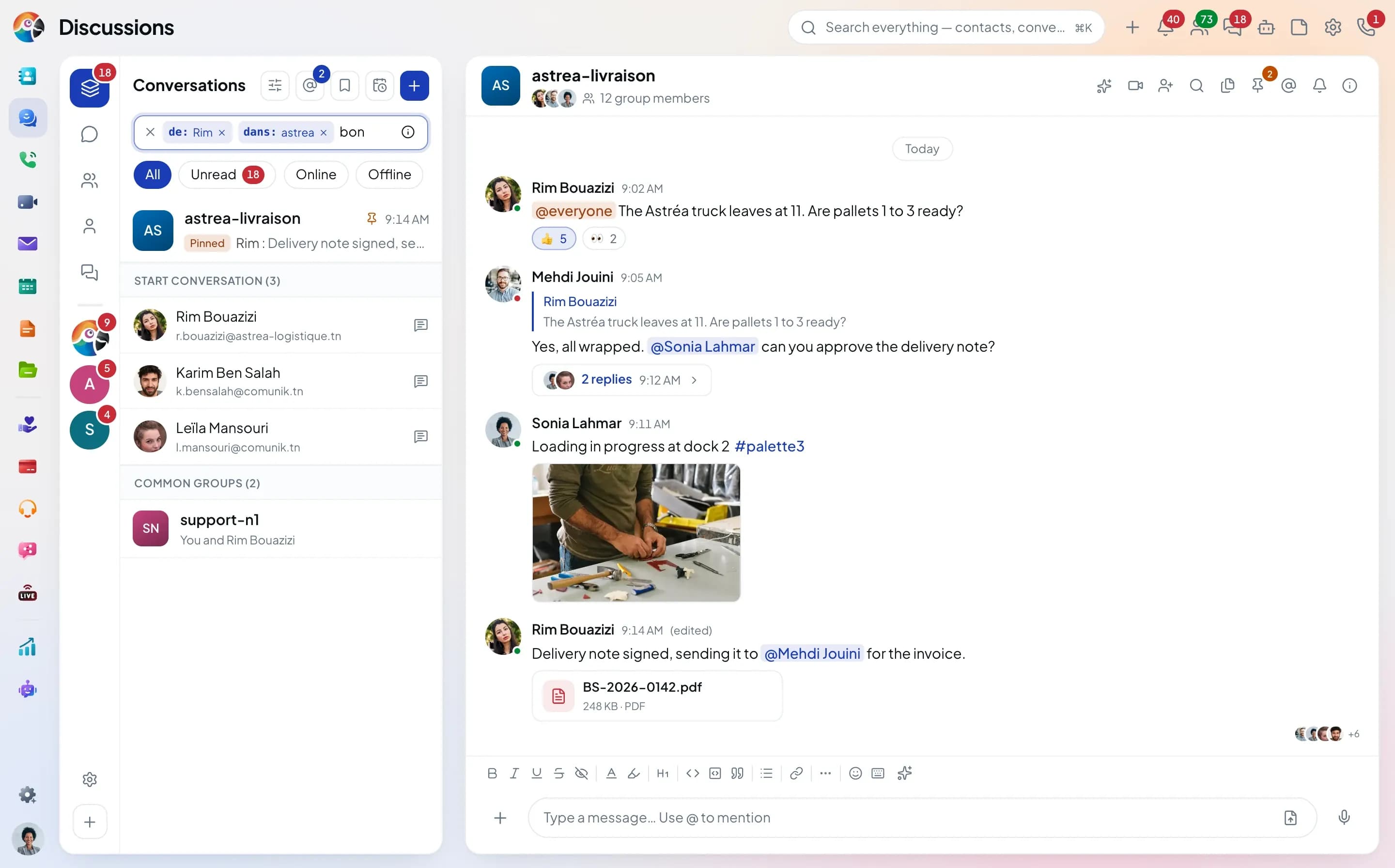
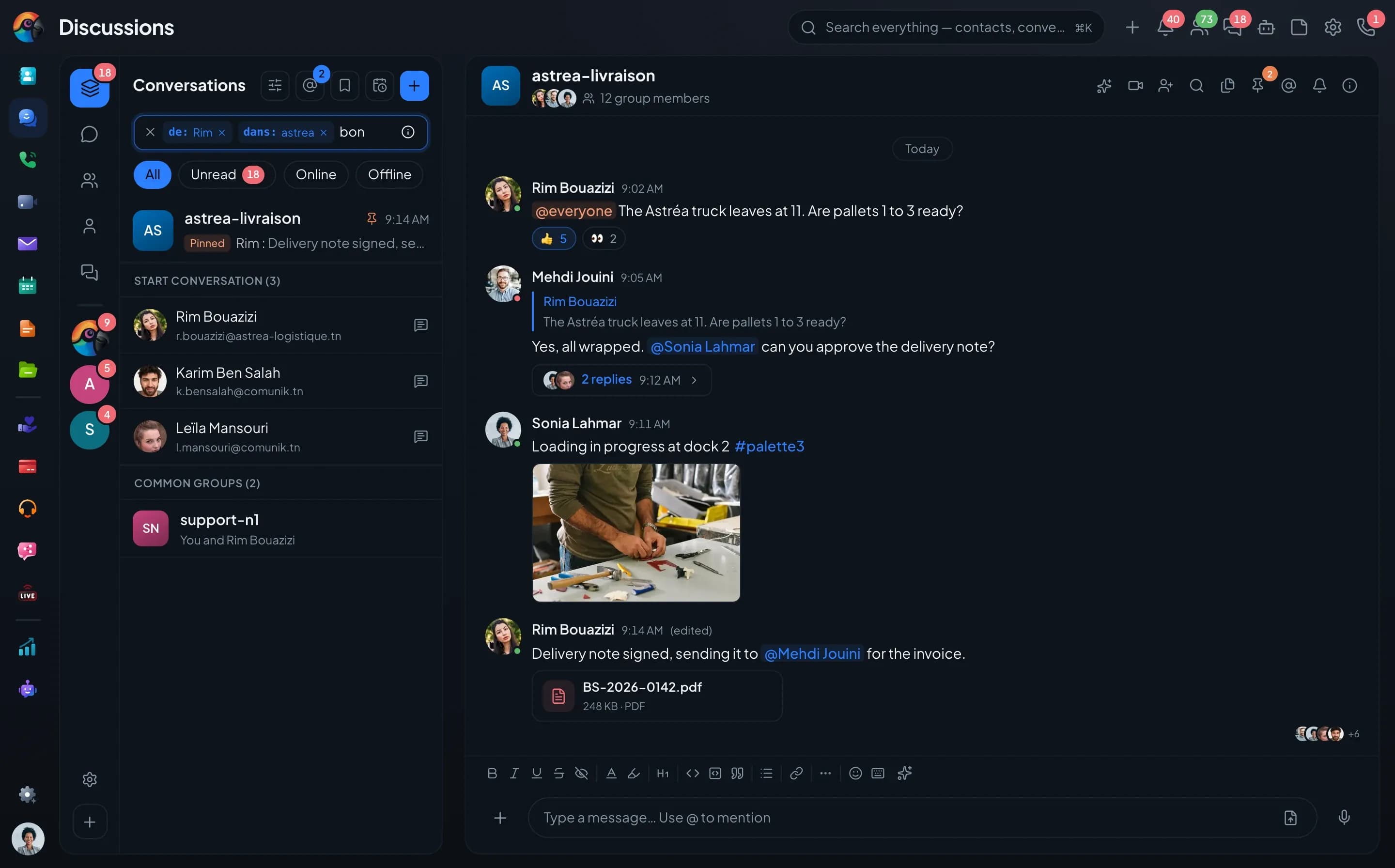
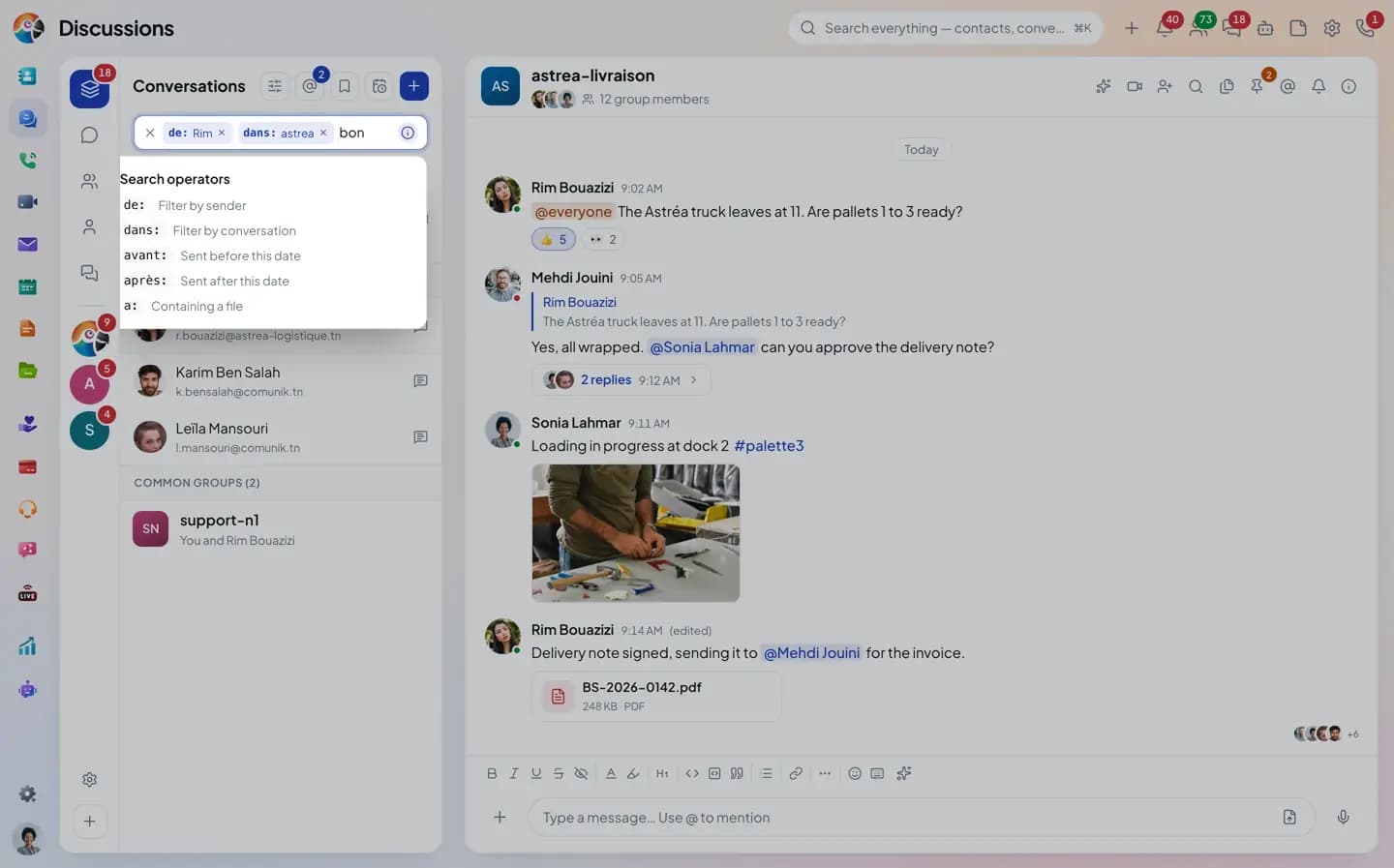
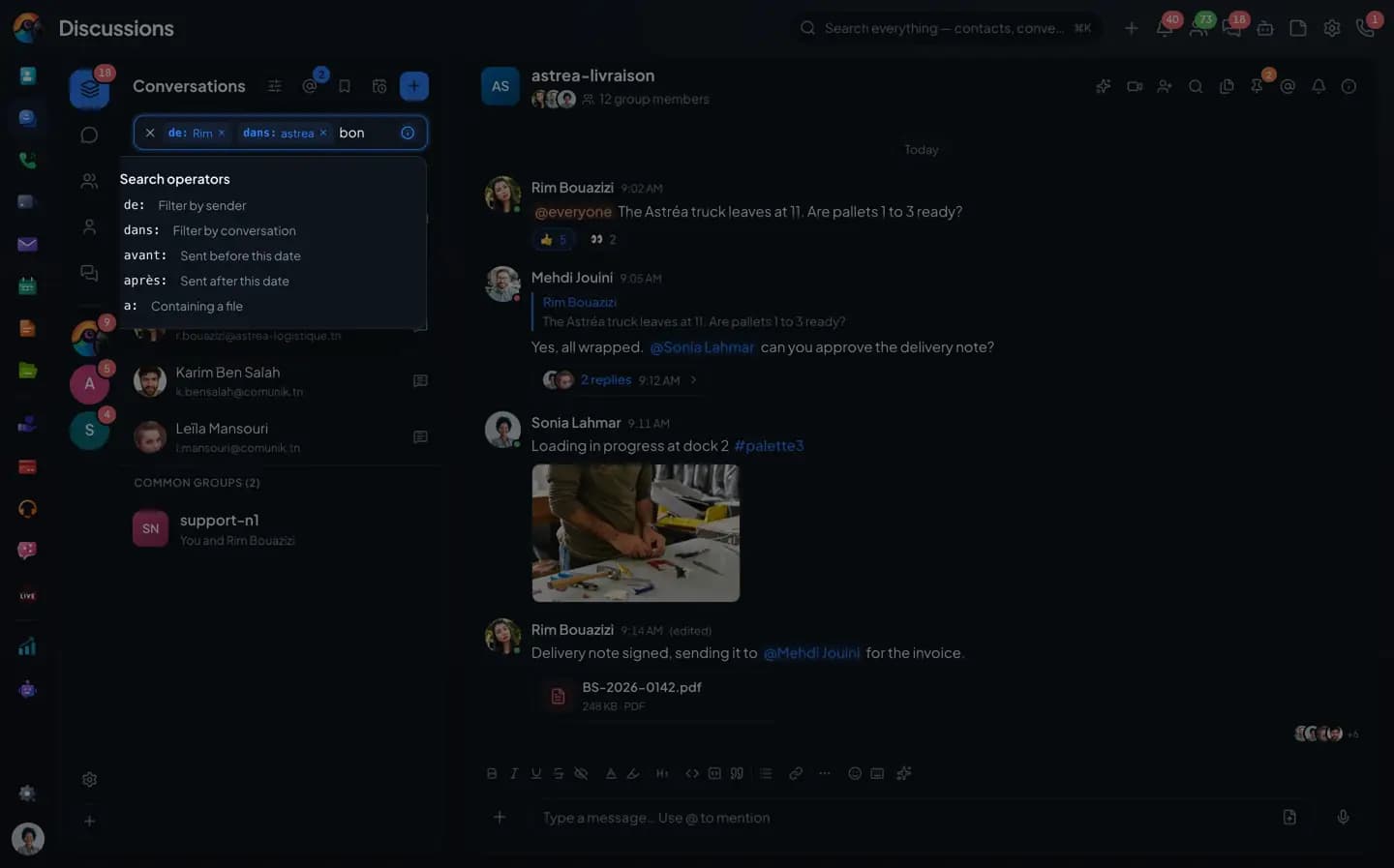
From Rim, in astrea,
the word "order".
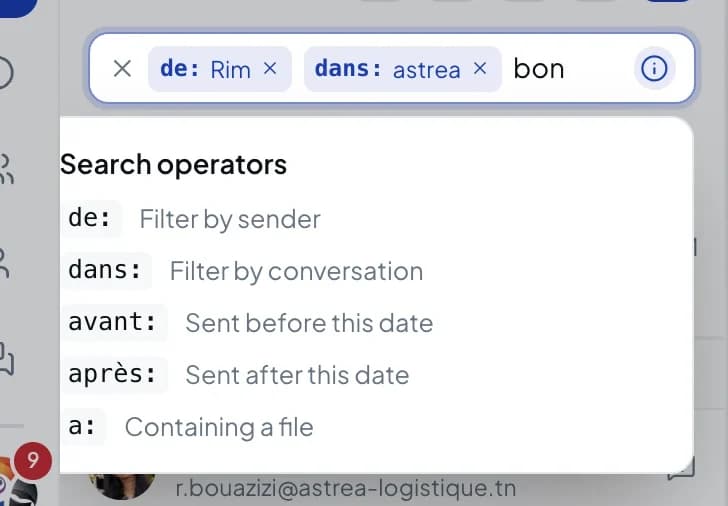
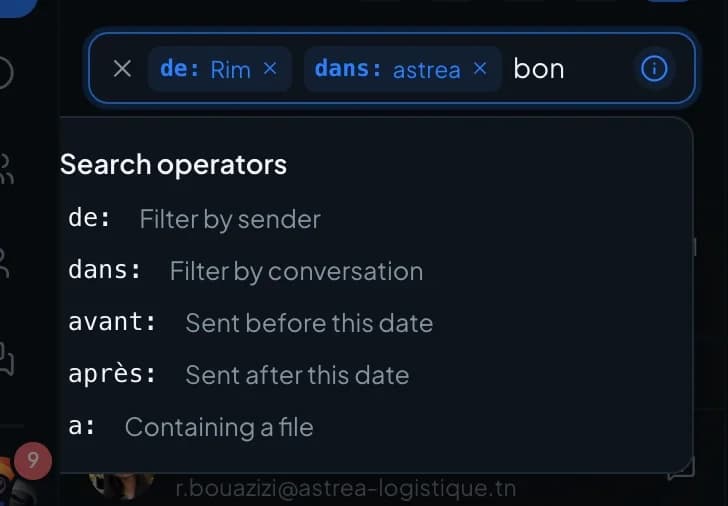
You type operators in the field and they turn into tokens: from:, in:, before:, after:, has:. The filters window does the same if you'd rather not memorize them.
- from: for the sender
- in: for the conversation
- before: and after: for the period
- has: for messages with a file
Keep it handy
What matters doesn't get buried.
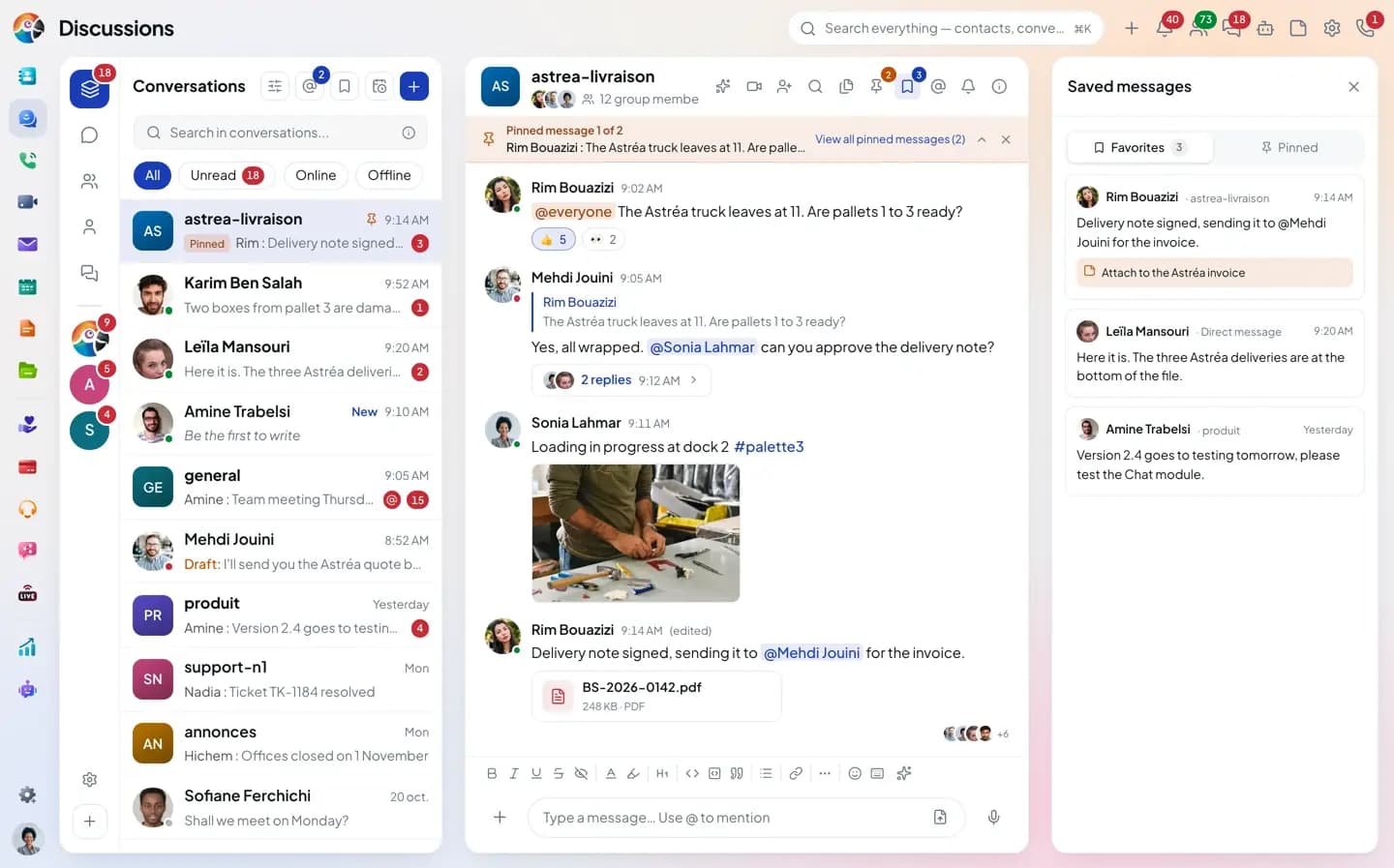
Three ways to set a message aside: for a topic, for the whole group, or for yourself.
Hashtags
One hashtag,
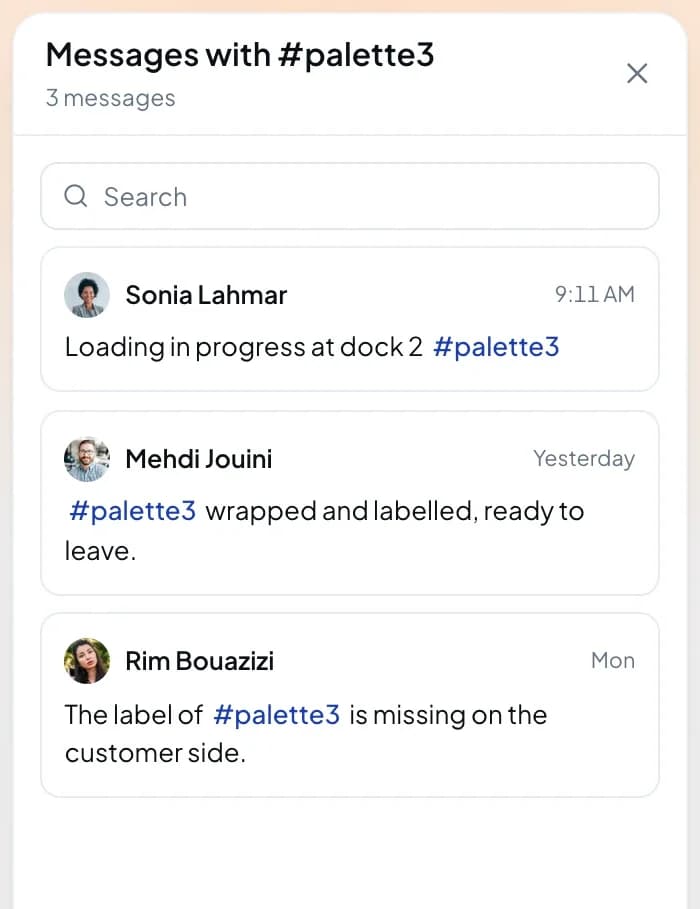
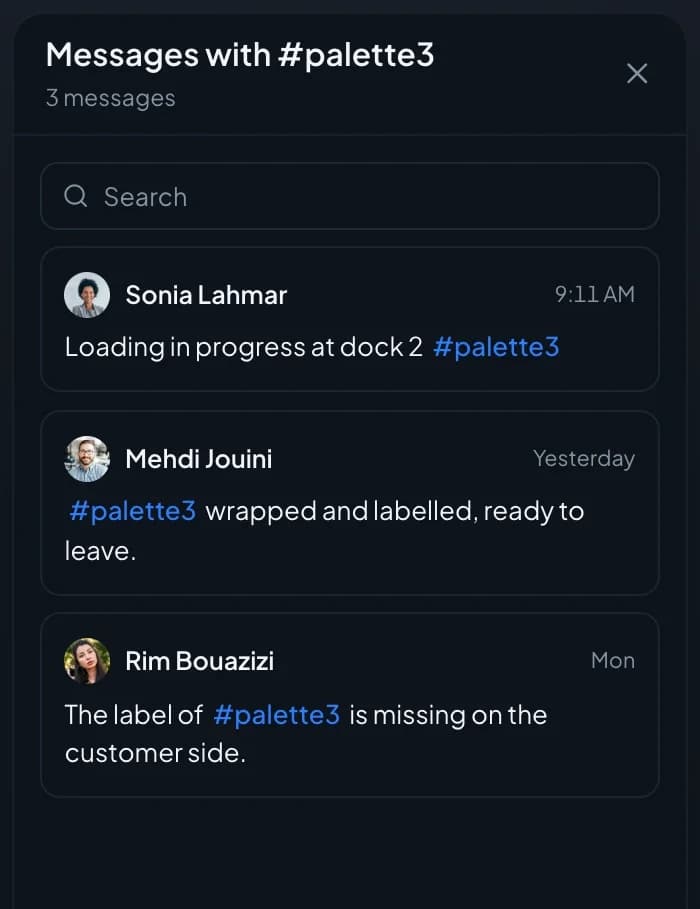
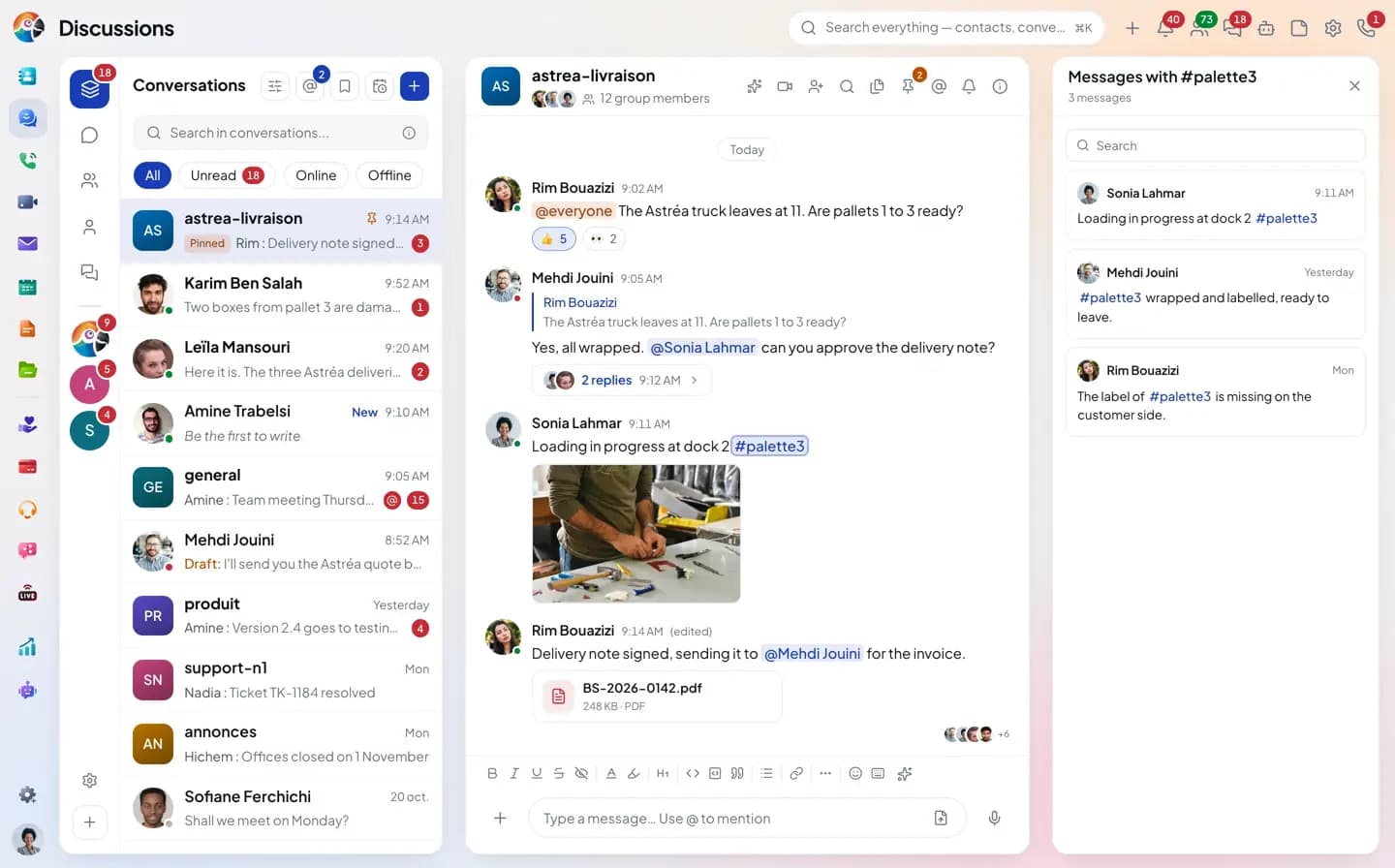
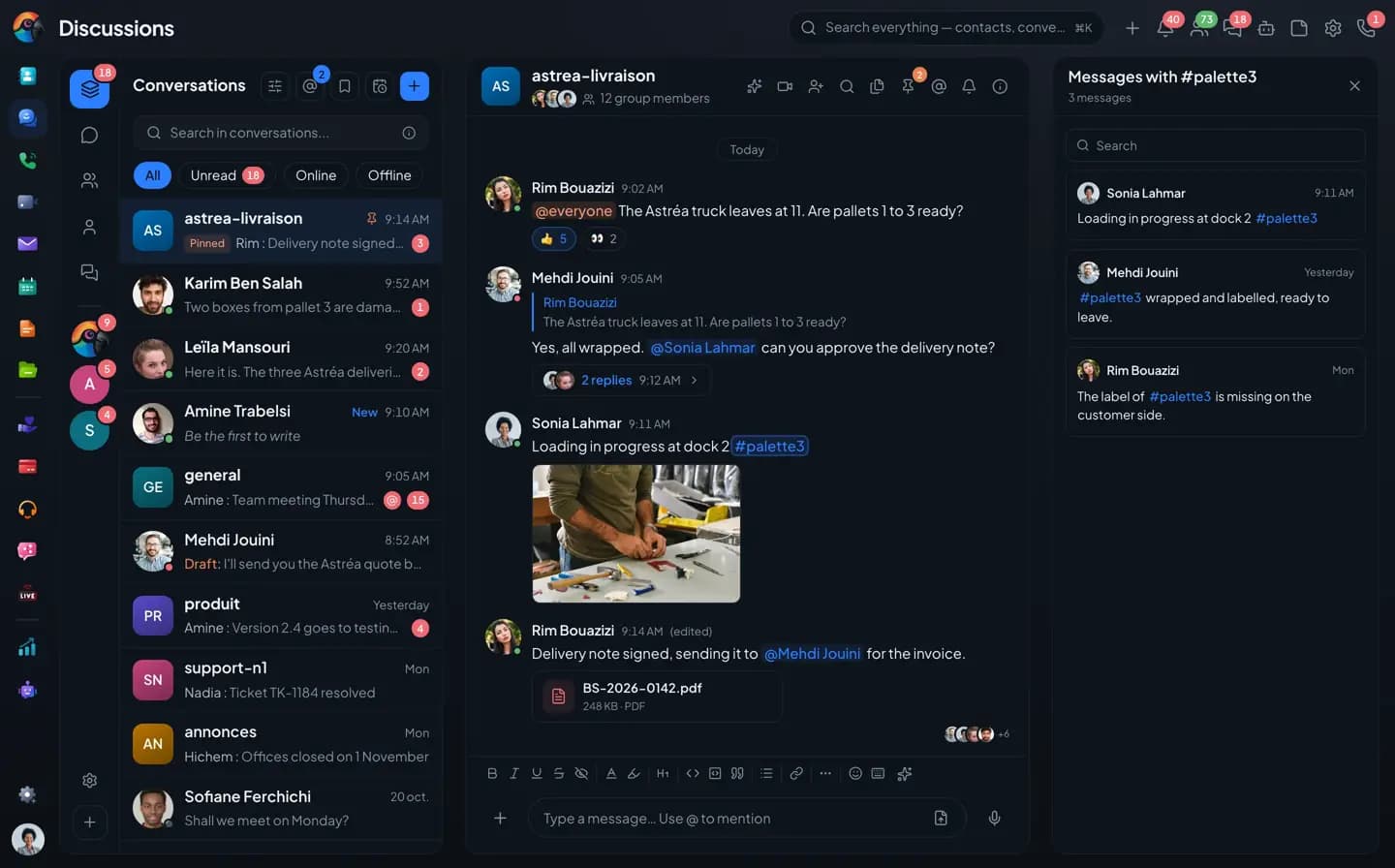
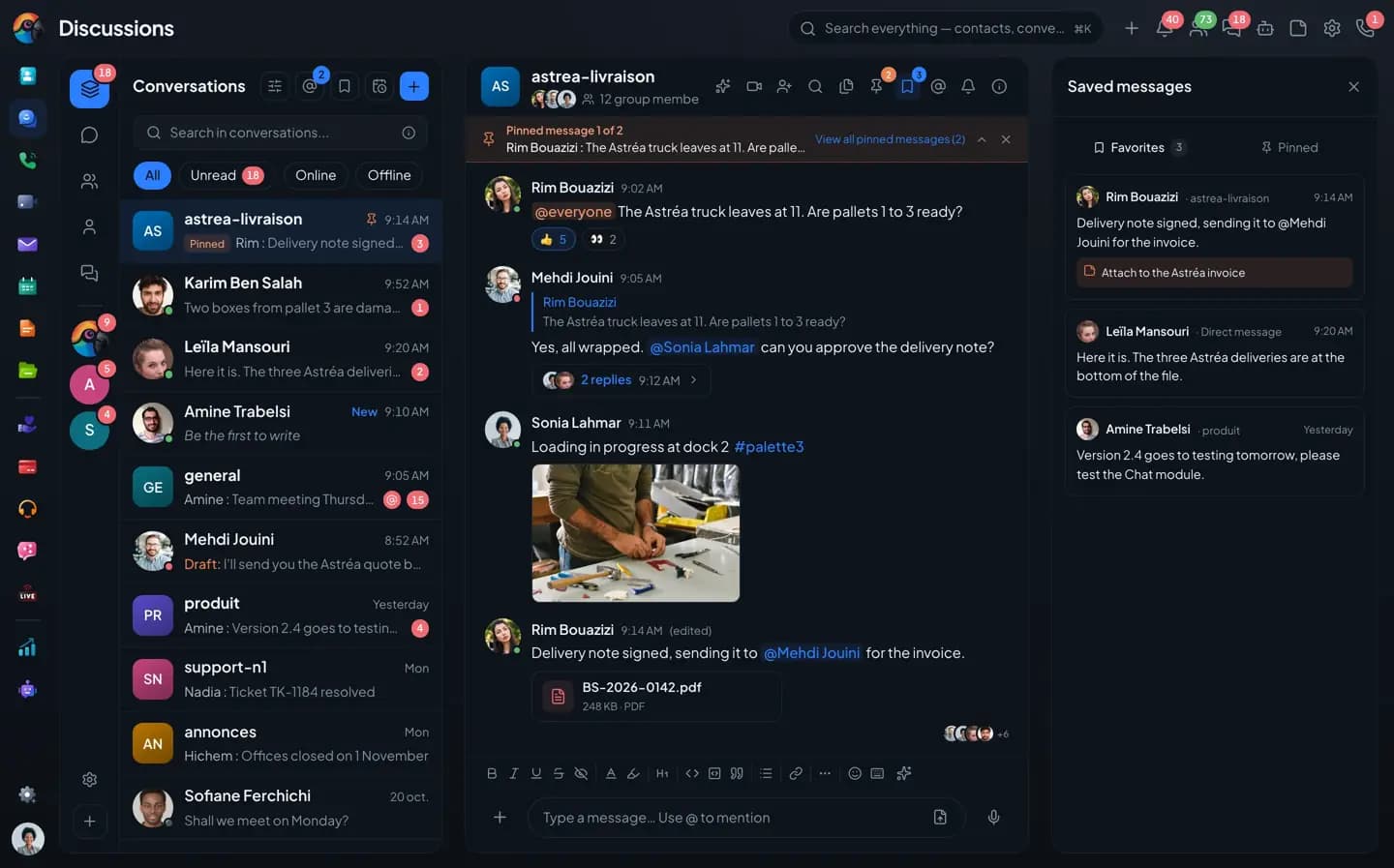
the whole topic.Click #palette3 in a message to open every message that carries it, across all your conversations.
- Clickable hashtag
- Every message with the hashtag
- Search inside the panel
Pinned
Group information
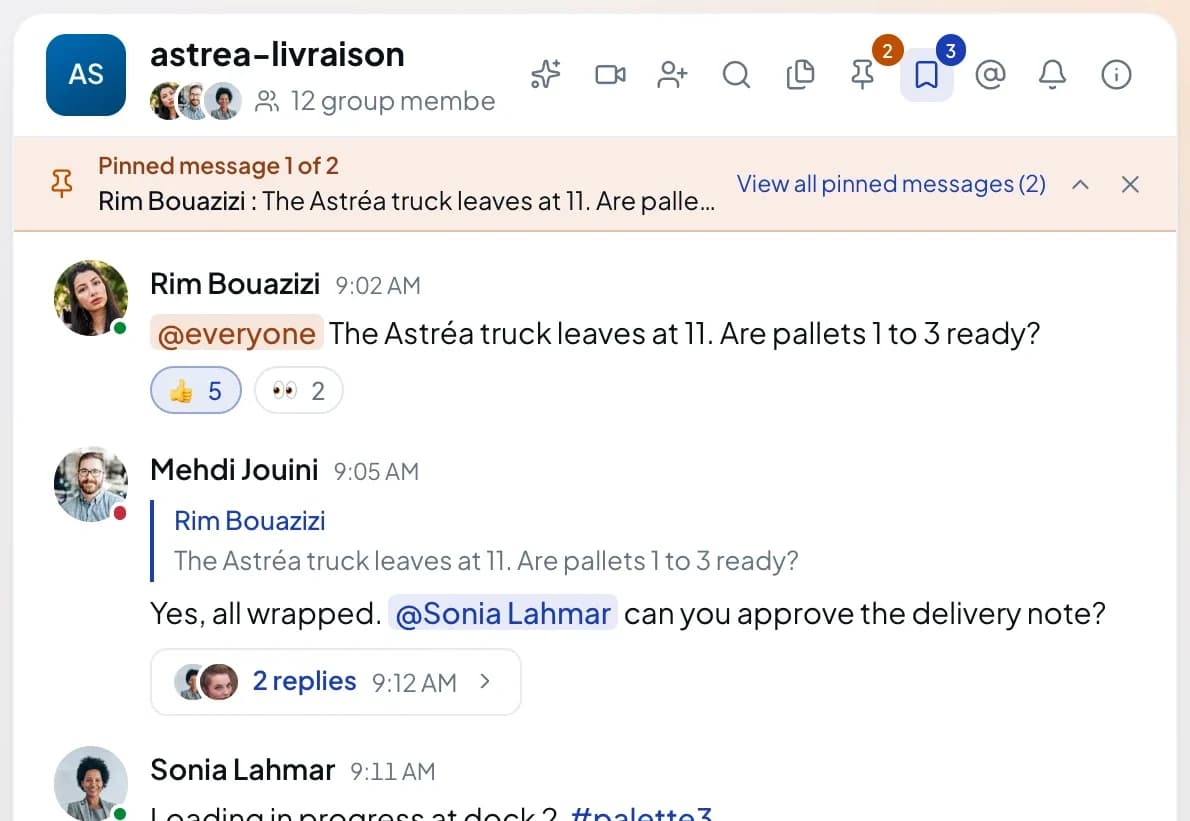
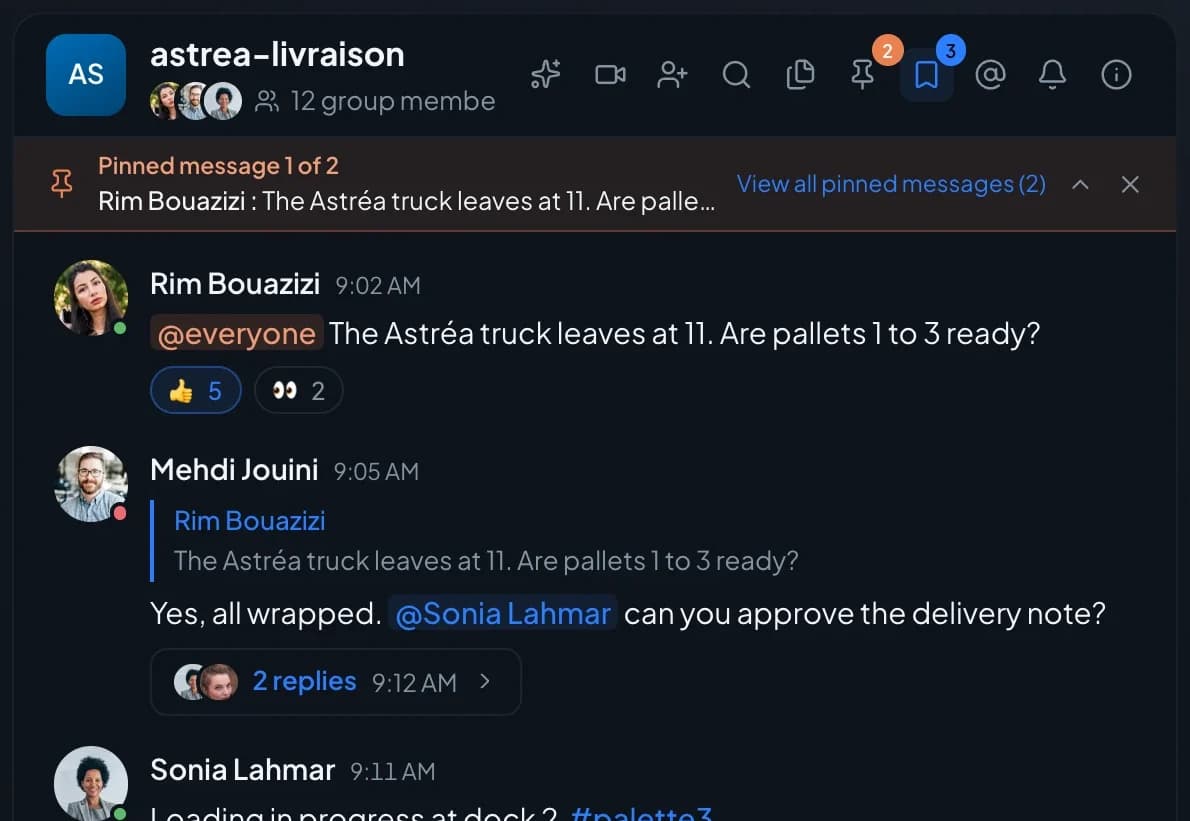
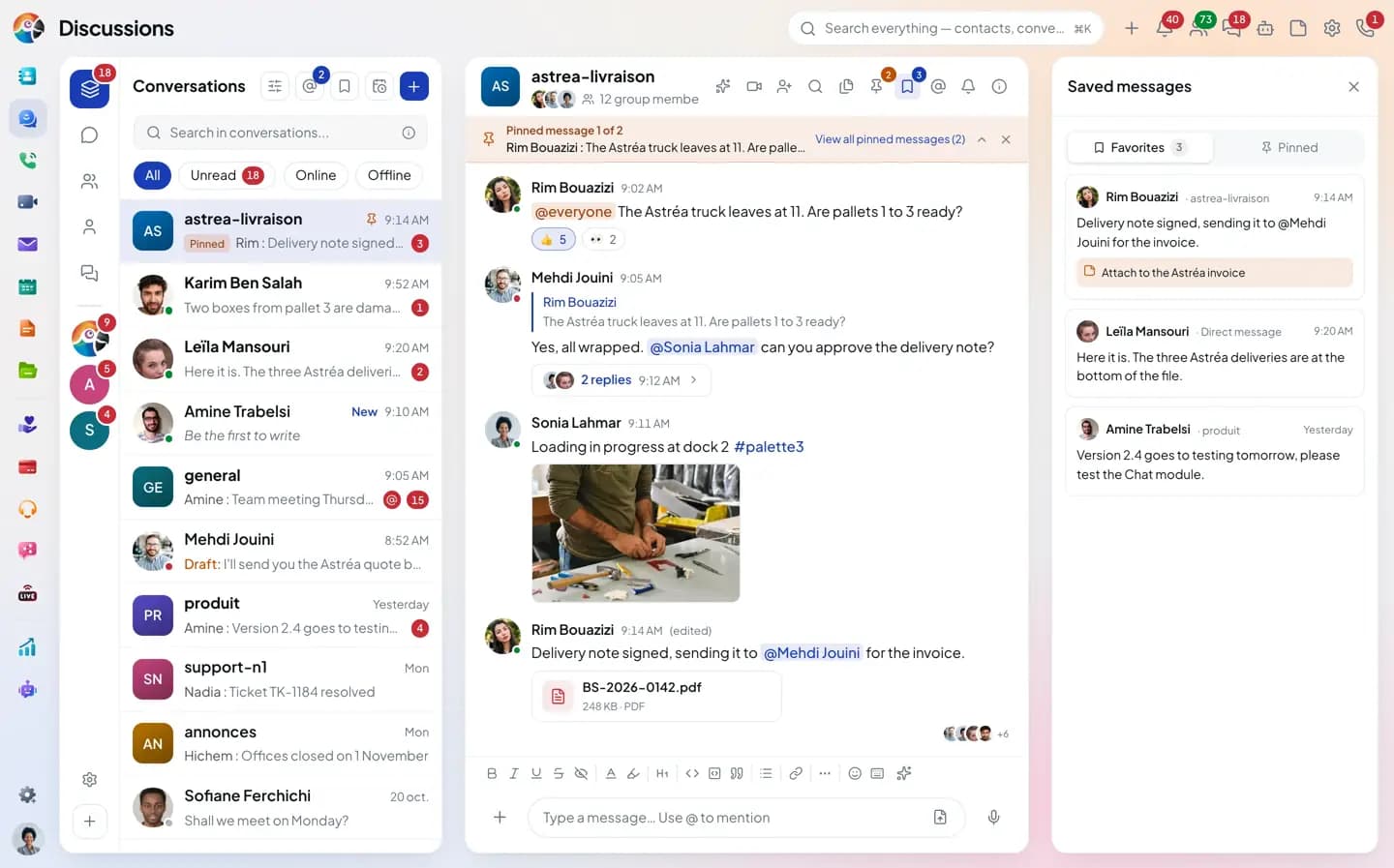
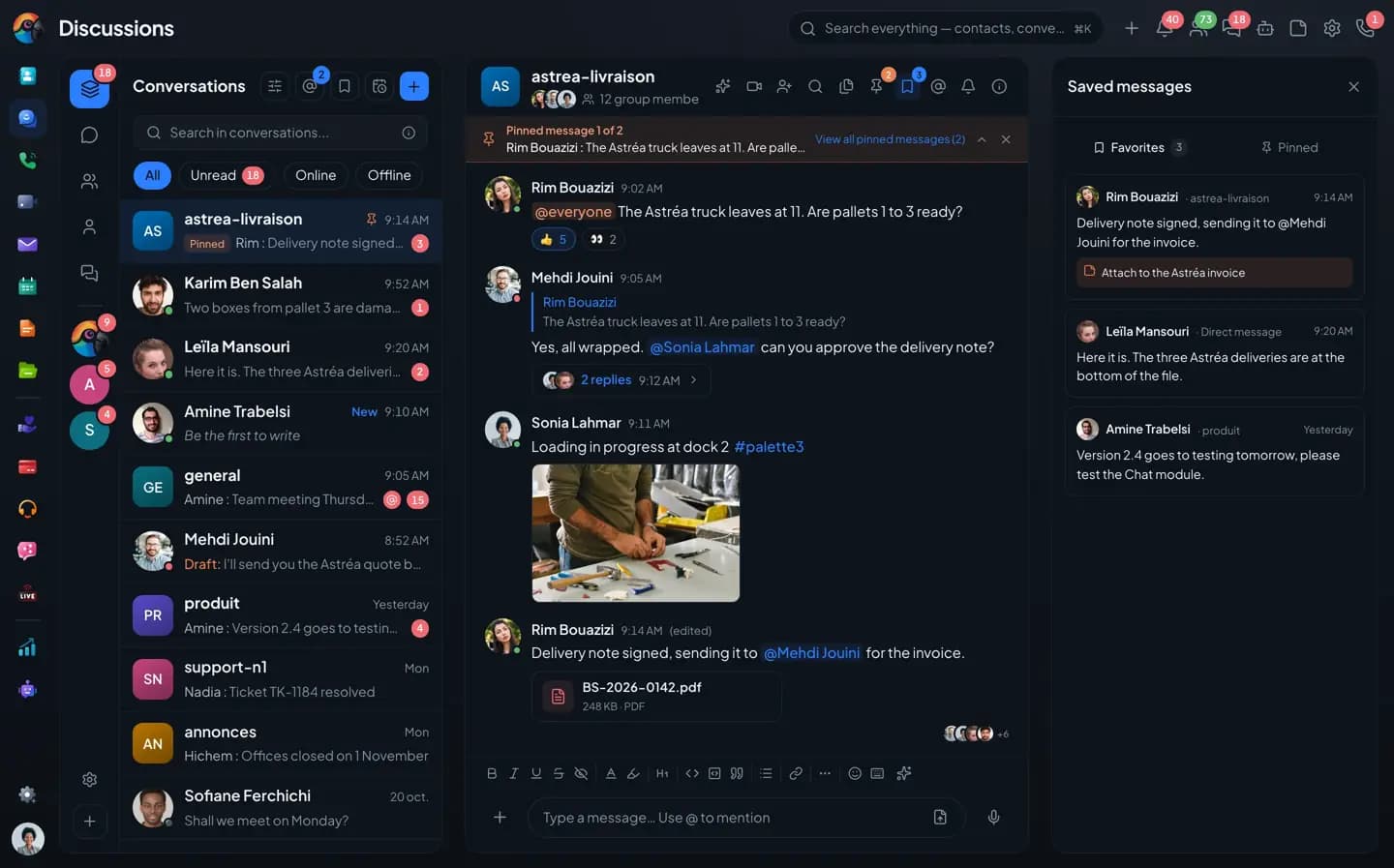
stays on top.A pinned message shows as a banner above the thread. With several pinned messages, the banner cycles through them, and a link shows them all.
- Banner above the thread
- Several pinned messages
- Seen by the whole group
Saved
Your saved messages,
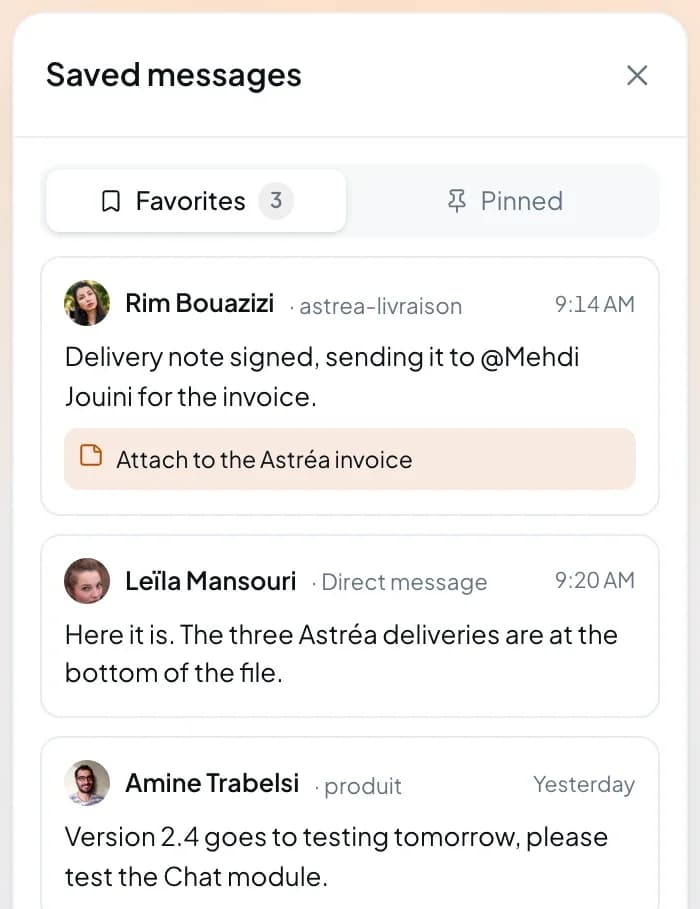
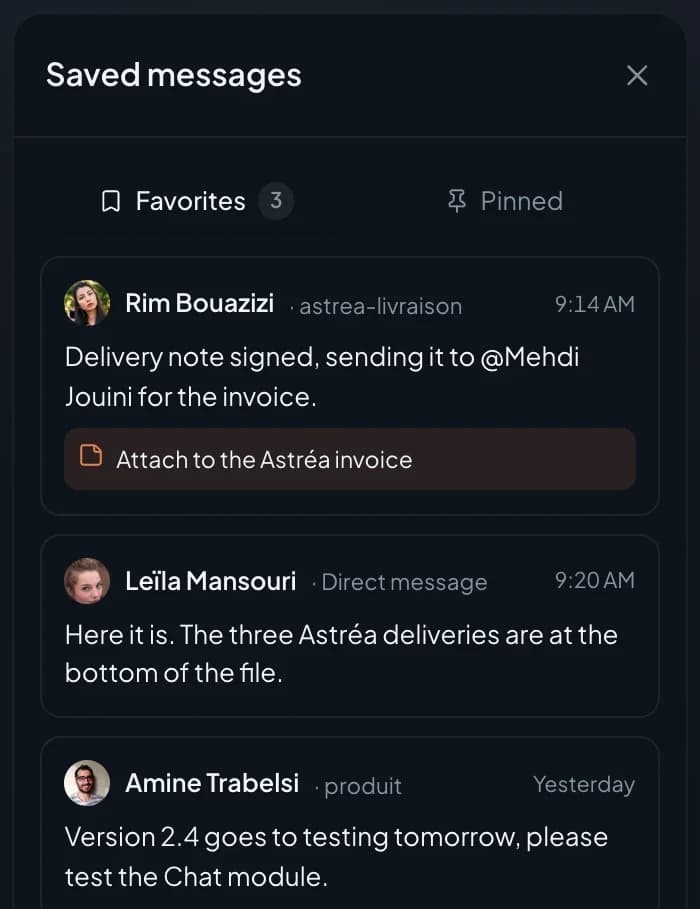
with a note.A message you save goes to "Saved messages". You can add a note there that only you can see.
- Saved messages
- One note per message
- Visible to you only
Hashtags
One hashtag,
the whole topic.
Click #palette3 in a message to open every message that carries it, across all your conversations.
- Clickable hashtag
- Every message with the hashtag
- Search inside the panel
Follow
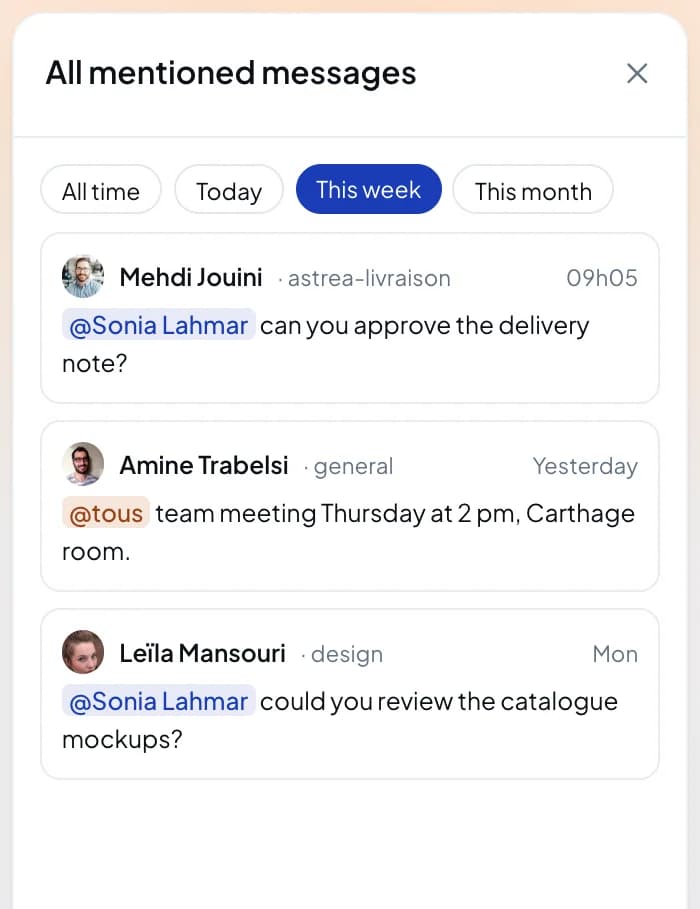
Your mentions and threads,
in a single list.
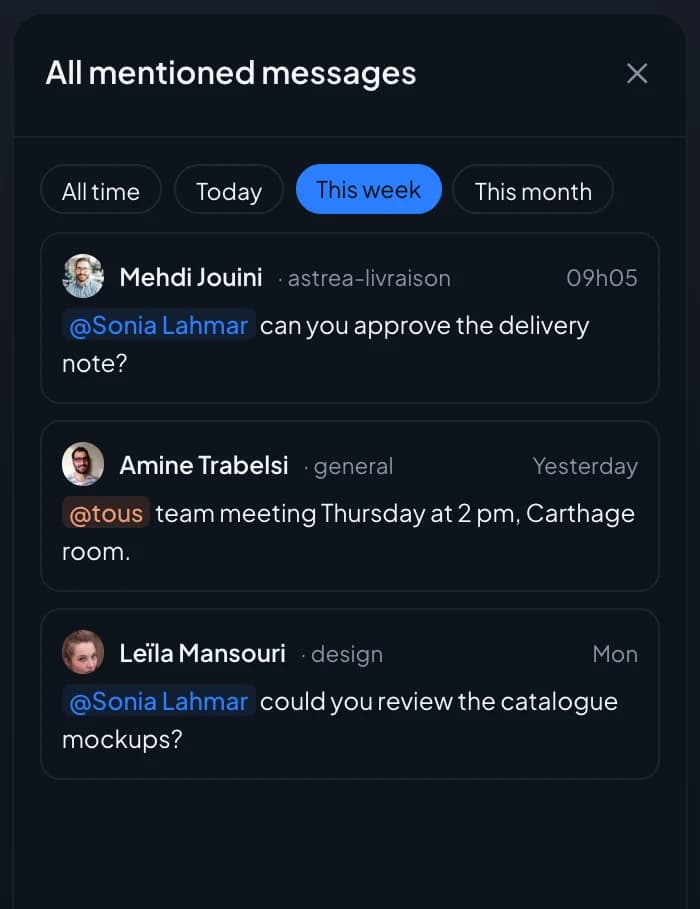
Messages that mention you are collected in one panel, filtered by date. "All my threads" does the same for the threads you replied in.
- All mentioned messages, filtered by date
- All my threads, with the latest reply
- List filters: unread, online, guests, archived
- Drafts kept and listed in one place
The inventory
What search can do, and what's missing.
What's in gray doesn't exist yet, or not everywhere (web or phone). We'd rather say so.
Not yet, or not everywhere
Find
- Search conversations and messages, by sender, conversation, date or file
- Clickable hashtags, and every message with a hashtag
- Pinned messages in a banner, saved messages with a note
- My threads, my mentions and reactions to my messages, in one place
- Drafts kept and listed
- List filters (unread, online, guests, archived) and sortable favorites
- Keyboard shortcuts to move between conversations, on the web
- Groups in common with a colleague: on the web only
- Mentions from an encrypted conversation do not show in the mentions list
- Export a conversation's history
Questions
Search, frequently asked questions.
Short answers to the questions people ask us before a trial.
The Chat in detail
The other pages about the Chat.
Groups, channels and spaces
Direct messages, threads, directory, guests.
Messages, voice and video
Formatting, transcribed voice notes, polls, scheduled sending.
Files and media
Albums, PDF preview, Drive, the group gallery.
Connected to your apps
Ticket, deal, activity, email, video call, bots.
Koukou in the Chat
Catch up, translate, transcribe, write.
Mentions and notifications
Levels, mute, pause, announcement channel.
Administration and security
Encryption, roles, settings, statistics.
Find what was said without asking again.
During the trial, search your own conversations with the operators.