Skip to content

Chat — Every conversation has its place.

In Comunik Sphere Chat, you write in a direct message, in a group where everyone talks, or in a channel where only admins post. Spaces sort groups and channels by team, client or project.

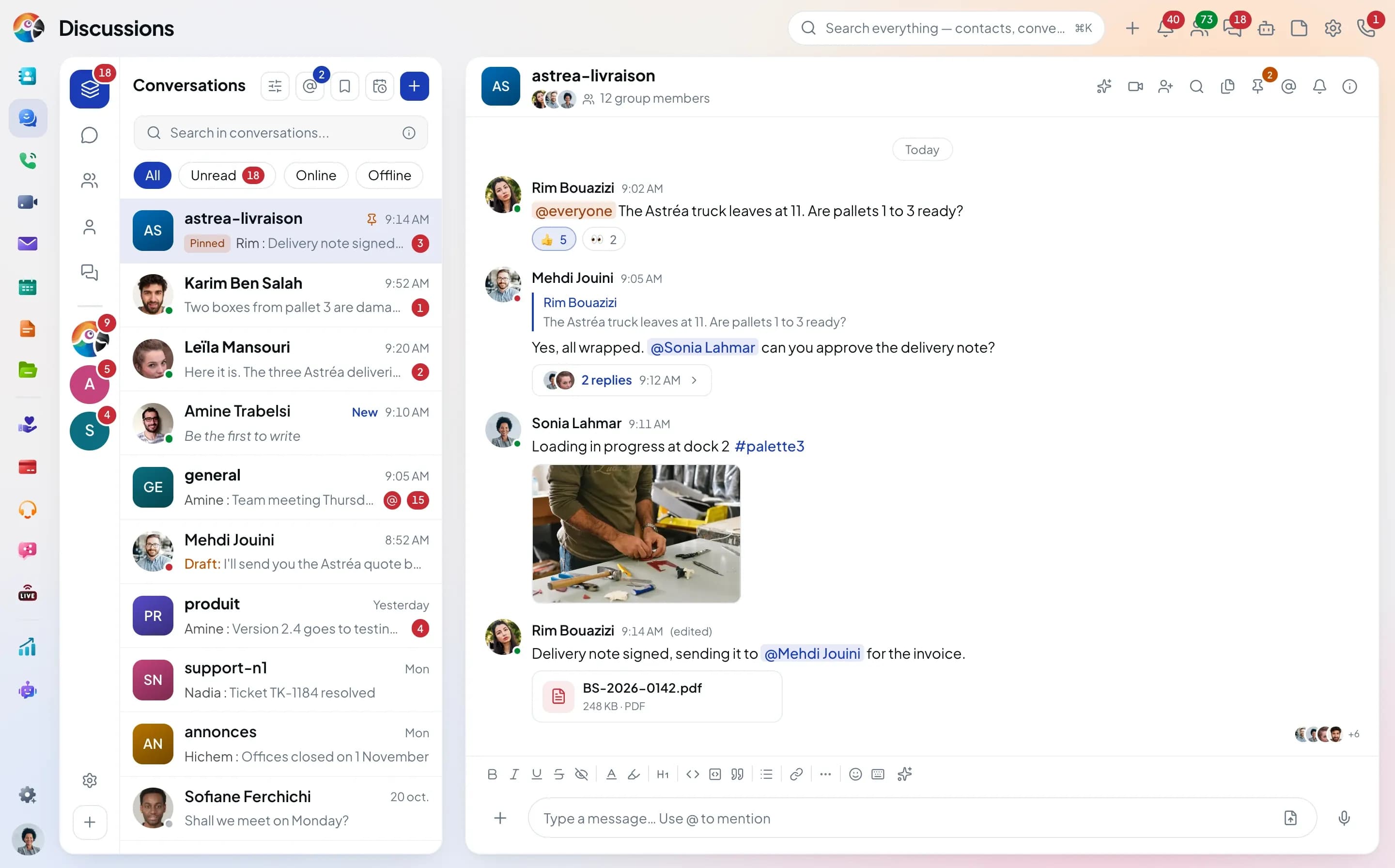
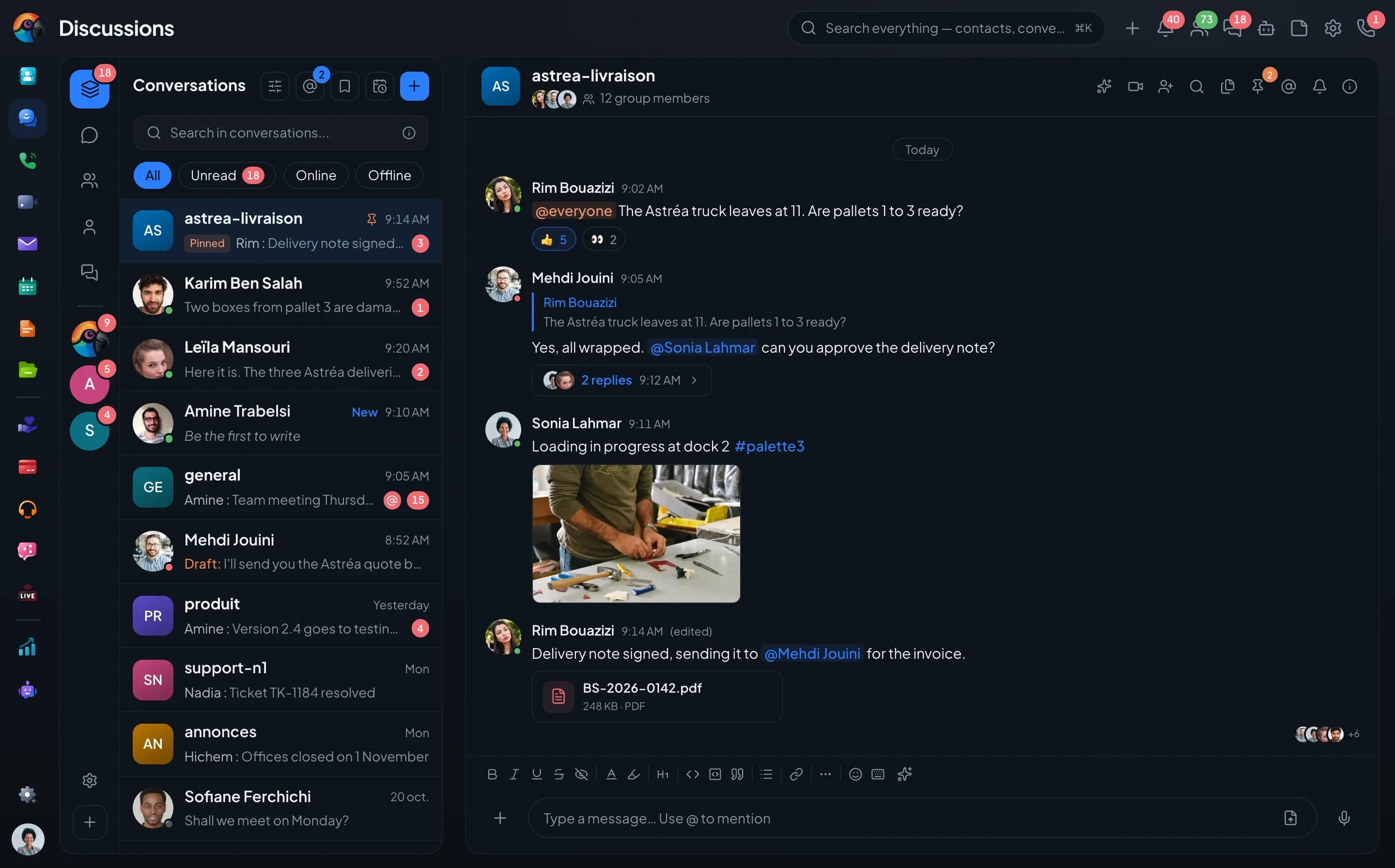
The conversation list: the astrea-livraison group pinned, a direct message marked "New", mentions, a draft, the All, Unread and Online filters, and the spaces rail on the left.

Three types of conversation

One to one, as a team, or to make announcements.

You pick the type when you create the conversation, and you can change it later: a group becomes a channel, a direct message opens up into a group.

The direct message, to talk to a colleague.

Presence, voice and video calls in the header, and a record of each call in the thread.

The group, where everyone writes.

Always private: people join by invitation, and the history follows your settings.

The channel, for announcements.

Public or private. Only admins post, unless you let everyone write.

Organize

Dozens of conversations, sorted by space.

Create, sort, join: the list stays readable as the team grows.

  1. Create

    One form,
    and the conversation exists.

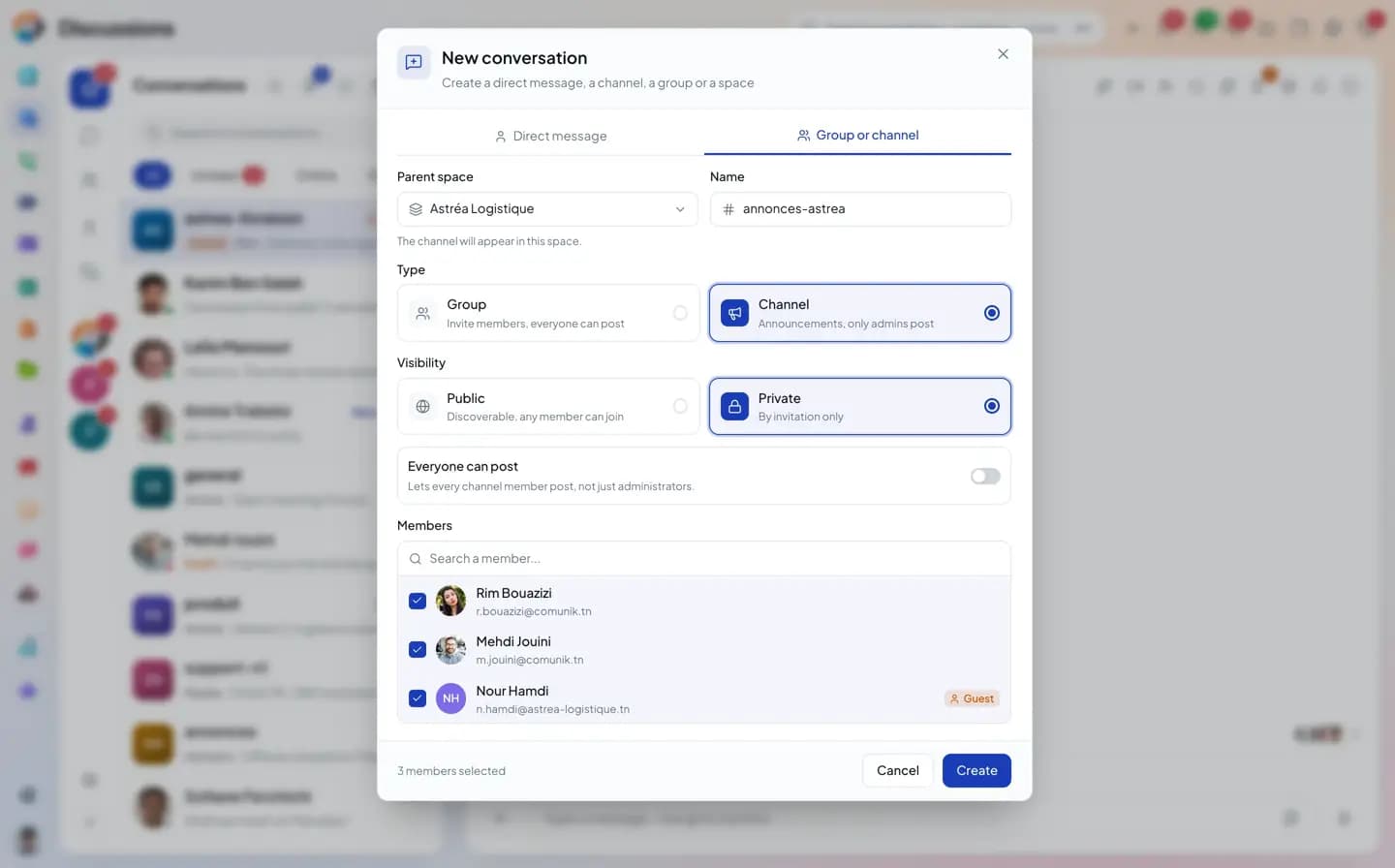
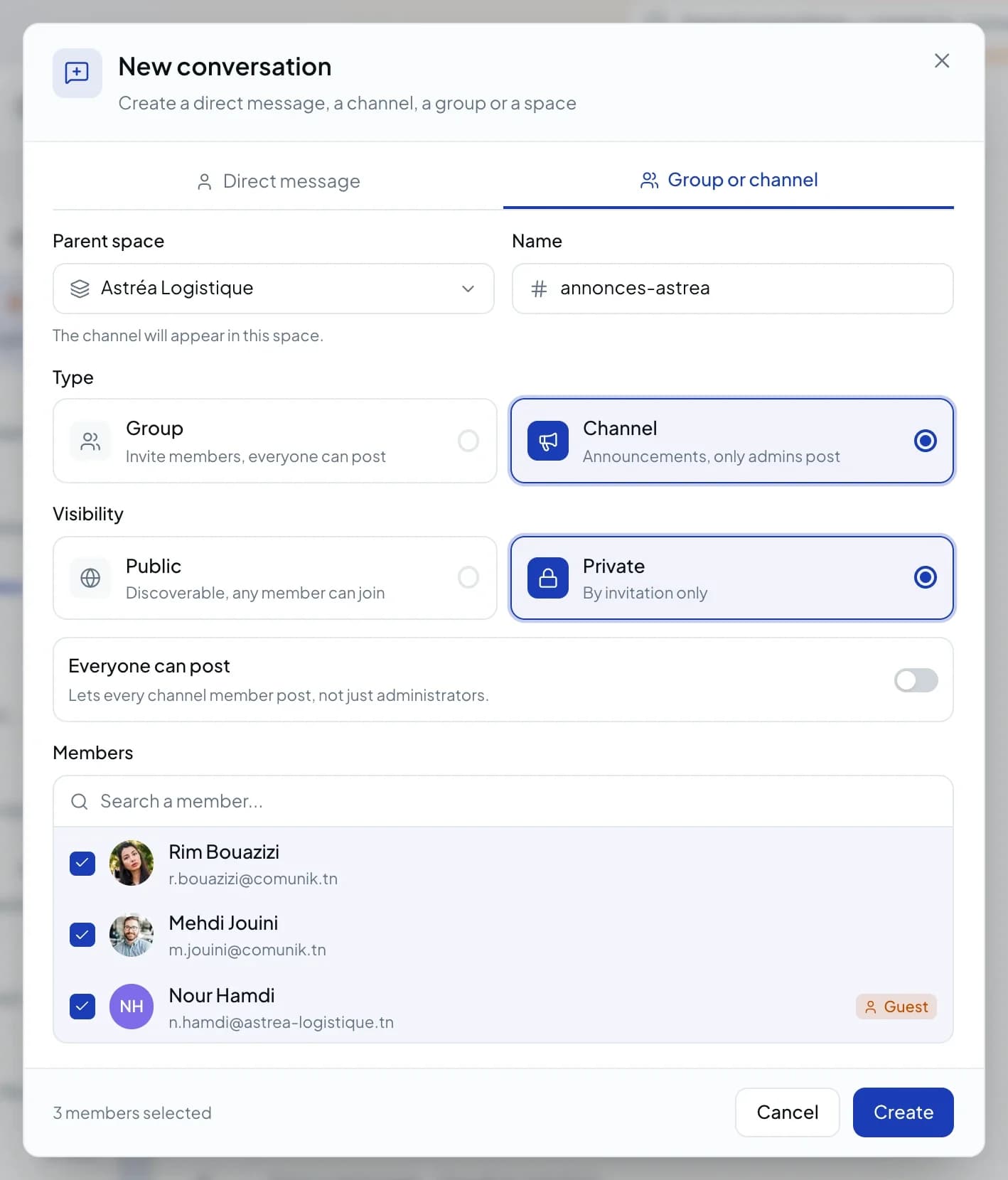
    Name, parent space, type, visibility and members in the same window. Guests show their badge before you even add them.
    • Group or channel
    • "Everyone can write"
    • Public or by invitation
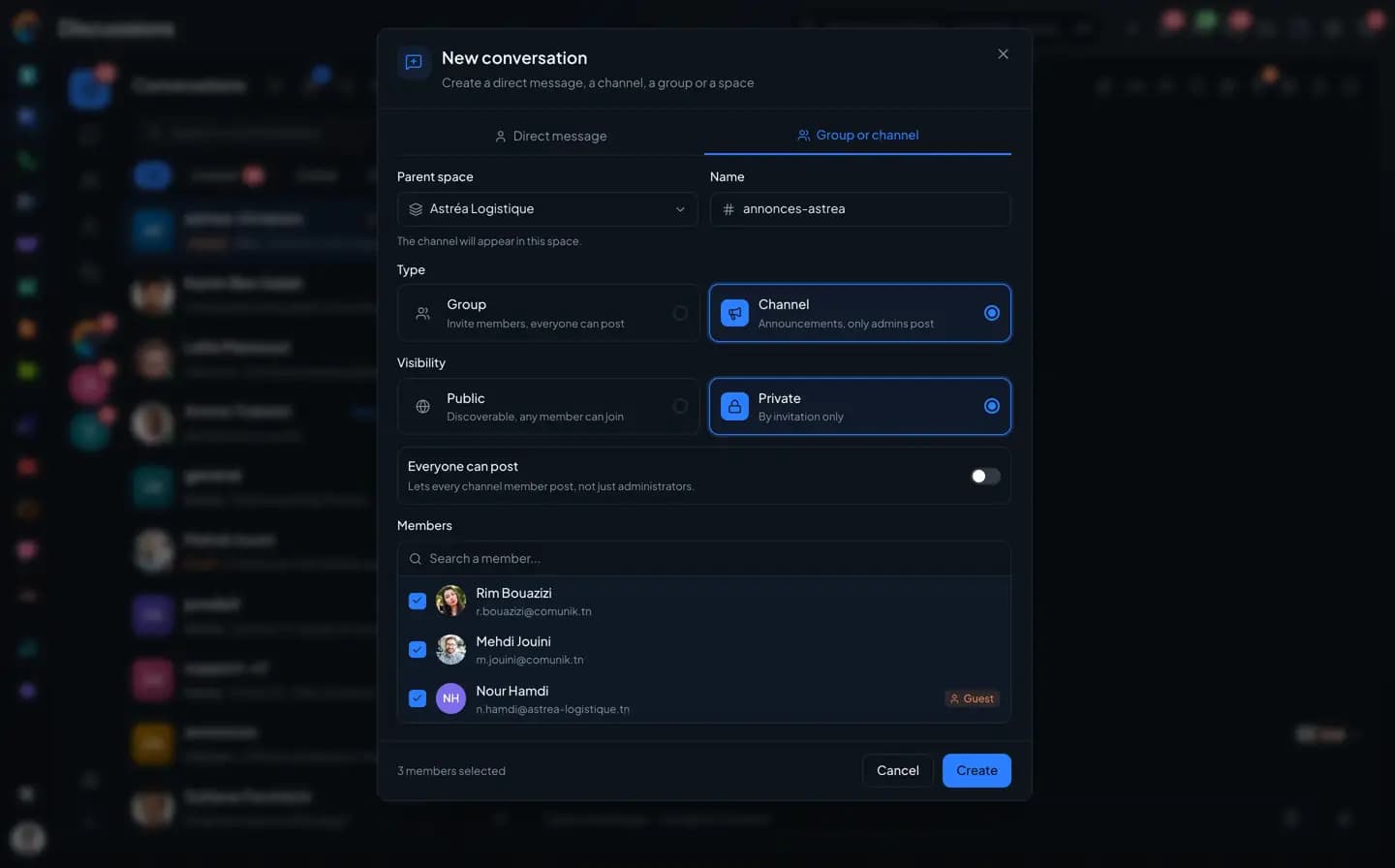
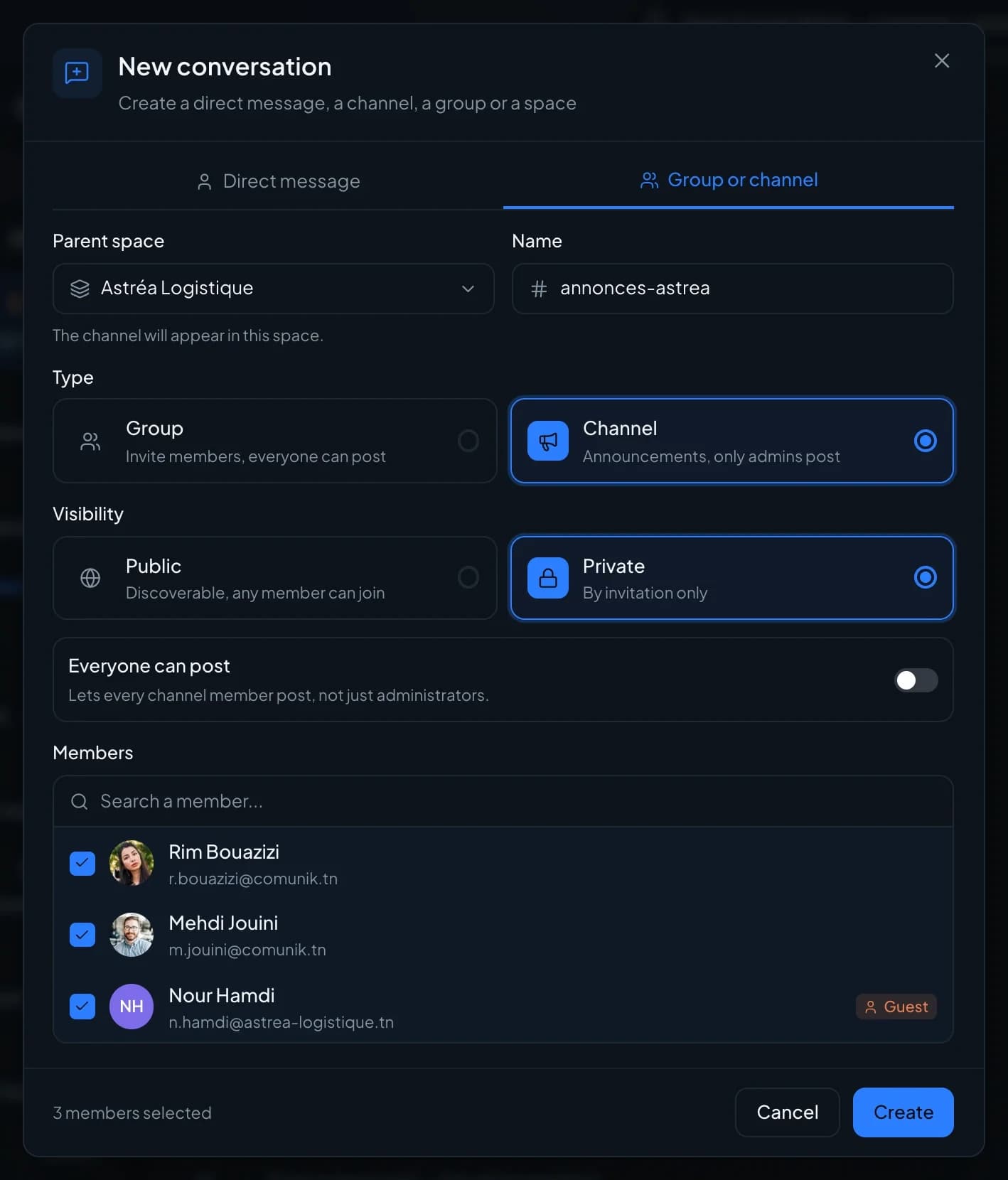
    The "New conversation" window, Group or channel tab: the Astréa Logistique space, the name annonces-astrea, the Channel type and Private visibility selected, three members checked including Nour Hamdi with the Guest badge.
  2. Spaces

    One space per team
    or per client.

    Each space starts with its own "general" channel. You move a conversation from one space to another from its menu, and nothing is lost.

    • Private space
    • "general" channel created automatically
    • Move to a space
  3. Directory

    Public channels
    you can join yourself.

    The directory lists the public channels in your sphere with their member count. Search, join, and skip the wait for an invitation.

    • Search by name
    • Member count
    • Join in one click
The "New conversation" window, Group or channel tab: the Astréa Logistique space, the name annonces-astrea, the Channel type and Private visibility selected, three members checked including Nour Hamdi with the Guest badge.

Create

One form,
and the conversation exists.

Name, parent space, type, visibility and members in the same window. Guests show their badge before you even add them.

  • Group or channel
  • "Everyone can write"
  • Public or by invitation

Threads and mentions

Replies on the side,
the group stays readable.

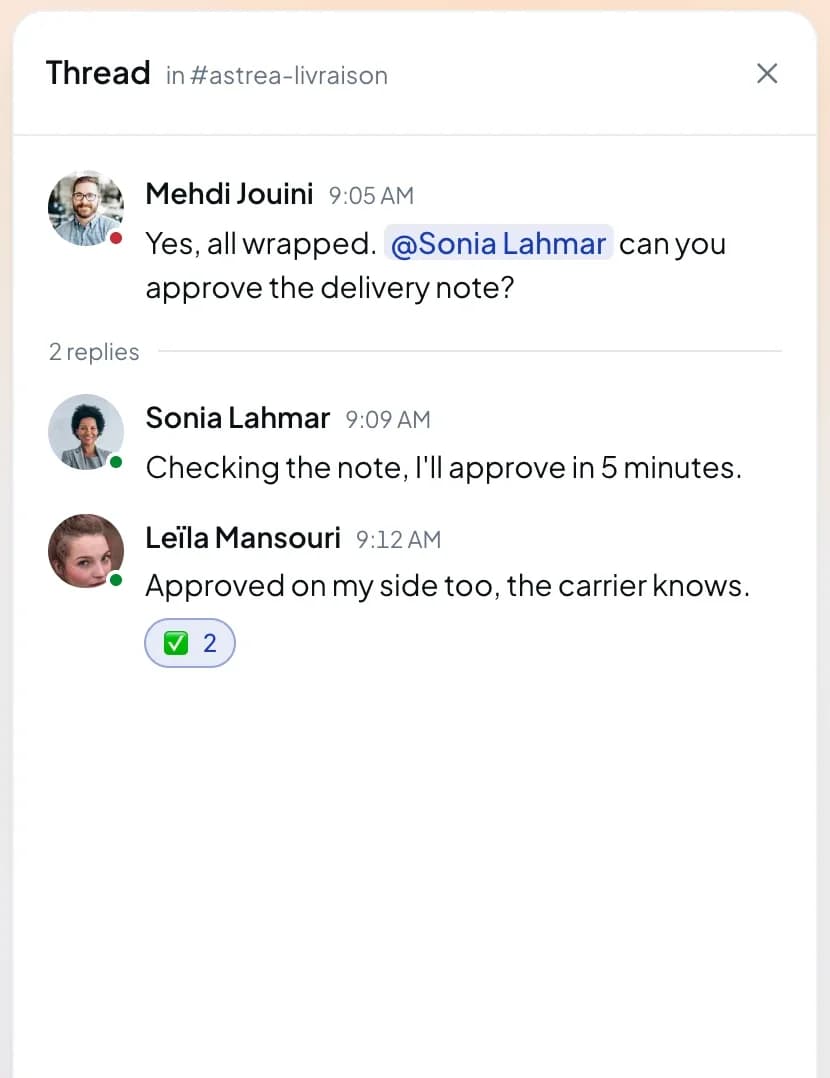
A question gets three replies? They go into a thread on the side, with the full composer. The group keeps a single line: "2 replies".
  • Threads open to the right of the group
  • Quoted reply, to answer one specific message
  • Reactions, and forwarding a message to another conversation
  • @name and @everyone, with a confirmation before @everyone in a large group
  • "Seen by" on each message, and "typing…" while someone writes
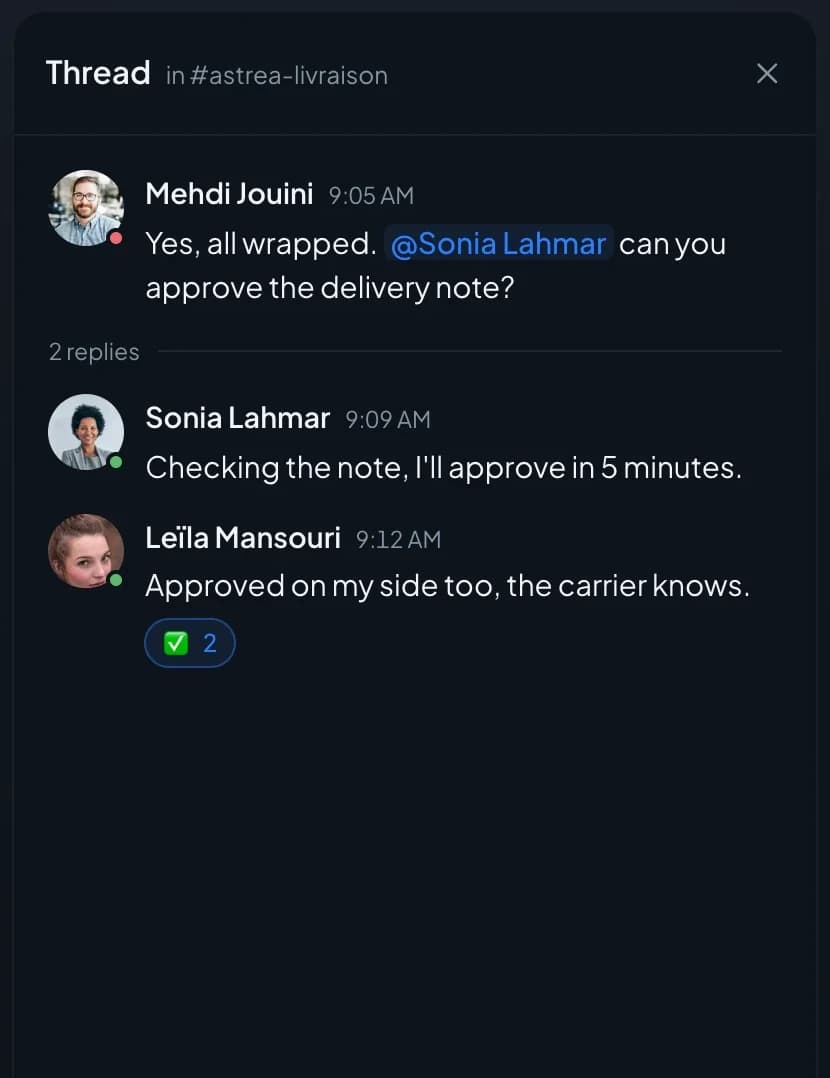
The thread open to the right of the astrea-livraison group: Mehdi Jouini's message, two replies from Sonia Lahmar and Leïla Mansouri, and a reaction.

Guests

The client joins the conversation,
and only the conversation.

A partner or client can join a group as a guest. A badge marks them everywhere, and they only see the conversations you added them to.

  • "Guest" badge in the list, the thread and the member list
  • Up to five conversations per guest
  • History visible or hidden, depending on the group setting
  • "Guests only" filter in the list

The inventory

What conversations do, and what's missing.

What's in gray doesn't exist yet, or not everywhere (web or phone). We'd rather say so.

Not yet, or not everywhere

Talk

  • Direct messages, public or private groups, announcement channels
  • Spaces to organize groups and channels, each with its own "general" channel
  • Directory of public channels, with search
  • Public spaces, open without an invitation
  • Threads, quoted replies, reactions, forwarding a message
  • @name and @everyone mentions, with a confirmation before @everyone in a large group
  • Bold, italic, strikethrough, code, hidden text, code snippets
  • Colors, highlighting, lists, tables and alignment: on the web only
  • Presence, "typing…" and "Read by" for each message
  • Edit history of a message: on the web only
  • Start a group from a direct message, turn a group into a channel and back
  • A pinned conversation with the support team: AI answers, a person takes over on request

Questions

Groups and channels, frequently asked questions.

Short answers to the questions people ask us before a trial.

Organize your team's conversations.

Set up your spaces and first groups during the trial, with your colleagues.