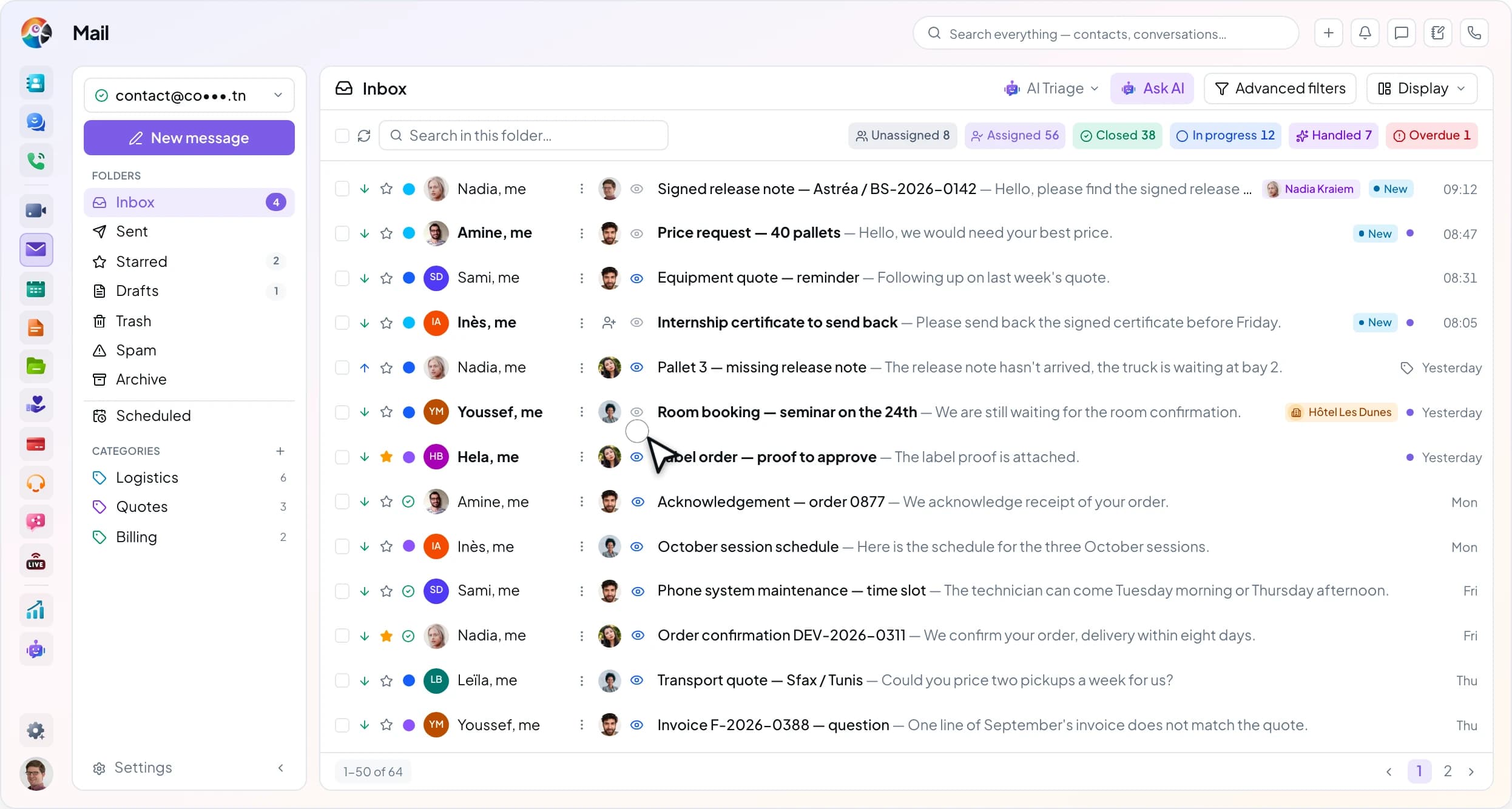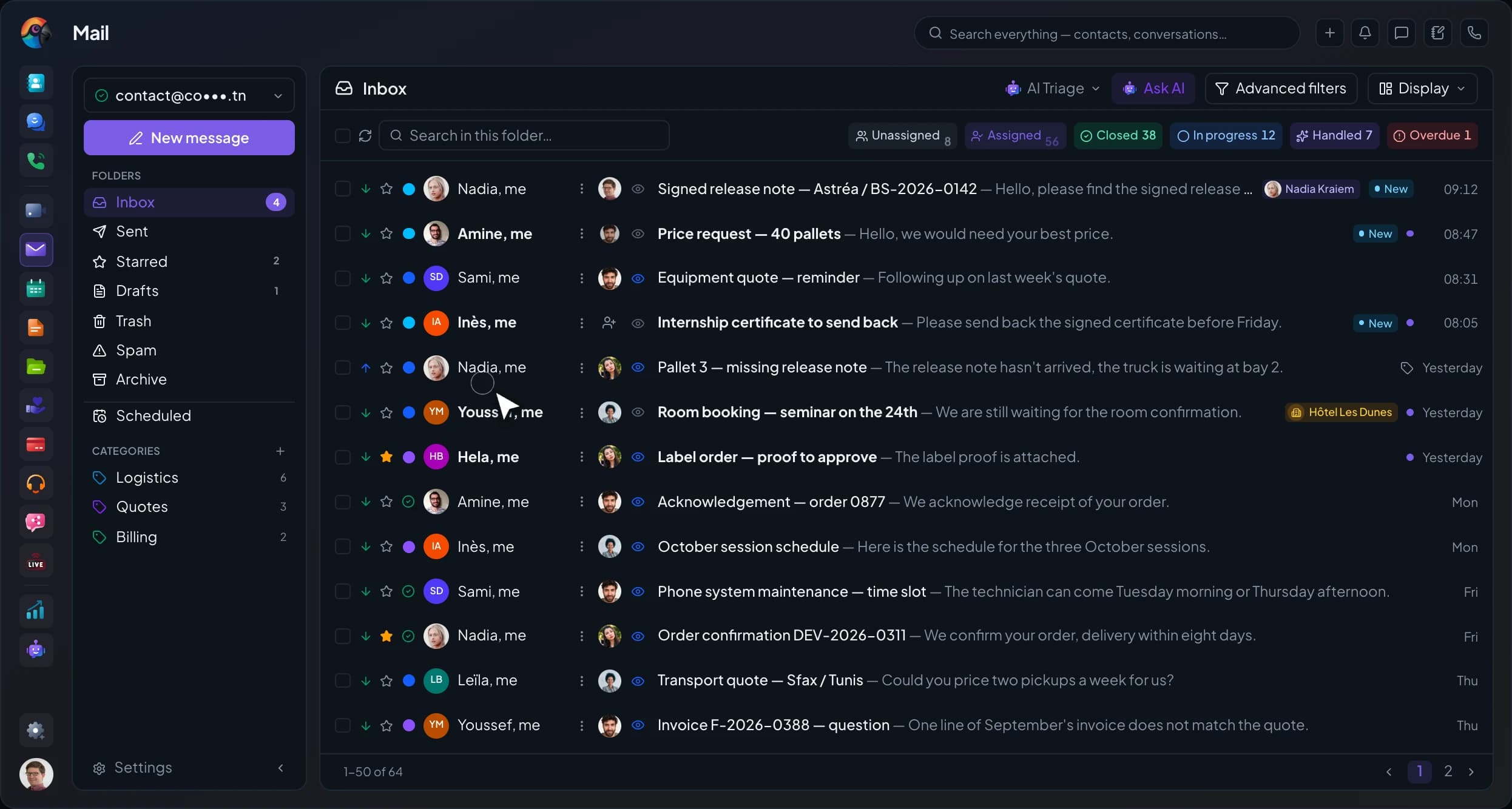










A rule sorts as mail arrives.
Based on the sender, recipient, subject or attachment, it adds a category, files the email in a folder or marks it as read. You test it before turning it on.
 Mail — Secure business email, assisted by AI.
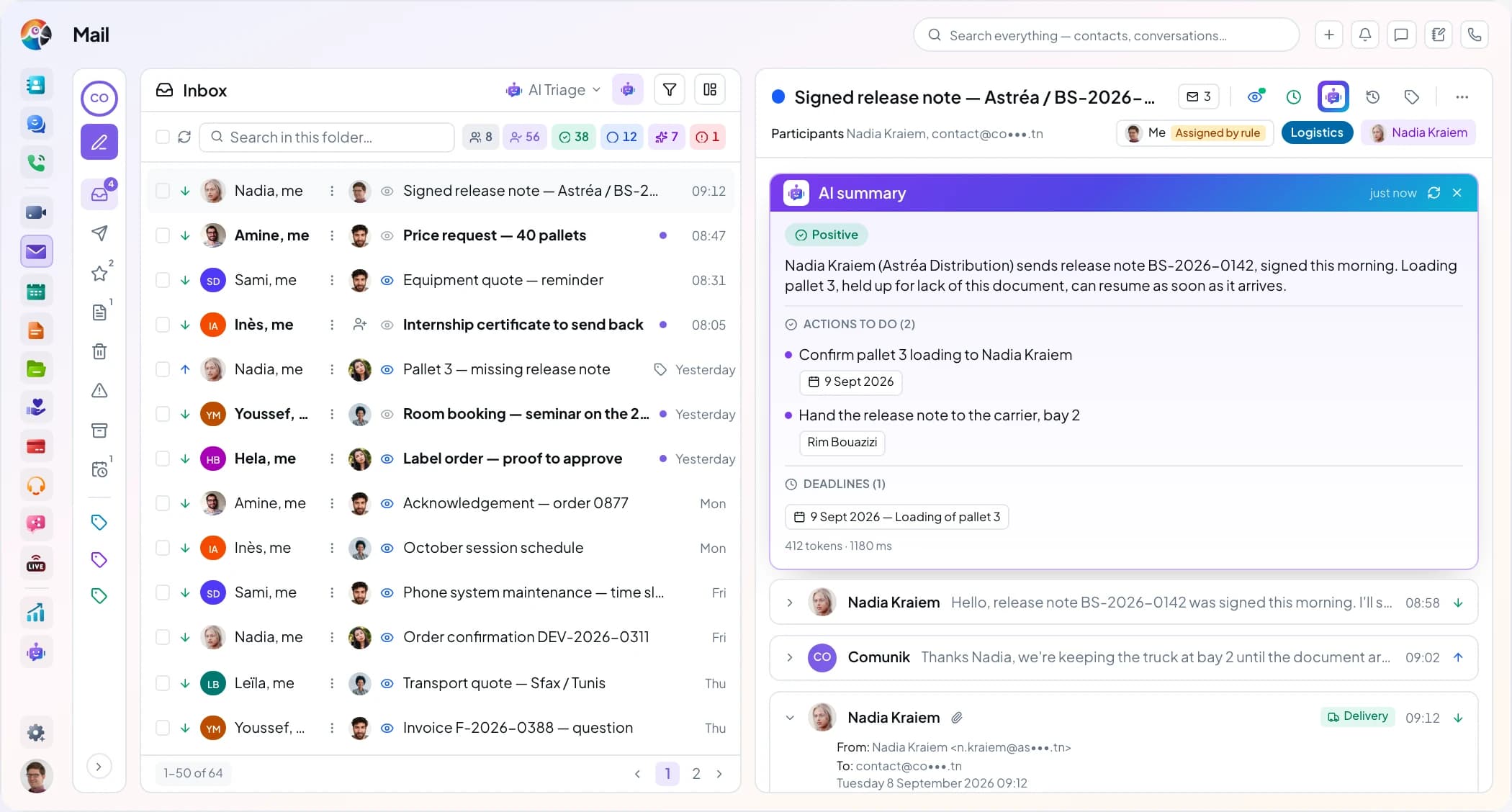
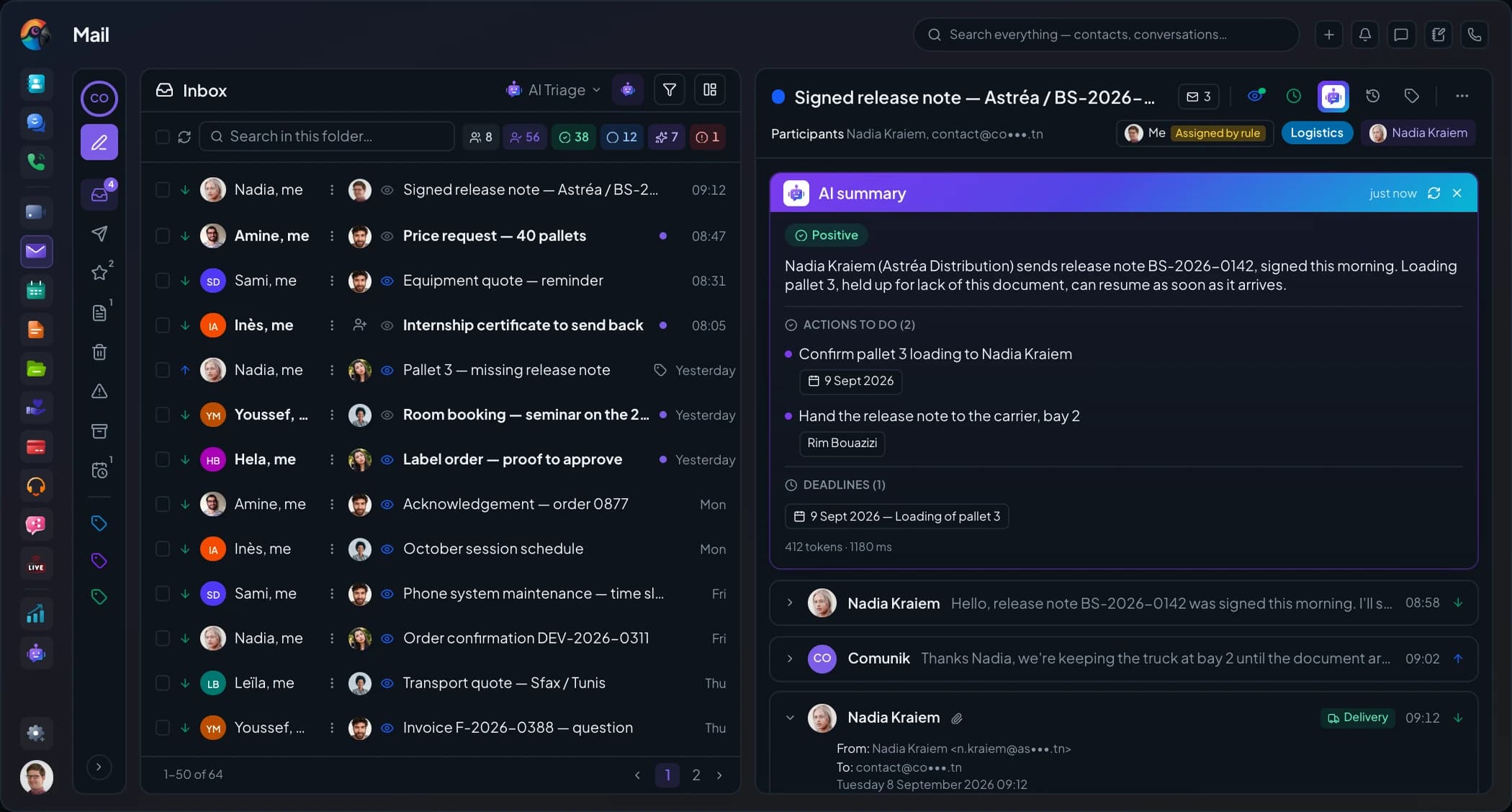
One mailbox, the whole team: everyone signs in to contact@ or support@ with their own account, and every message has an owner, a status and a deadline. No more forwarding: you assign. Koukou summarizes threads and suggests replies. Your addresses stay with your host.
Trusted by












The problem
Sort
Rules sort mail as it arrives, categories and labels file it, and two threads on the same subject become one.
Based on the sender, recipient, subject or attachment, it adds a category, files the email in a folder or marks it as read. You test it before turning it on.
Categories belong to the mailbox. Labels come from the company list, the same one Tickets uses.
The messages end up in a single conversation in the mailbox. A stray message can be split off into its own thread.
Assign
An assigned thread gets one reply, from its owner. The others see who is on it and can help inside the thread, without writing to the customer.
One owner
The icon on the row opens the list of the mailbox's members, with “Me” first. The mailbox can also share out emails on its own: in turn, to the least busy colleague, or by skill. A returning customer gets the colleague who handled them before.
One reply
On a thread assigned to a colleague, Reply, Reply all and Forward are greyed out, and the tooltip shows their name. The server also refuses the send, so the customer no longer gets two replies ten minutes apart.
Talk without the customer
Below the emails, you write an internal comment and alert a colleague with @. It carries the “Internal” badge and never leaves with the reply.
Who read it
The thread's eye lists the colleagues who read it, with the time, and those viewing it right now. One click on a name to call or message them. On the web you can't yet see who is replying: only the phone shows it.
Inside the thread
Each thread carries its owner and its deadline. When the mailbox's response time runs out, the thread turns red and the "Overdue" counter goes up by one.
What the customer gets
Internal comments stay in the mailbox, below the thread's emails. The customer gets an ordinary email that holds only your reply.
Write and send
Recurring questions have their template, files come from Drive, and the email goes out at the customer's hour. After "Send", you have ten seconds to change your mind.
The right address
Private and shared addresses and verified aliases sit in the same list. A banner warns you when you reply from an address other than the one that received the message.
Templates
Written once and published for the team, with variables for the customer's name or a reference.
Drive
You attach the file straight from Drive. If it's too heavy, it goes as a link, protected by a password and limited in time.
Scheduled send
Up to thirty days ahead, with the time zone. The list of scheduled emails lets you send them earlier, edit them or cancel them. The same menu marks the message as high priority and requests a read receipt.
Undo send
The message waits ten seconds before it leaves, up to thirty if you set it so. "Undo" reopens the draft as it was.
On the keyboard
In an open thread, j moves to the next thread and k goes back to the previous one. Press e to archive and # to send to the trash. Try it on the list: click it, then press the keys.
A list of six emails driven from the keyboard. j and the down arrow open the next thread, k and the up arrow the previous one, e archives the open thread and # sends it to the trash. A message confirms the action and offers to undo it.

Hello, we received the delivery of the 12th, but two cartons are missing. Could you check?
Koukou AI in Mail
Koukou boils a long thread down to a few lines and drafts the reply in the tone you pick. You can also ask it a question about your emails: it answers and cites the messages. Nothing goes out until you click.
The customer's tone, the actions to take with their owner and date, the deadlines. If a message arrives after the summary, it says so.
Connect the dots
A complaint becomes a ticket, a price request an opportunity. The link stays on the thread, and you find the email again from the other application.
A ticket, an opportunity, a discussion, an Odoo or GLPI task: the link stays on the thread. On the other side, the contact's record lists the email and Chat receives a "Shared mail" card.
The full ticket form opens from the thread, or the email joins an existing ticket. A shared mailbox can also open one for every email it receives.
Date, place, organizer and attendees show in the message. Accept, Maybe or Decline: the reply goes to the organizer.
Measure
The manager follows volume, first-reply time and late emails, mailbox by mailbox. Everyone sees their own figures, and where they stand in the team without any colleague being named.
Connect
contact@ stays with your host. Mail connects to it over IMAP and SMTP and tests the connection before creating the mailbox. Then its owner decides who gets in. Your emails stay with your host: disconnecting Sphere doesn't move anything.
Type, provider, connection: the private or shared mailbox is created after a test. When you add it, last week's emails are imported.
They add a colleague, make them an editor or a reader, and can hand over the mailbox. Without waiting for the administrator.
A badge next to each mailbox. It disappears at zero, and on the mailbox you're reading.
Mobile app
The Mail app opens the same mailboxes as the web, with the same roles. Assign a thread and see who reads it; Koukou summarizes it when you ask. A mention or a deadline coming up arrives as a notification, even with the app closed.
Your private and shared mailboxes are in one list. A read-only mailbox says so before you open it.
The thread menu lists the mailbox members, you first. Once a thread is assigned, only the assignee can reply, and colleagues see that they are viewing it. "Read by" gives the date of each read.
Nothing is generated when you open the thread. Tap the sparkle and Koukou writes a summary, with action items and deadlines. "Suggest a reply" offers three short replies: the one you tap opens the draft, already written.
Your phone tells you about a new email, a mention, a thread assigned to you or a reply deadline about to pass. Each mailbox has its own settings.
Swiping a thread right uncovers "Archive", and "Undo" brings it back. Each side's gesture can be changed. Offline, the last list of each mailbox stays on screen.
A support email that landed in contact@ moves to support@ with the whole thread: pick the mailbox, then the folder. In contact@, a greyed-out line says where it went.
Security and compliance
Each colleague signs in with their own account and role. In a shared mailbox, deleting stays off until you turn it on.
Information security
How your data is classified, protected and returned, audited by TÜV Rheinland.
Quality management
Written processes, checked and reviewed: what TÜV Rheinland comes to audit.
Around Mail
 Comunik HelpDeskA complaint becomes a ticket, with the full form, or joins an existing ticket.
 DirectoryThe sender is recognized, and their emails show on their Directory card.
 ChatAn email can be shared in a conversation to ask a colleague's opinion.
 Comunik BusinessA price request becomes an opportunity, linked to the email.
 DriveA Drive file goes as an attachment, or as a link when it's too heavy.
 Koukou AIKoukou searches, summarizes and writes in your mailboxes, from its conversation.
The inventory
What's in grey doesn't exist yet, or not everywhere (web or phone). We'd rather say so than leave it out.
Not yet, or not everywhere
Frequently asked questions
The answers, including when they say what's still missing. Your question isn't here? Ask it during the demo, on your own emails.
Connect contact@ over IMAP and SMTP, give everyone a role, and every email has an owner. Included in Comunik KIT, Full plan.