Chat — Your group's files, sorted for you.
In Comunik Sphere Chat, a photo, a PDF or a quote stays attached to its group. The gallery sorts them by type and by month, previews open without a download, and a file that is too large goes out as a Drive link.
Attach
A file goes out
like a message.
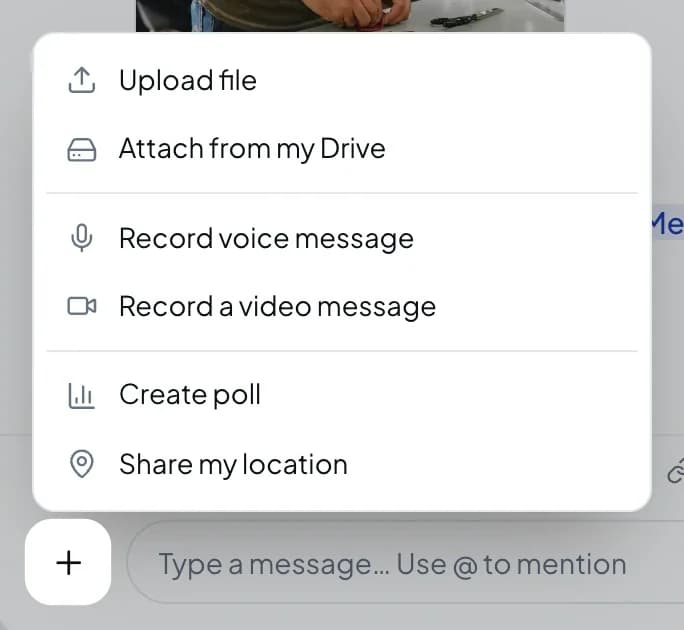
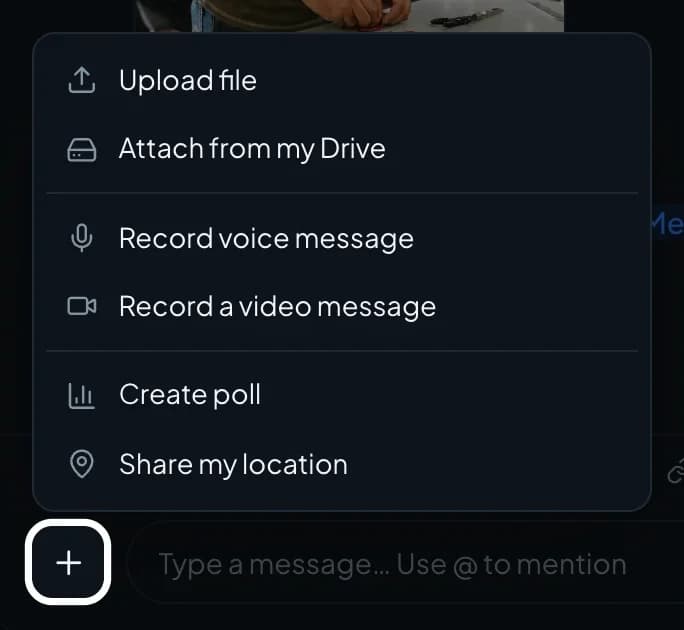
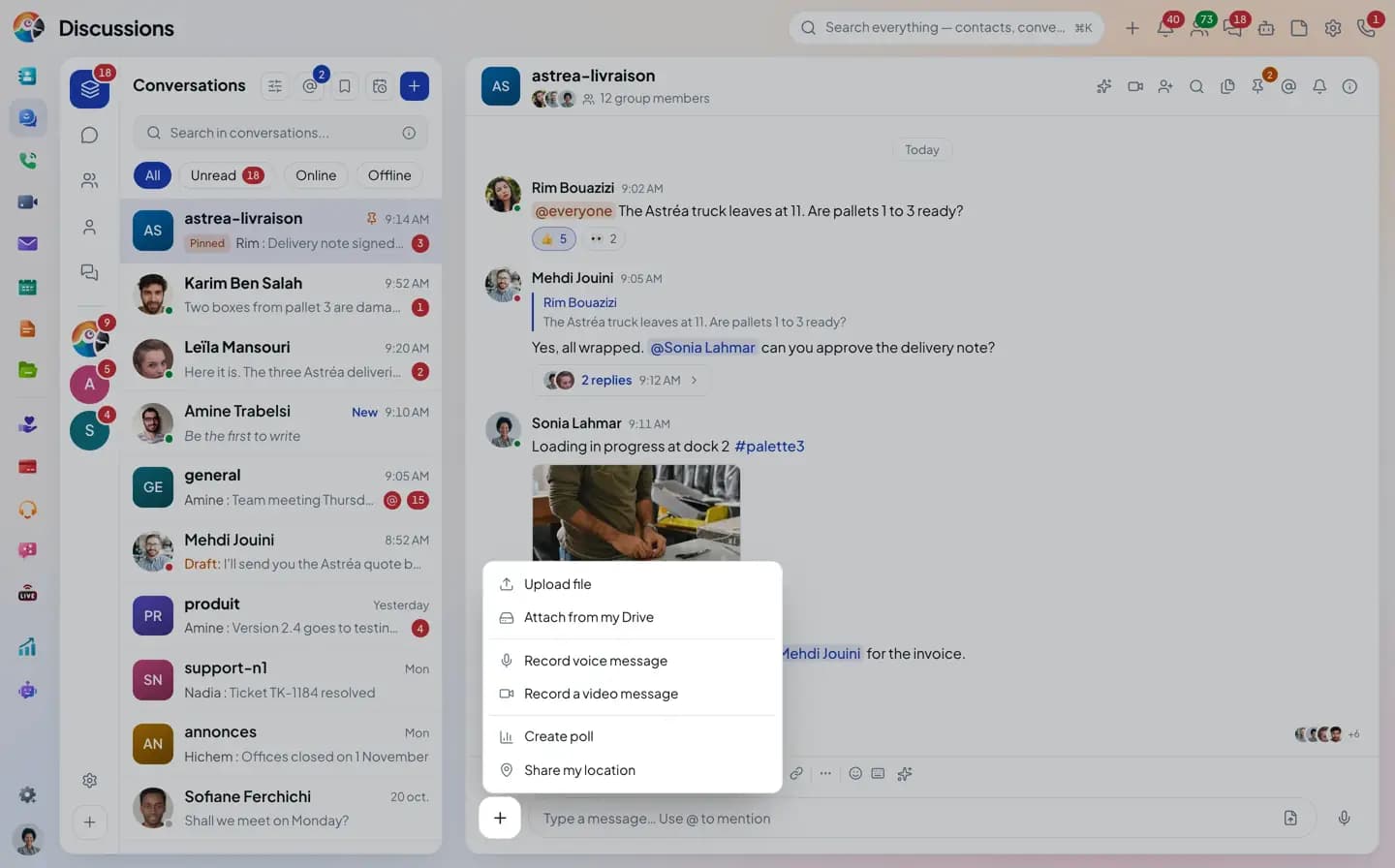
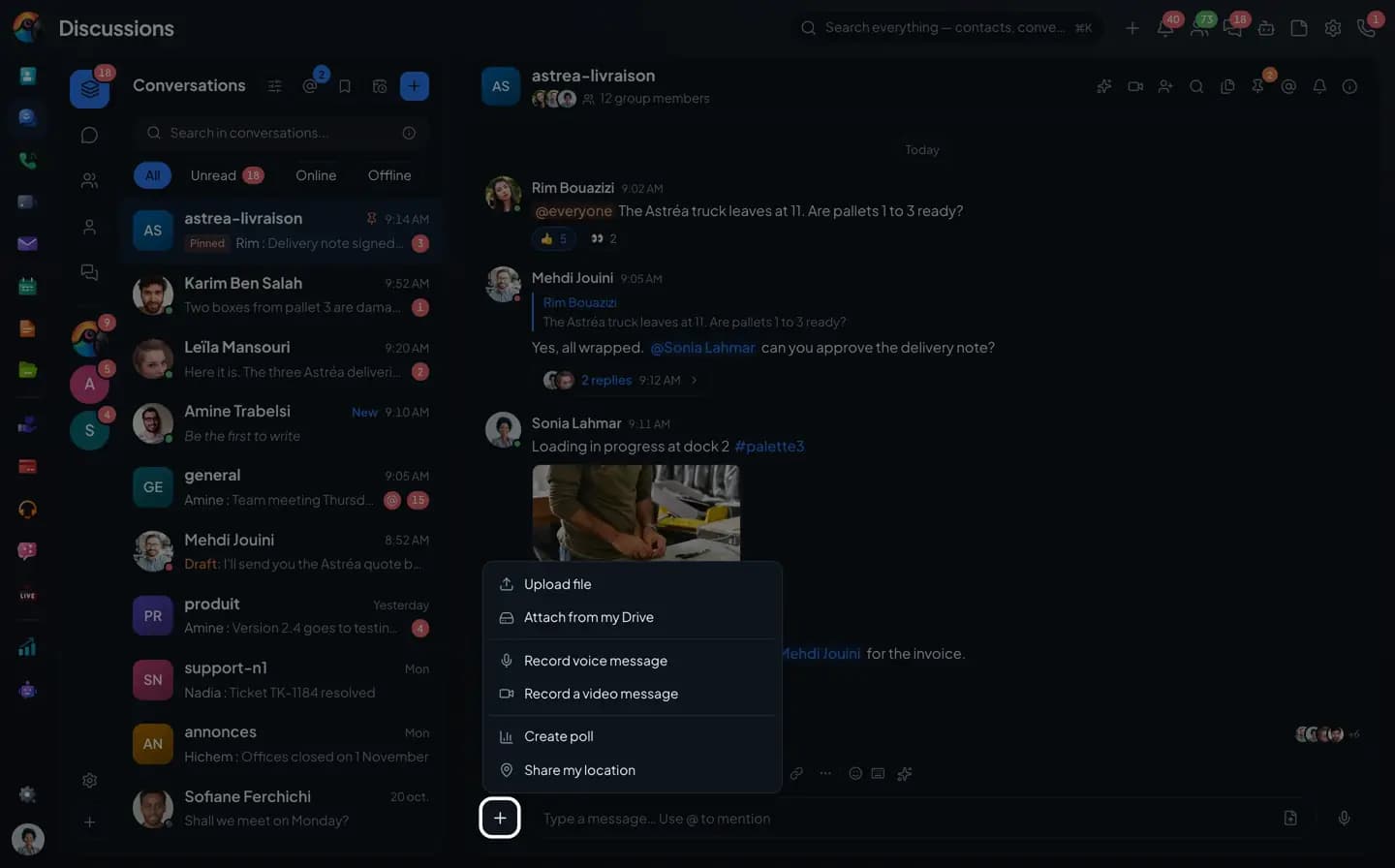
The + button in the composer uploads a file or picks one from your Drive. Photos go out as an album with a caption, and PDFs and office documents open in a preview.
- Upload several files at once
- Attach from my Drive
- Photo albums, with a caption
- Preview PDFs and documents without downloading them
With the Drive
The large file
goes out as a link.
A file too large for the Chat is sent through the Drive: the conversation gets a link, and each person opens it with their own permissions. You can also save a file you received to your Drive in one step.
- Pick files from your Drive
- File too large: sent through the Drive
- Everyone opens the link with their own permissions
The group gallery
Everything that was sent, sorted.
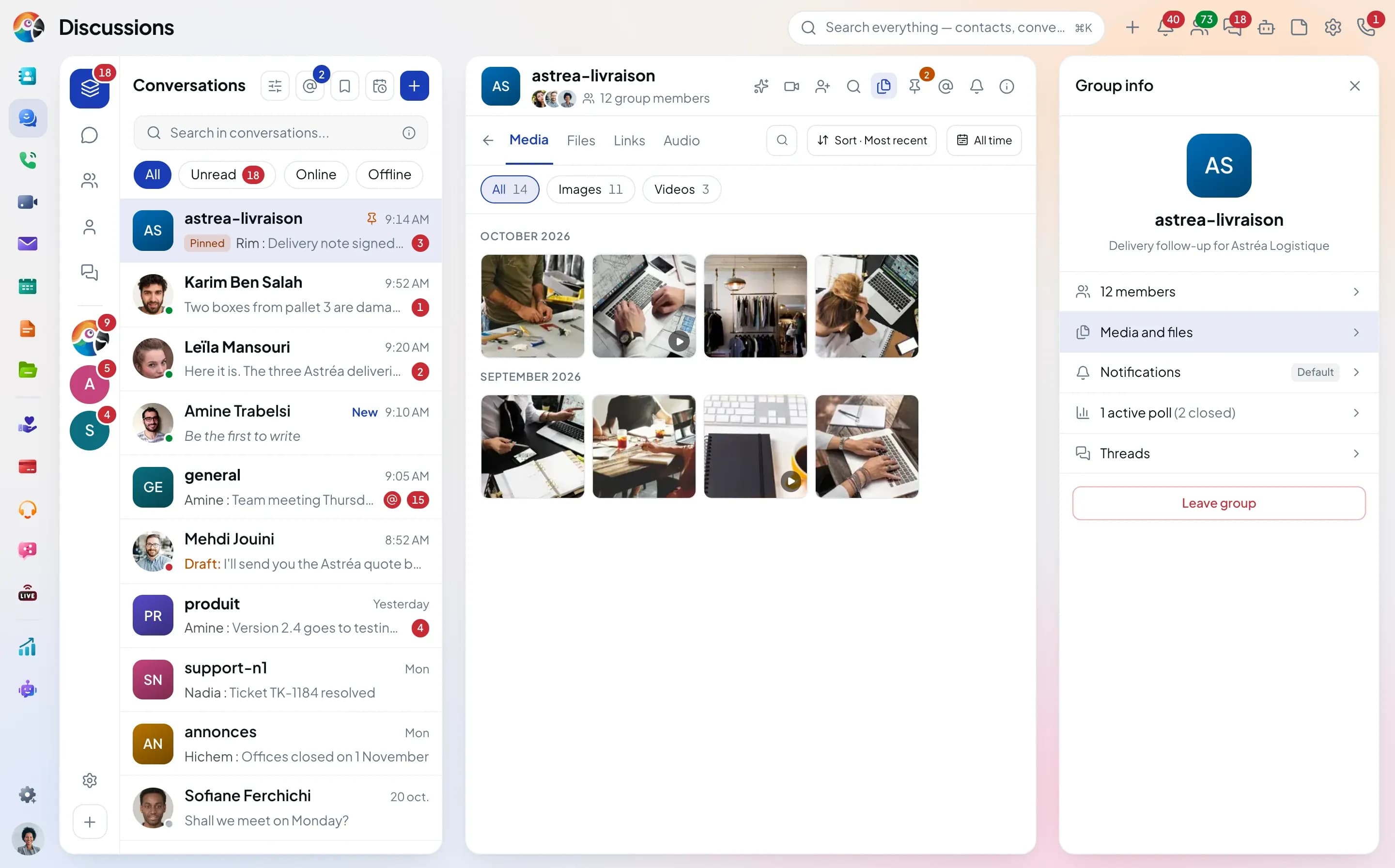
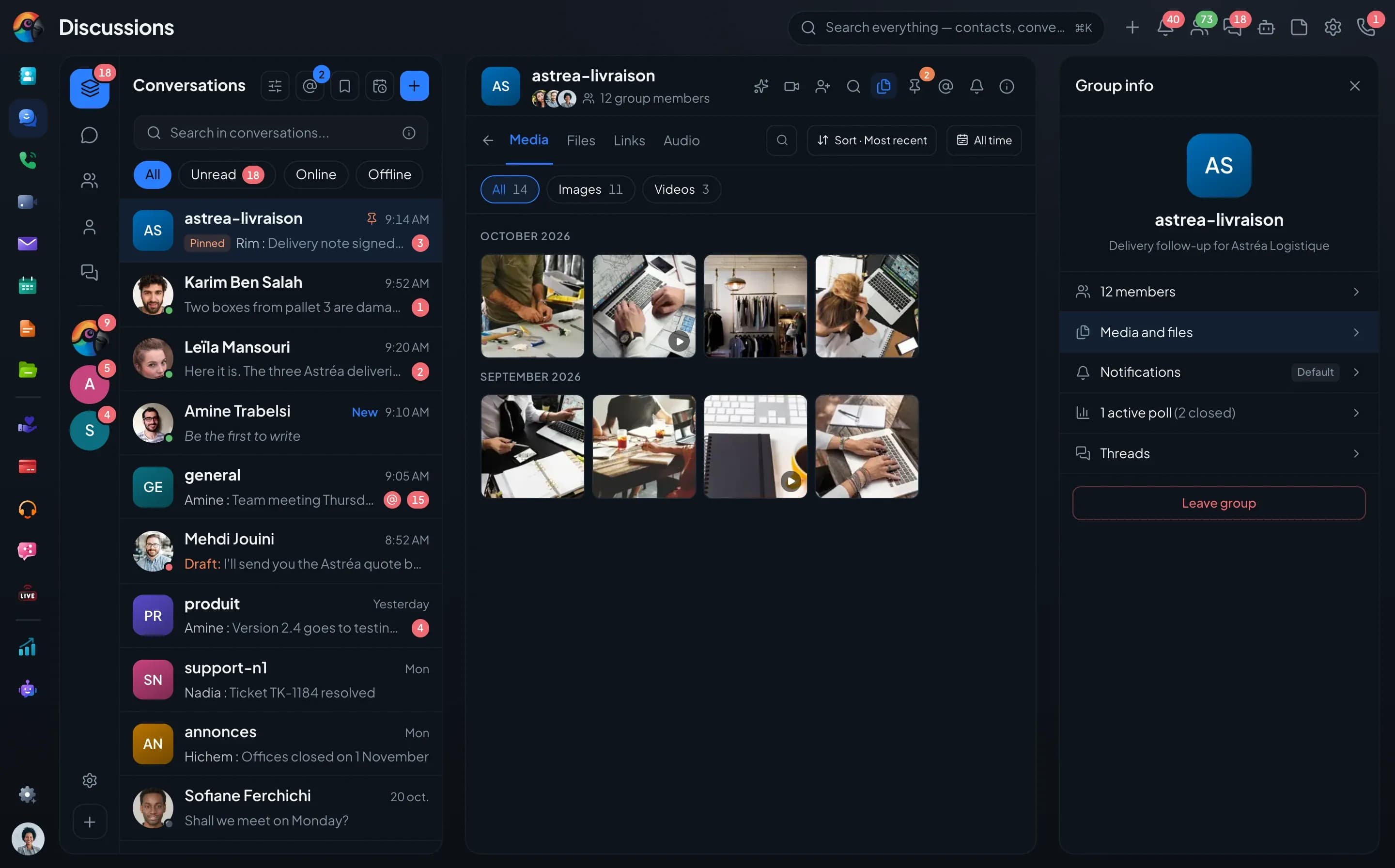
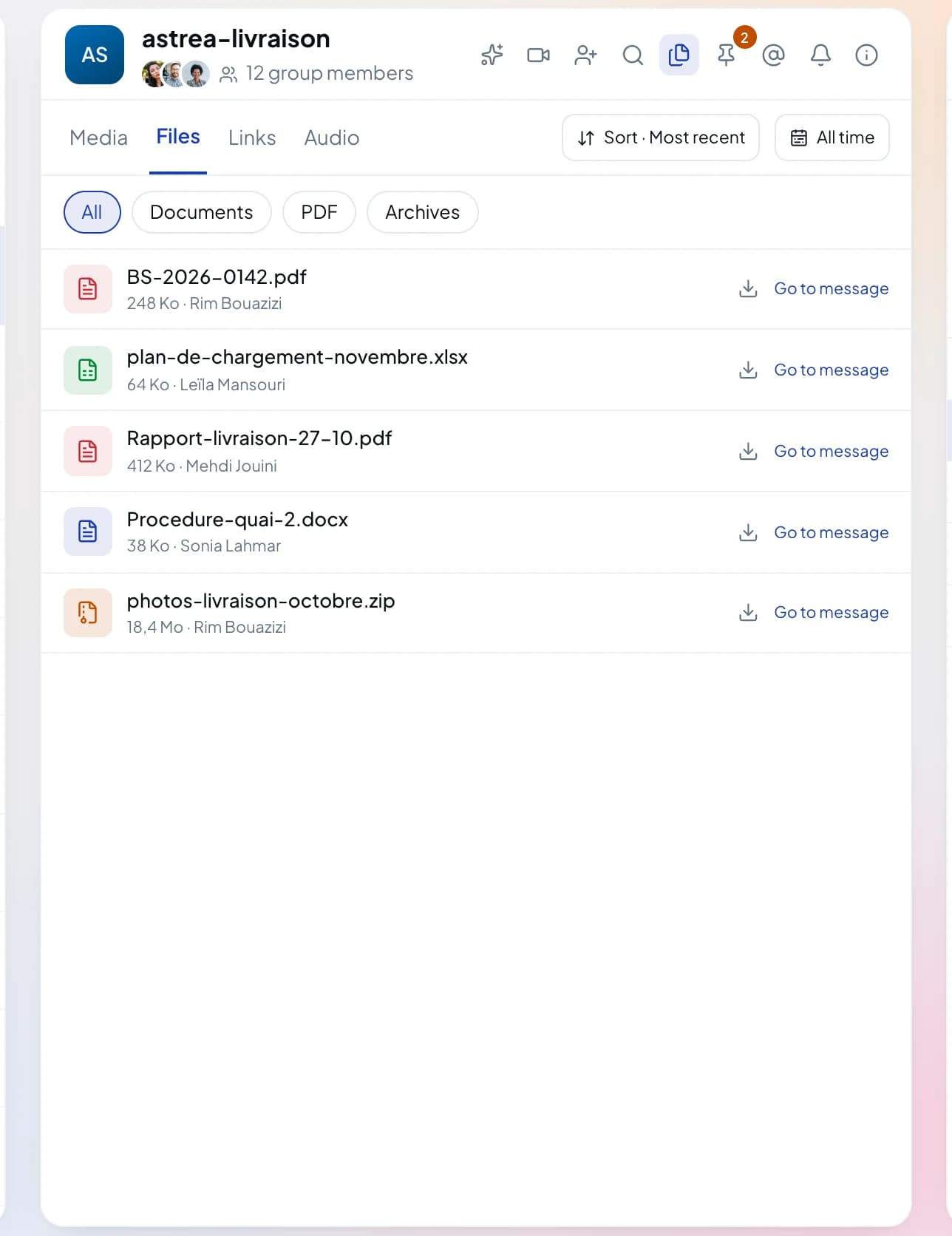
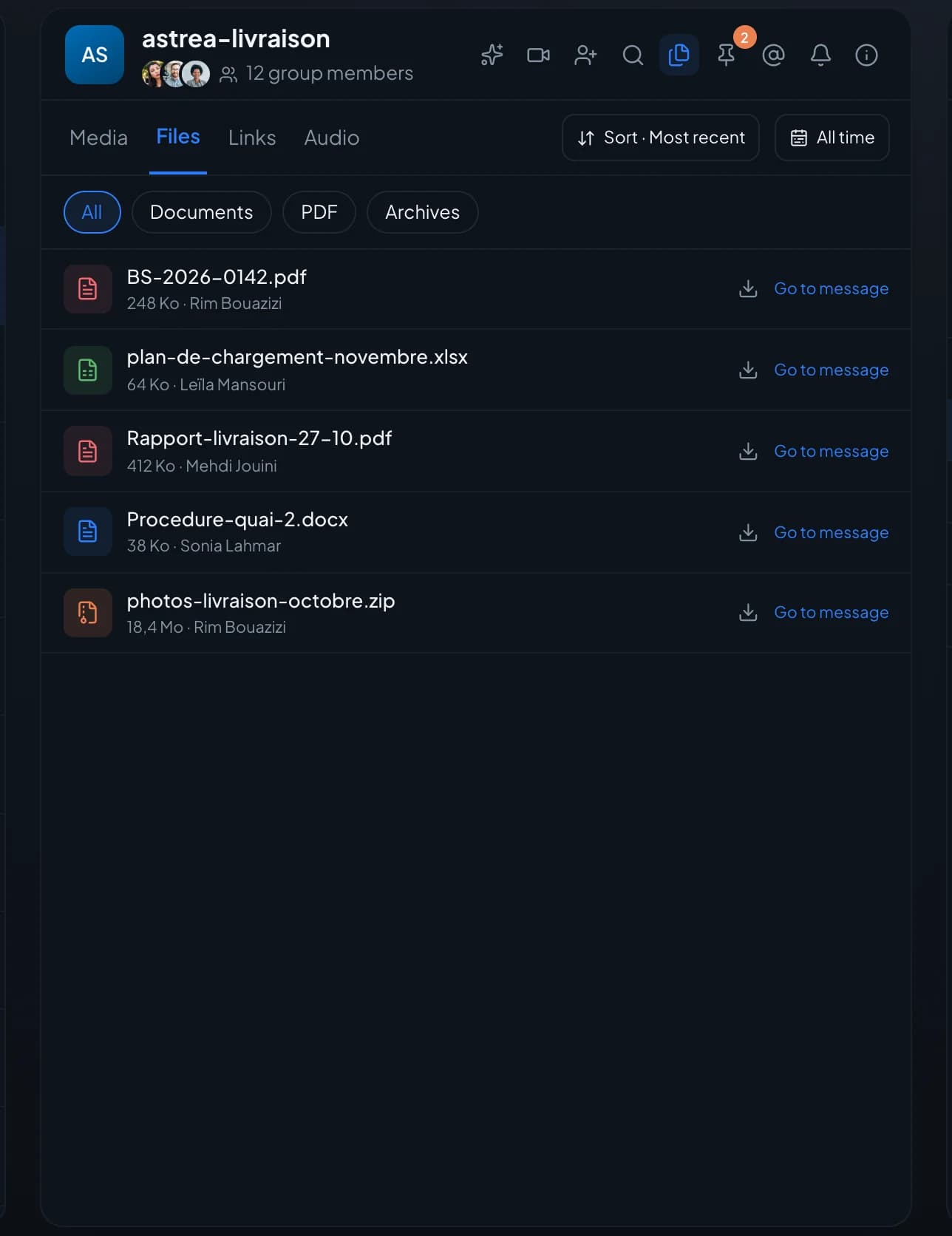
The group info opens its gallery in place of the thread: media, files, links and audio, each with its own filters.
Album
The site photos,
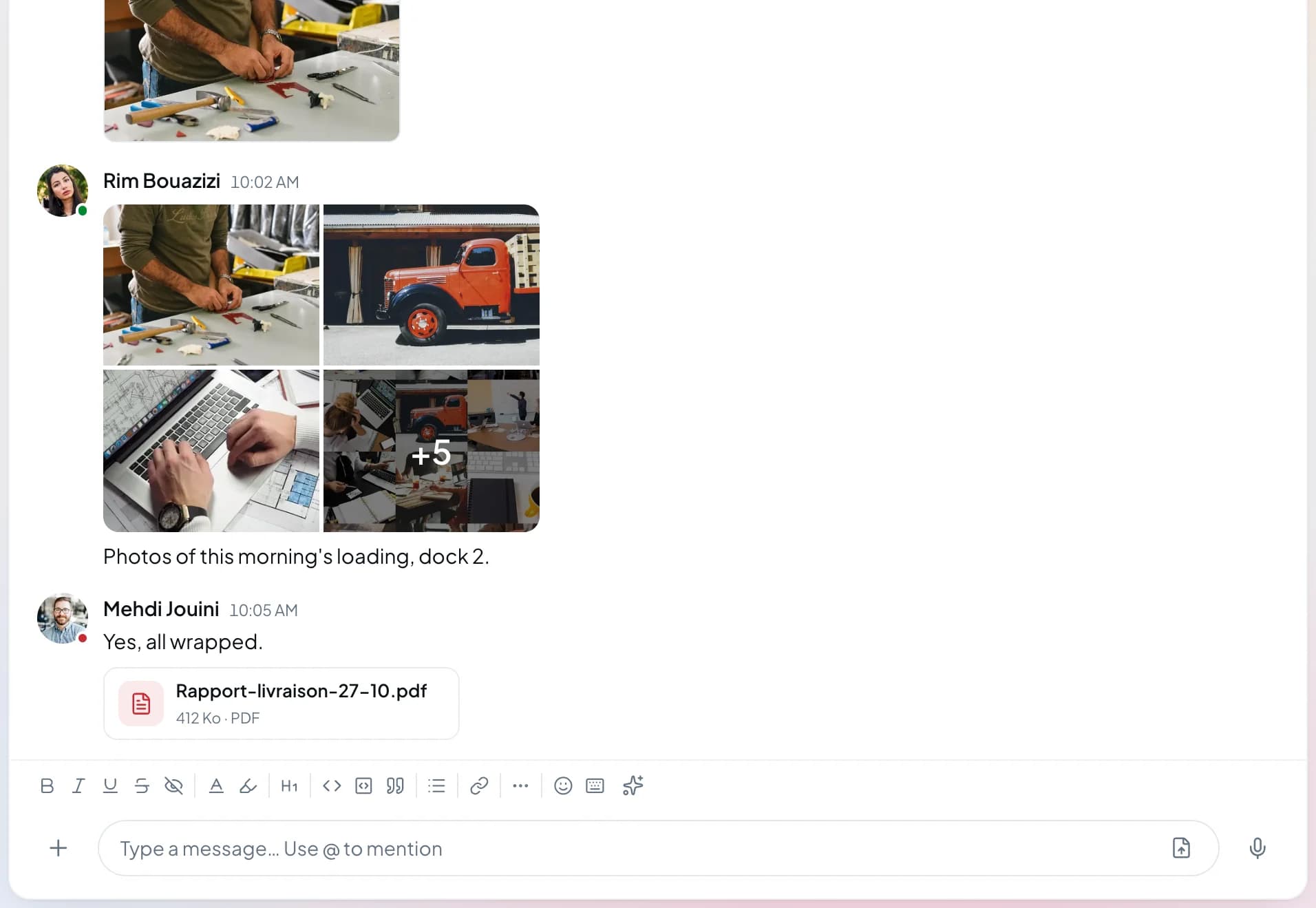
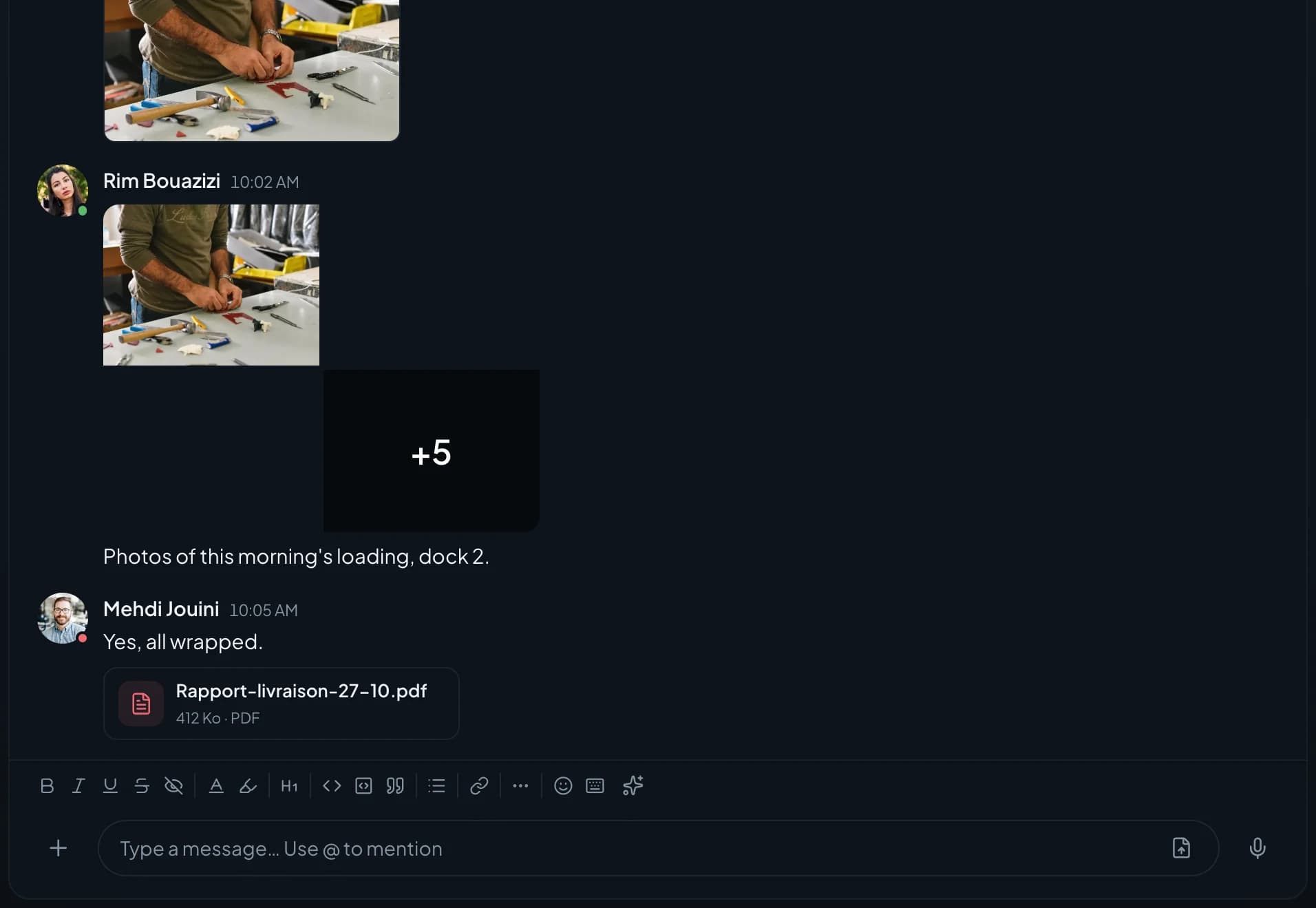
in a single bubble.Several photos go out as an album with their caption. One click opens the viewer and its thumbnail strip.
- Album with caption
- Message caption
- Viewer
Files
The right document,
without scrolling back.The Files tab sorts documents, PDFs and archives from newest to oldest. Each file links to the message it came with.
- Documents, PDFs, archives
- Filter by type
- Sort by date
Share link
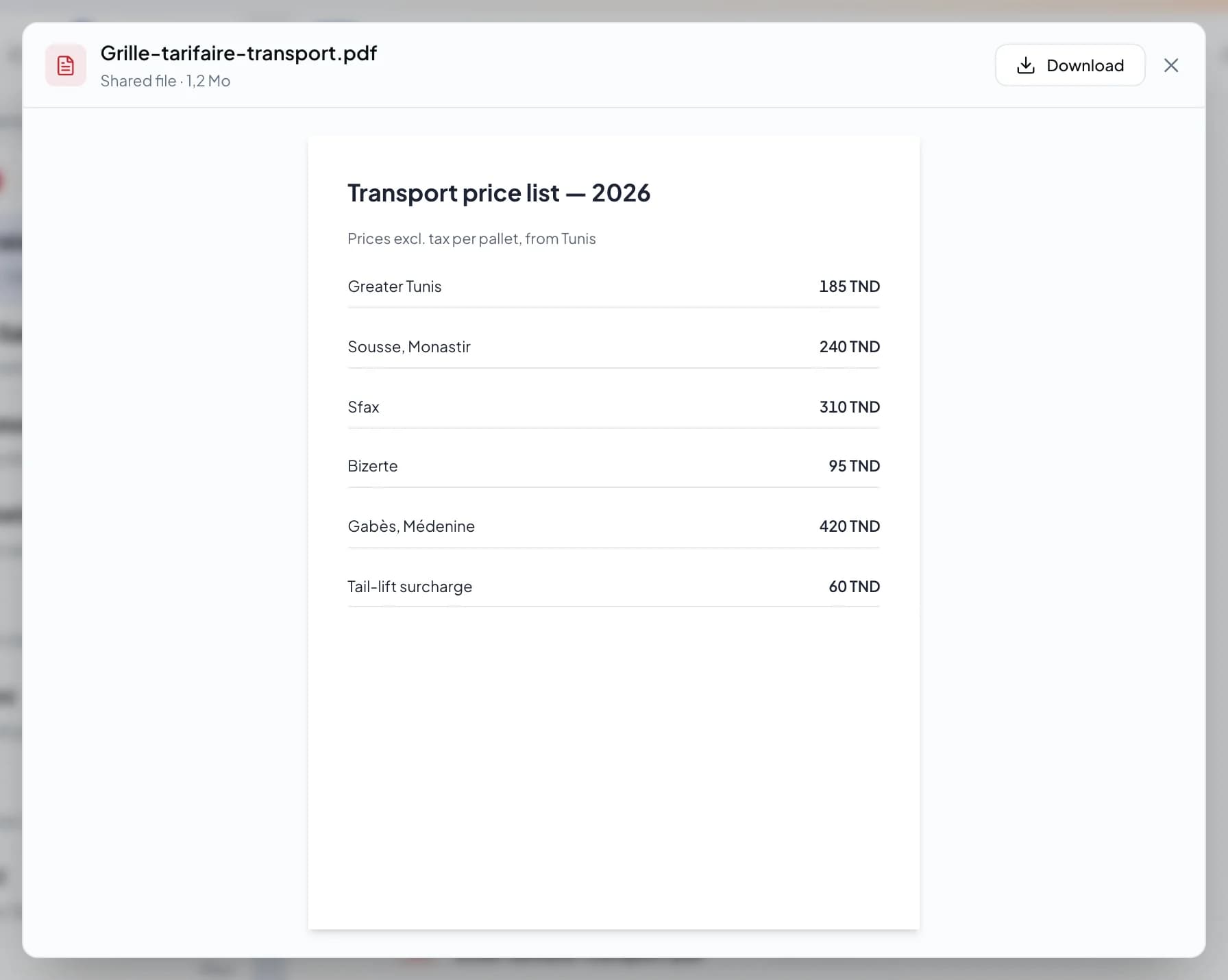
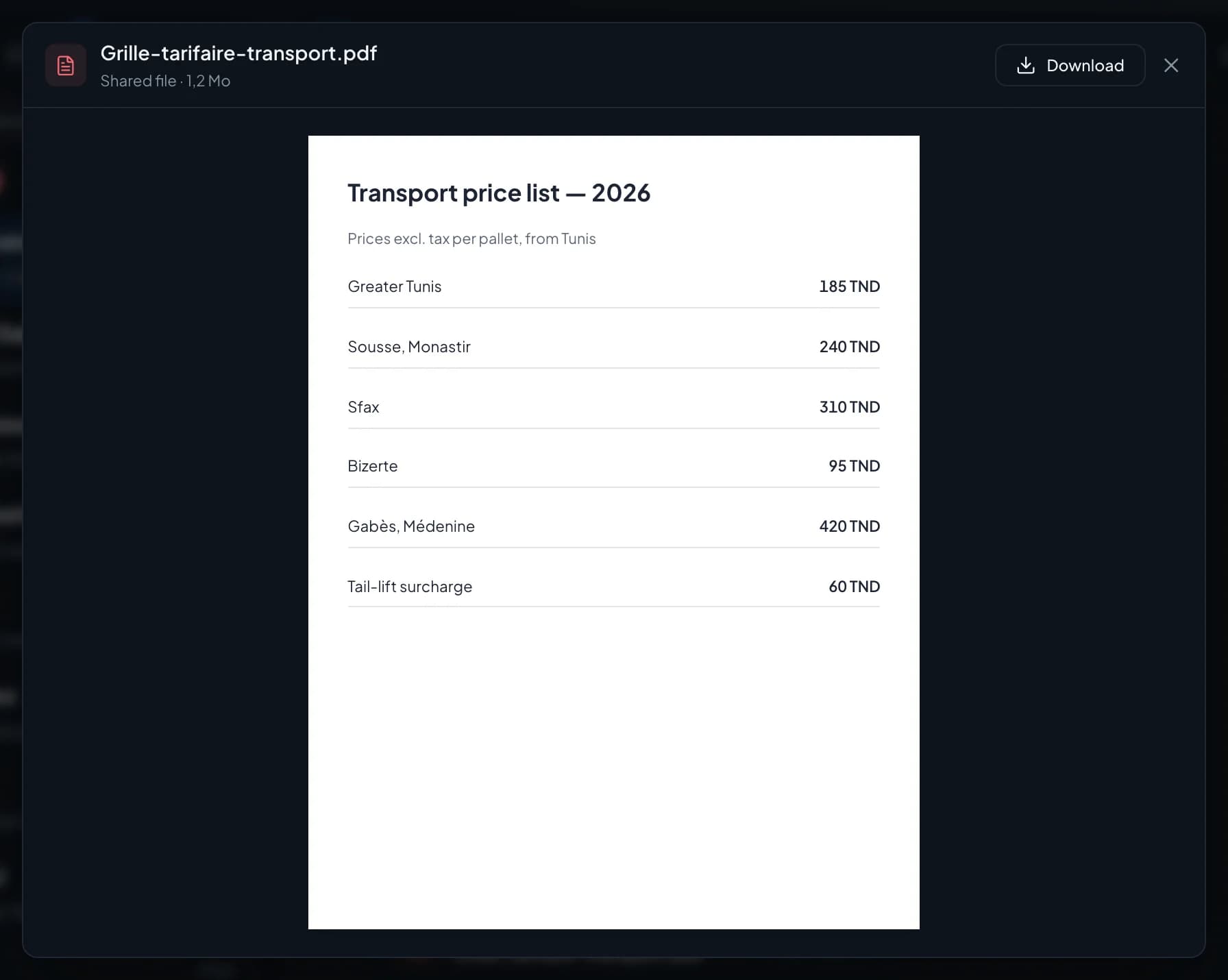
The file opens
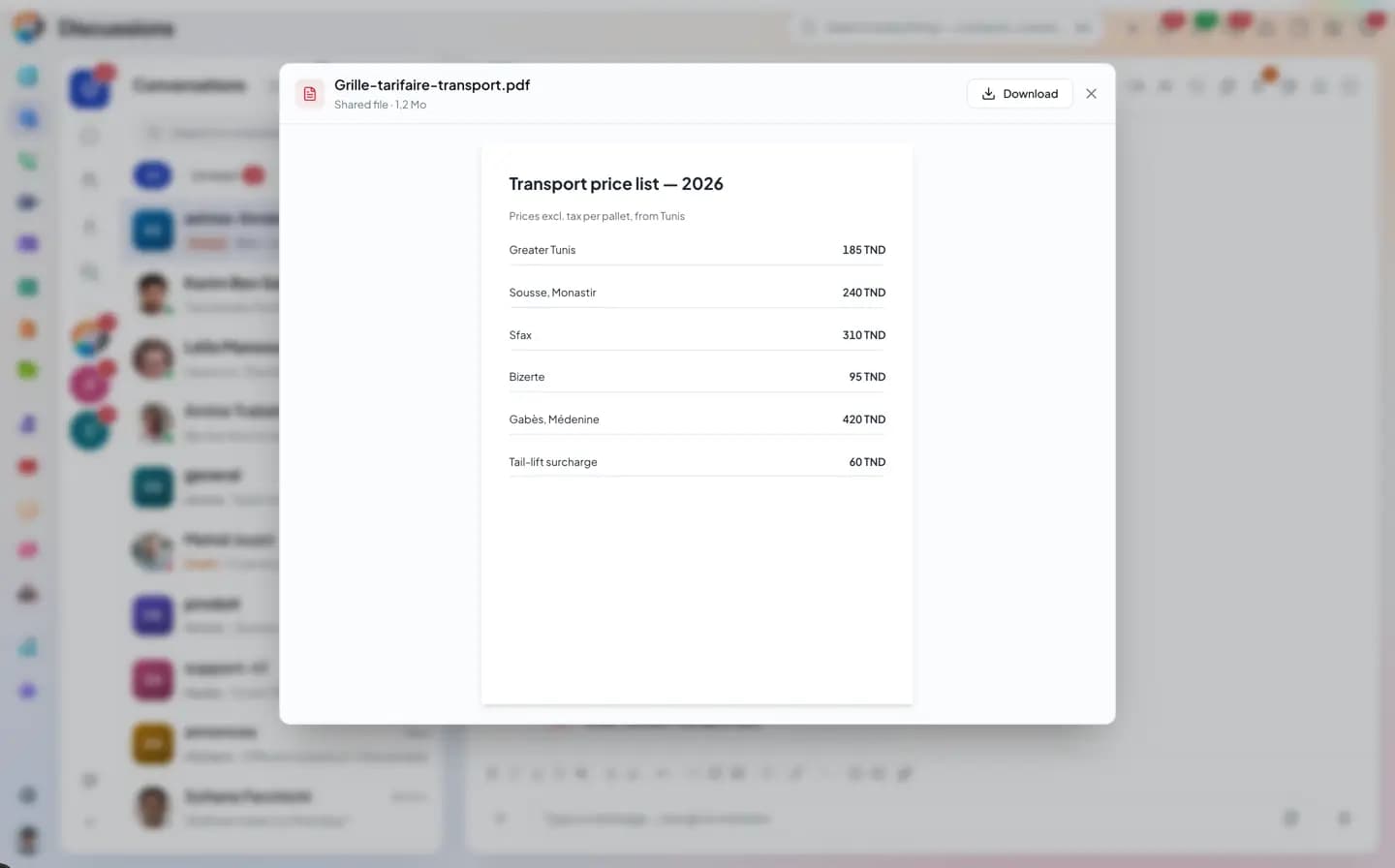
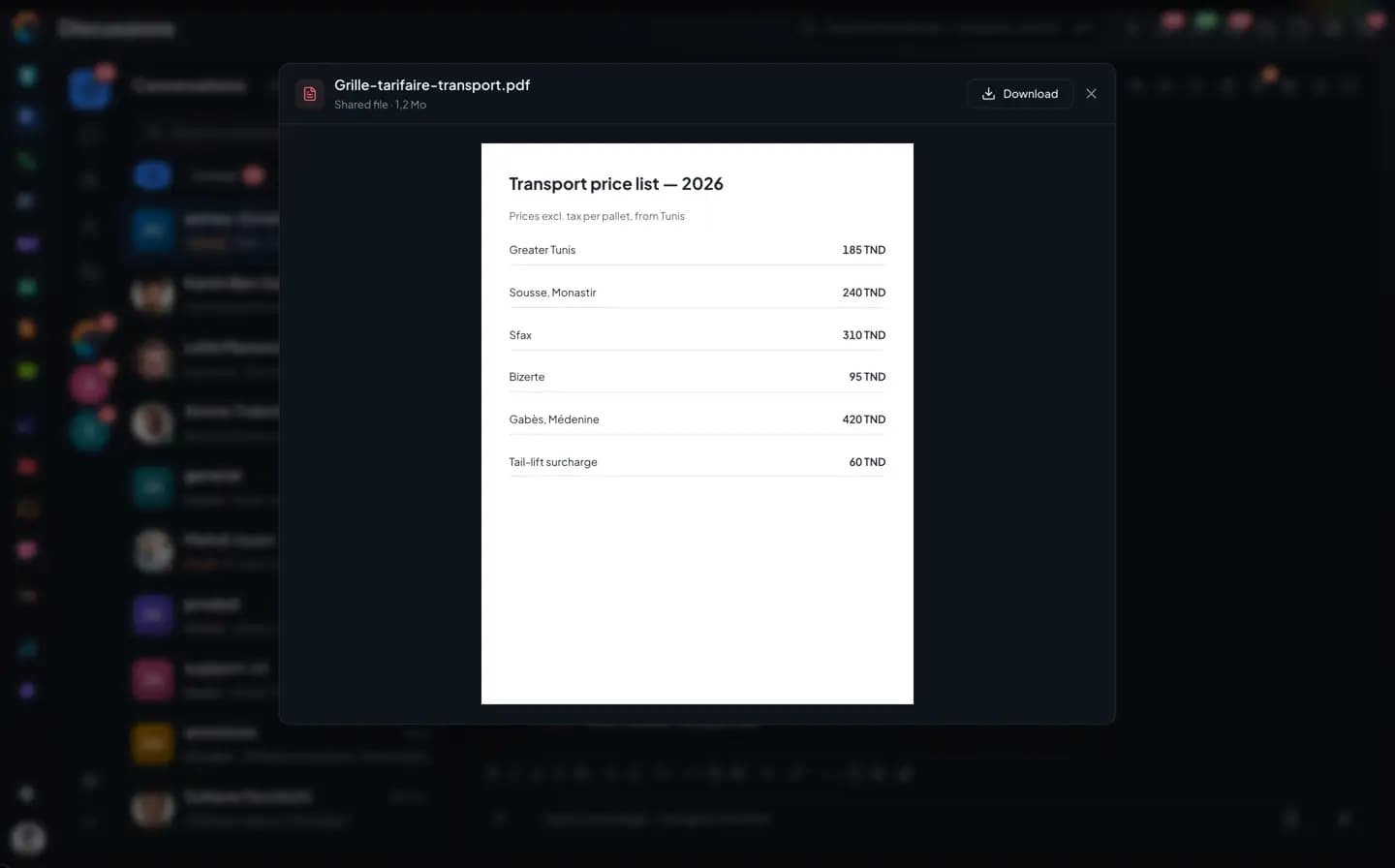
without leaving the conversation.A Drive share link posted in the thread opens in a window on top of the conversation.
- Drive link
- Preview in a window
- Download
Album
The site photos,
in a single bubble.
Several photos go out as an album with their caption. One click opens the viewer and its thumbnail strip.
- Album with caption
- Message caption
- Viewer
The inventory
What files can do, and what's missing.
What's in gray doesn't exist yet, or not everywhere (web or phone). We'd rather say so.
Not yet, or not everywhere
Files and media
- Photo albums with captions, viewer, videos
- Voice message (pause, resume, lock) and recorded video message
- Preview PDFs and office documents without downloading them
- Attach a Drive file, or save a received file to your Drive, on the web and on the phone
- File too large: it goes as a Drive link, opened with each person's own rights
- A group's media, files, links and audio, sorted and filtered
- Pin a file, download several files as one zip: on the web only
- Location sharing, with the address
- Polls: single or multiple choice, secret vote, closing date, export
- Link previews, YouTube videos played in the thread
- Share a contact, an event, a ticket or an opportunity from the + button: on the phone; on the web, you share from the record
Questions
Files and media, frequently asked questions.
Short answers to the questions people ask us before a trial.
The Chat in detail
The other pages about the Chat.
Groups, channels and spaces
Direct messages, threads, directory, guests.
Messages, voice and video
Formatting, transcribed voice notes, polls, scheduled sending.
Search and saved messages
Operators, hashtags, pinned messages, mentions.
Connected to your apps
Ticket, deal, activity, email, video call, bots.
Koukou in the Chat
Catch up, translate, transcribe, write.
Mentions and notifications
Levels, mute, pause, announcement channel.
Administration and security
Encryption, roles, settings, statistics.
Share a folder, not a lost attachment.
Try the Chat with the Drive: your team's files stay in their groups.