Chat — Alerts for what concerns you, and quiet for the rest.
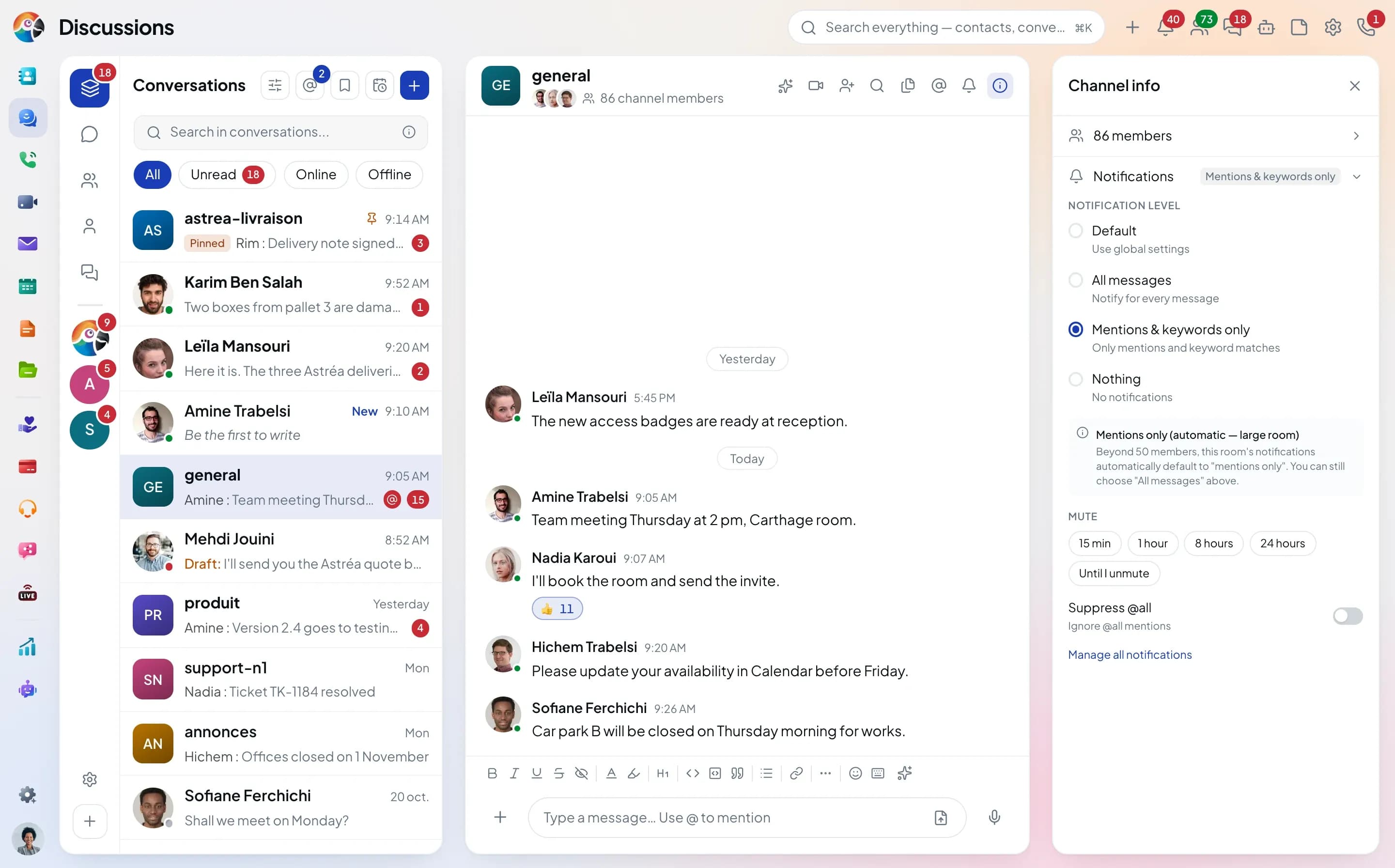
Every conversation in Comunik Sphere Chat has its own level: everything, mentions and keywords, or nothing. Mute silences a group for an hour or for good, pause stops everything during a meeting, and a large group switches to mentions on its own.
Per conversation
The right level
for each group.
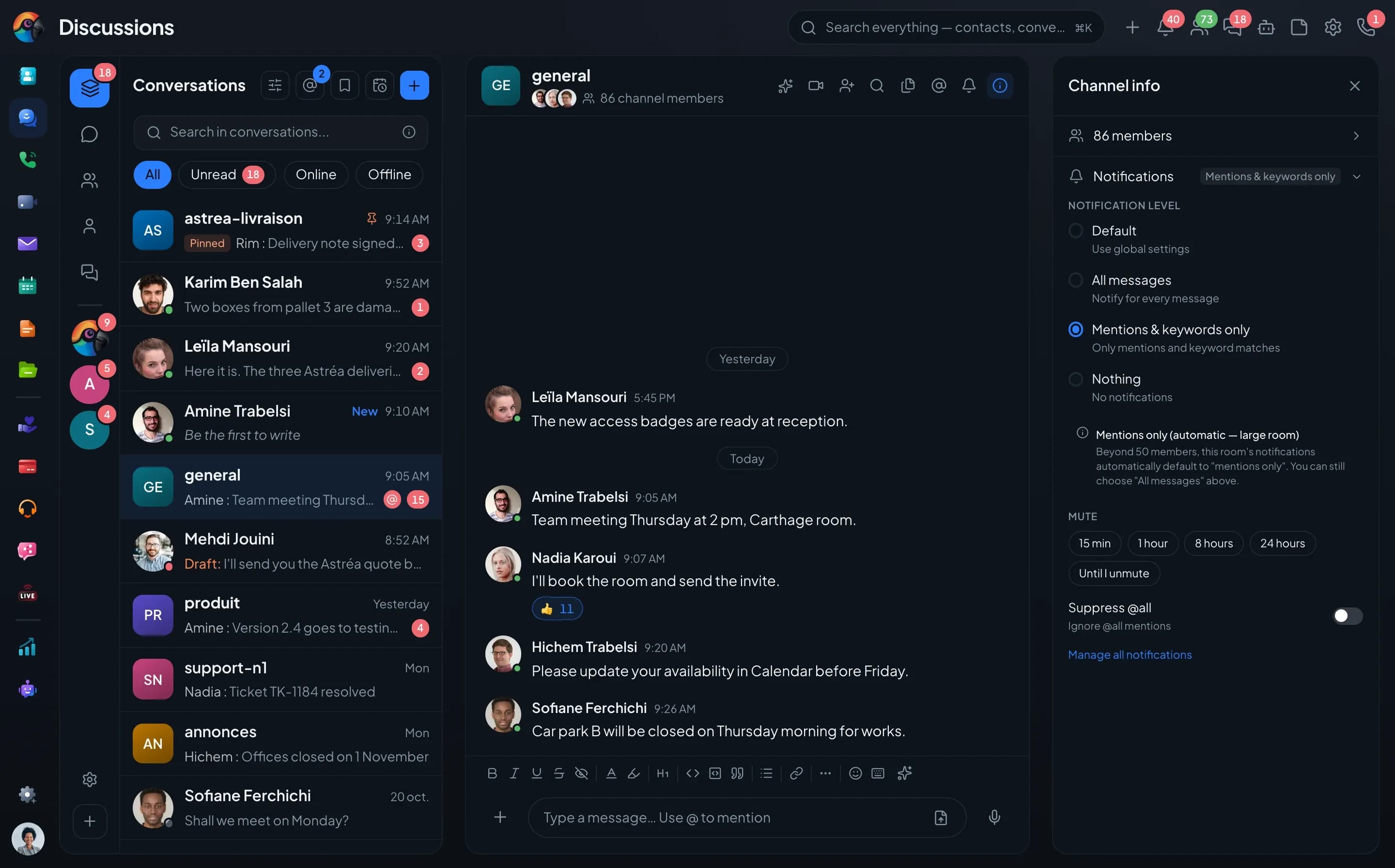
Your team's group alerts you on every message, the company channel only when someone mentions you. You set it in the conversation info.
- Everything, mentions and keywords, or nothing
- Mute from 15 minutes to forever
- Ignore @everyone in a group
- Over 50 members, mentions only by default
Pause
In a meeting,
notifications wait.
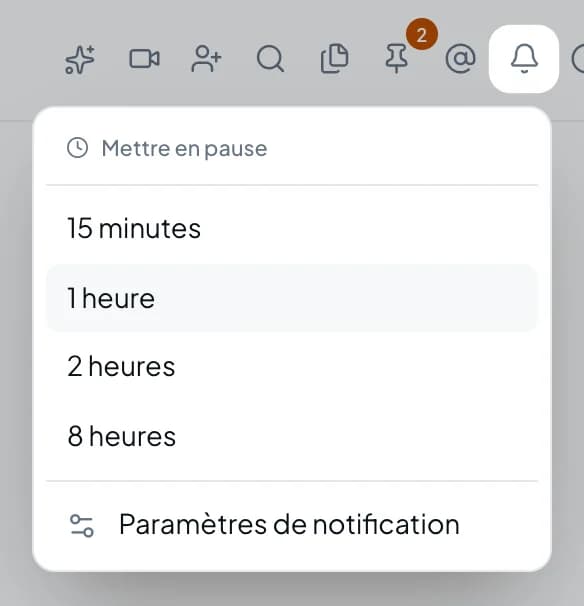
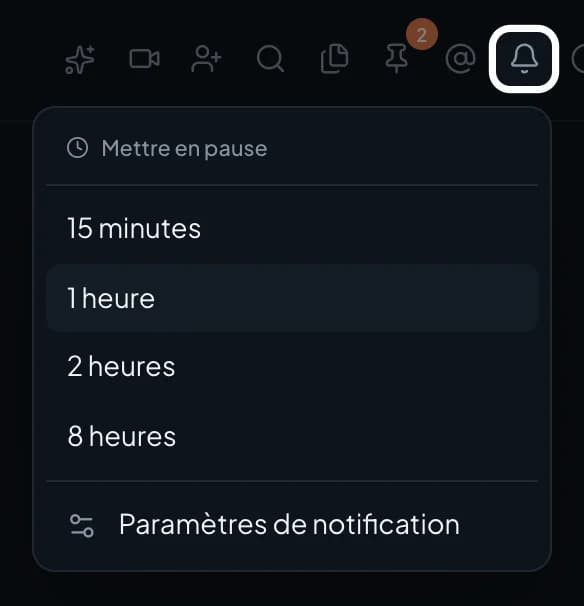
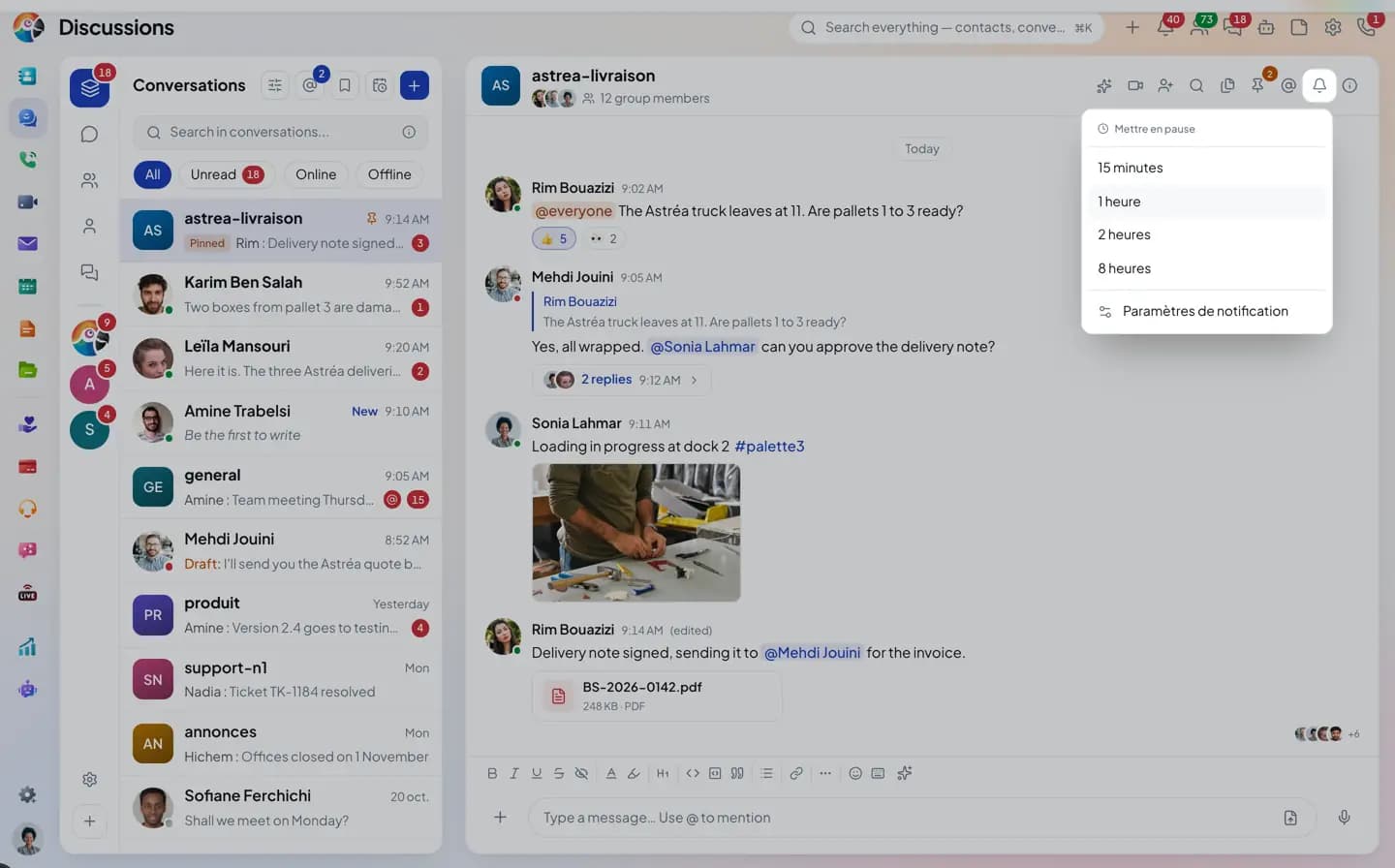
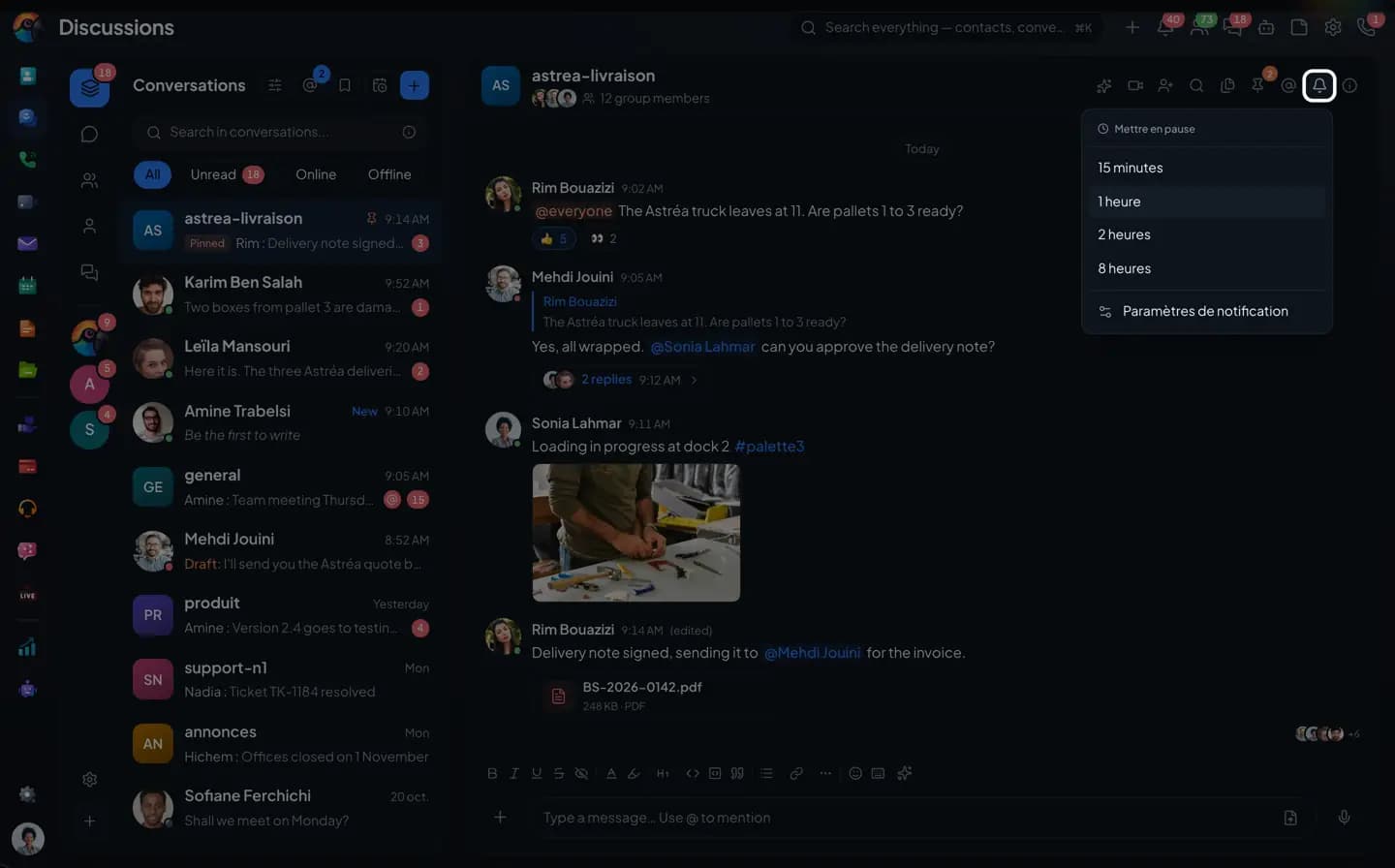
The bell in the header pauses all notifications for 15 minutes, one hour, two hours or eight hours. The Do not disturb status does the same.
- Pause from 15 minutes to 8 hours
- Do not disturb
- Your keywords on top of your name
Announcement channel
The announcement lands,
with no reply storm.
In an announcement channel, only admins post. Scheduled sending posts the Monday reminder there, and a video call started in a group can alert every member or stay quiet.
- Announcement mode: only admins post
- Scheduled sending, one-off or recurring
- Video call that alerts the whole group, or not
Your preferences
Each alert,
on the device you choose.
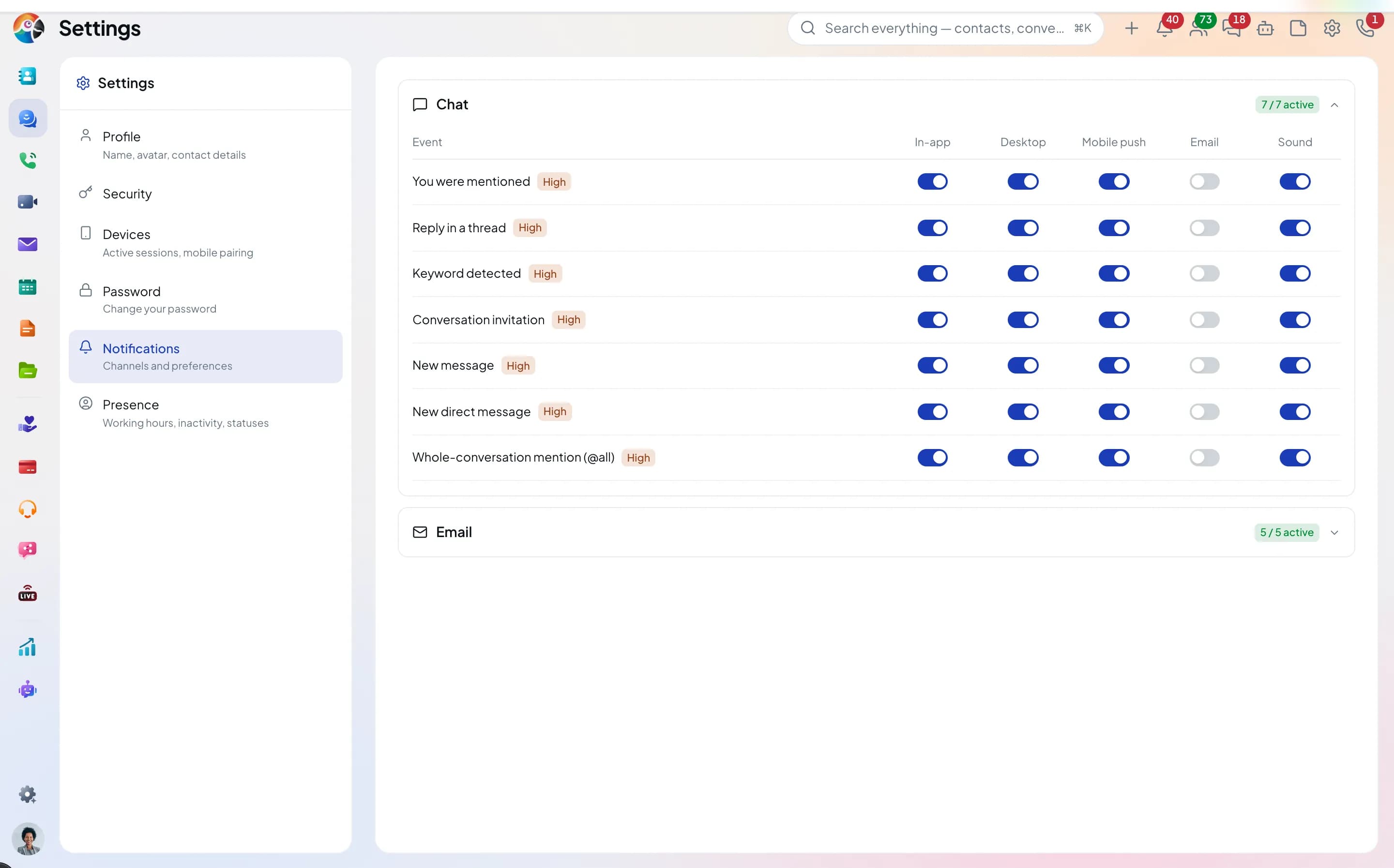
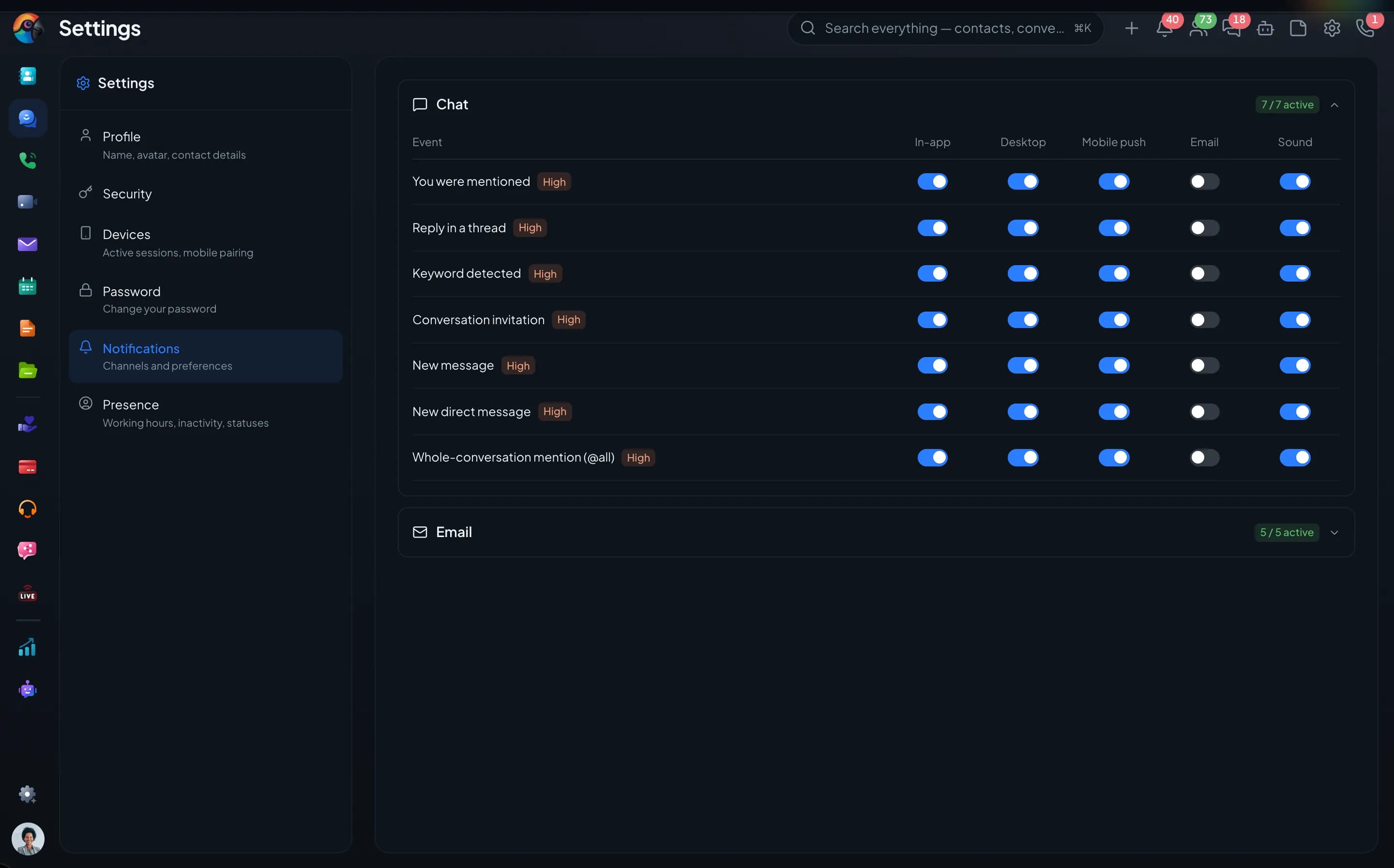
In your settings, each Chat event is set per delivery method: in the app, on the desktop, as a mobile notification, by email, with or without sound.
- Seven events: mention, thread reply, keyword, invitation…
- In the app and on the desktop
- Mobile notification and email
- Sound on or off
The inventory
What notifications do, and what's missing.
What's in gray doesn't exist yet, or not everywhere (web or phone). We'd rather say so.
Not yet, or not everywhere
Notify
- Notification level per conversation: everything, mentions and keywords, nothing
- Mute from 15 minutes to forever
- Automatic switch to mentions above 50 members
- Alerts on your own keywords, as well as your name
- Do not disturb, and pausing notifications from 15 minutes to 8 hours
- Scheduled sending, one-off or repeated on chosen days, even when offline
- Announcement mode: only admins post
- A video meeting started in a group alerts every member, or stays quiet: the admin decides
- Urgent notification that gets through Do not disturb, three per hour at most: on the web only
- Endless repeat of a scheduled message in an encrypted conversation
Questions
Notifications, frequently asked questions.
Short answers to the questions people ask us before a trial.
The Chat in detail
The other pages about the Chat.
Groups, channels and spaces
Direct messages, threads, directory, guests.
Messages, voice and video
Formatting, transcribed voice notes, polls, scheduled sending.
Files and media
Albums, PDF preview, Drive, the group gallery.
Search and saved messages
Operators, hashtags, pinned messages, mentions.
Connected to your apps
Ticket, deal, activity, email, video call, bots.
Koukou in the Chat
Catch up, translate, transcribe, write.
Administration and security
Encryption, roles, settings, statistics.
Fewer alerts, better chosen.
During the trial, set each group to your own pace.