Chat — Write, talk, or record yourself.
In Comunik Sphere Chat, you format a message like a document, say it in a voice note the AI transcribes, or record a 30-second video. A poll settles a question, and a scheduled message goes out on time, even with your computer off.
Write
A clear message
reads at a glance.
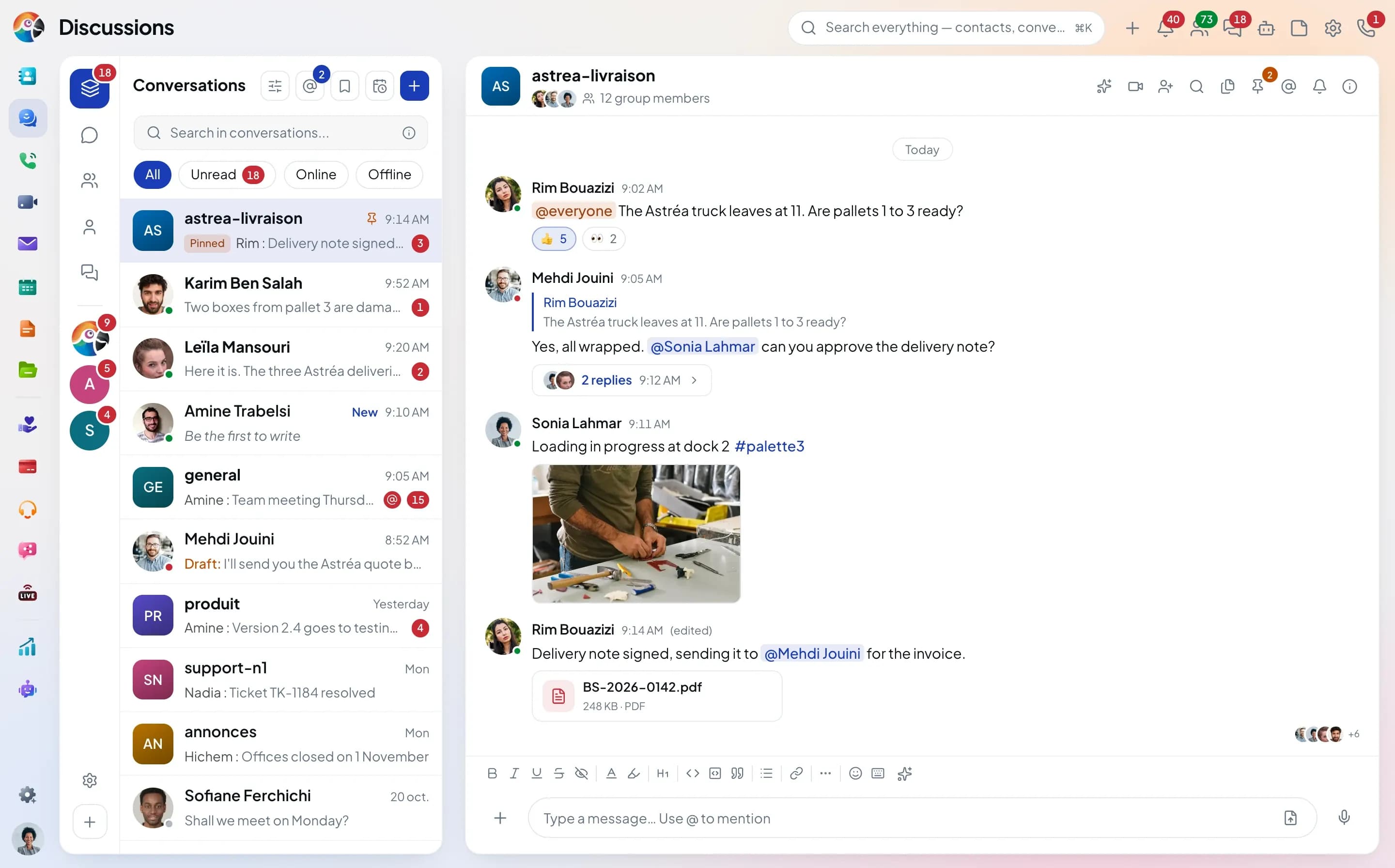
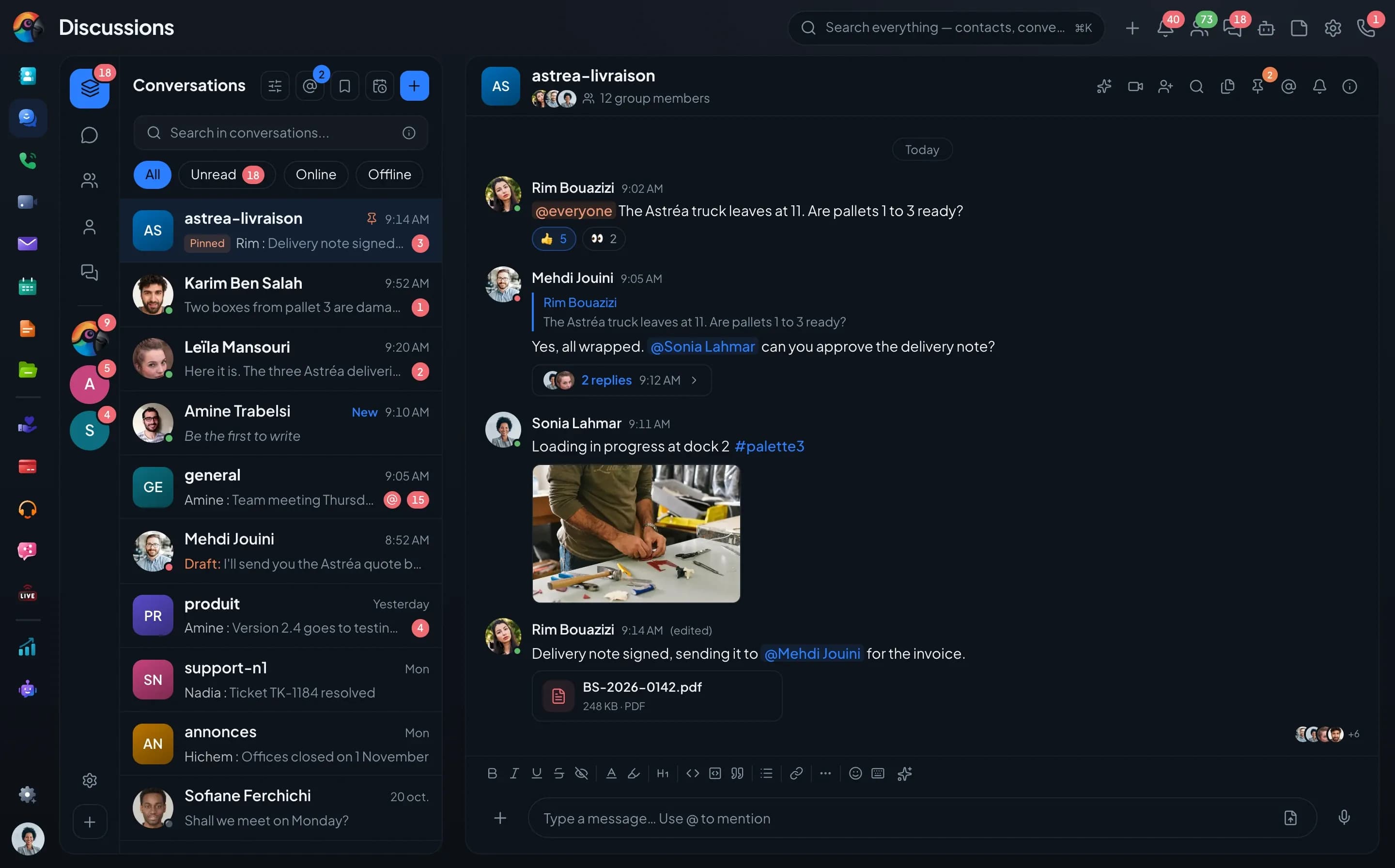
Bold, code, hidden text for a password you don't want on screen: the formatting bar sits above the composer, and keyboard shortcuts are faster.
- Bold, italic, underline, strikethrough, headings
- Text color and highlight
- Code and code snippets
- Hidden text, revealed on click
- Keyboard shortcuts, listed behind one button

















Four formats
When text is not enough.
The + button in the composer opens the other formats. Each one keeps its place in the thread and in the group's media.
Voice
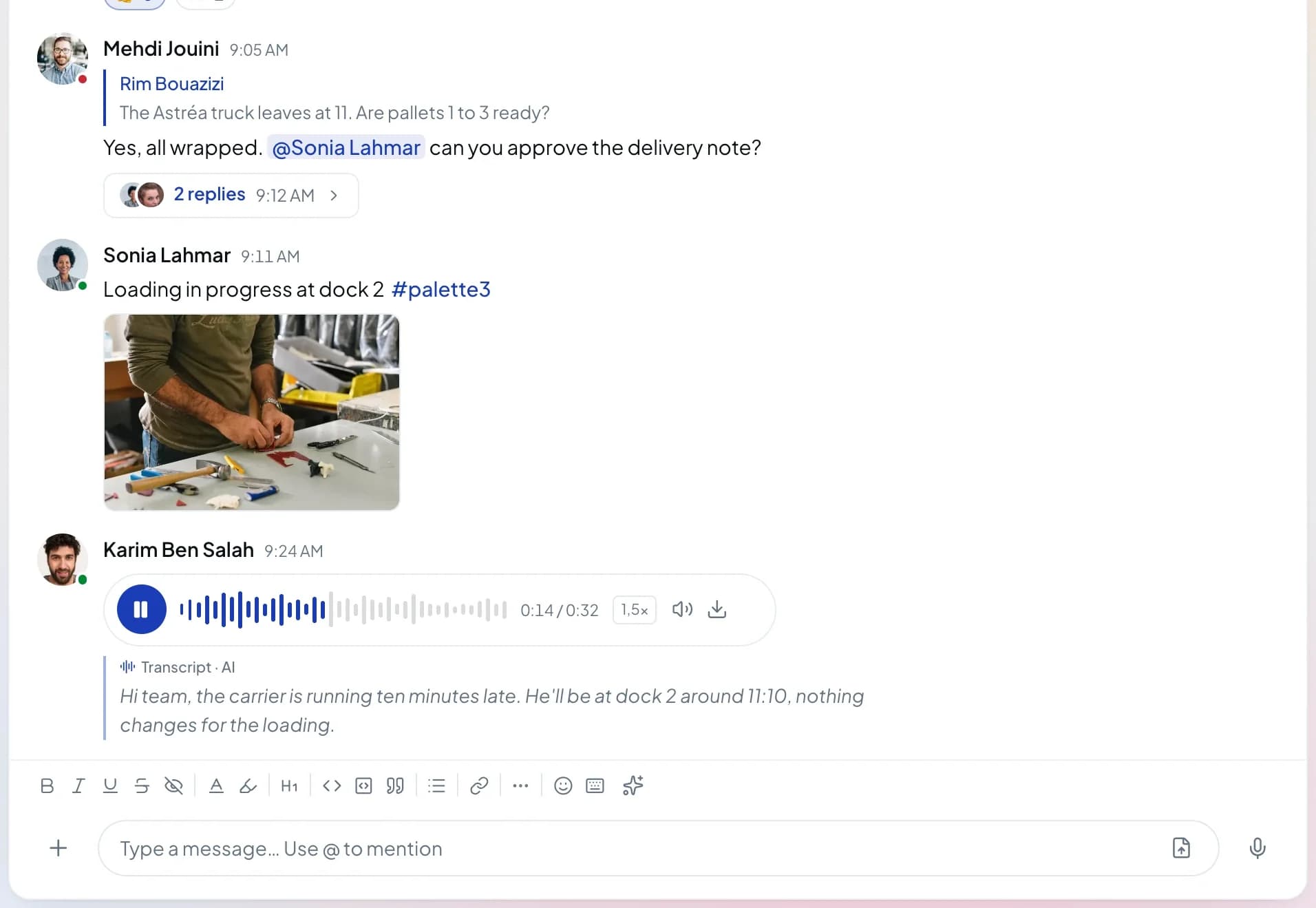
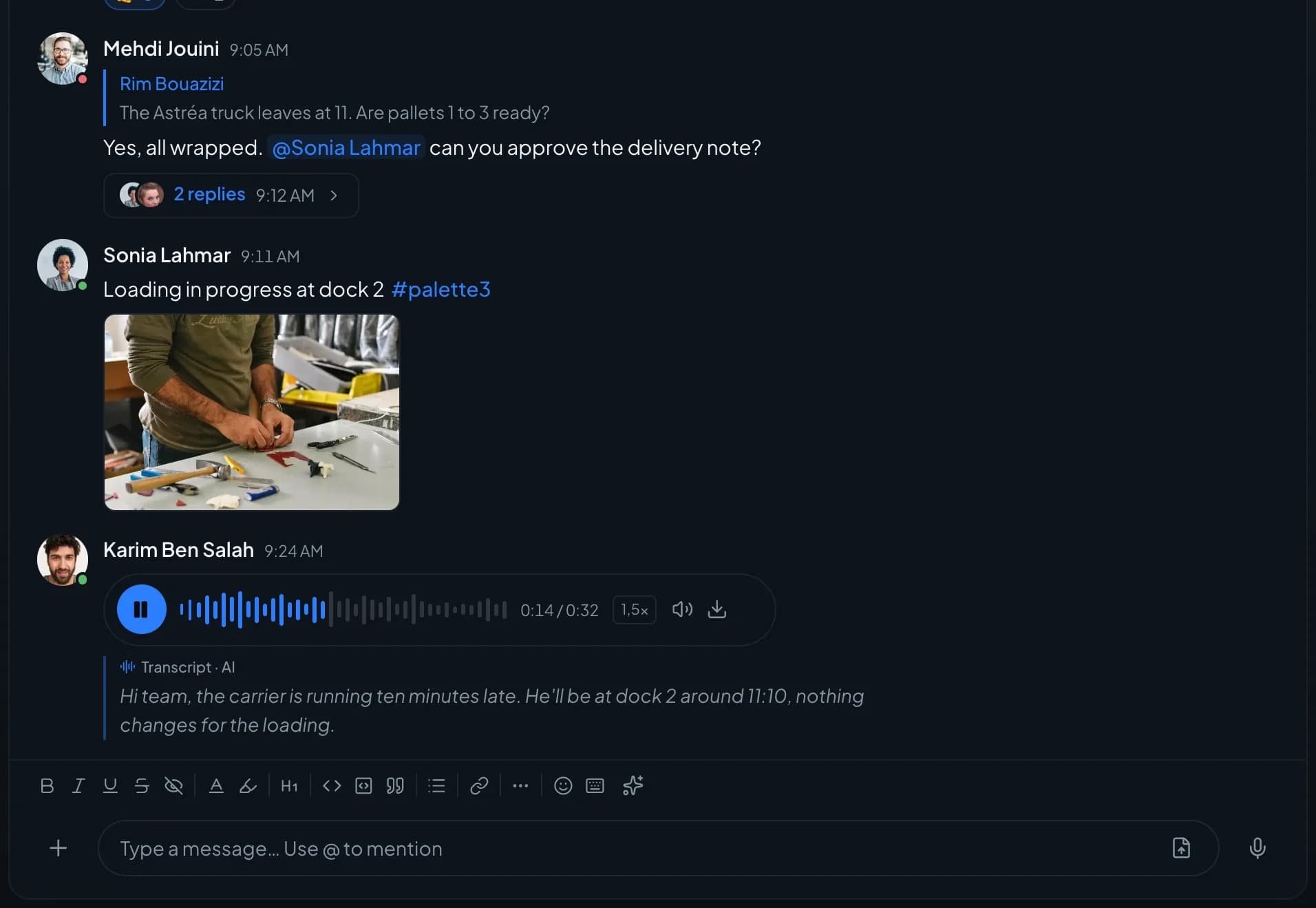
A voice note
you can also read.Record, pause, or lock to talk without holding the button. On the receiving end, the AI transcription unfolds under the player.
- Pause and lock
- Transcription · AI
- Playback speed
Video
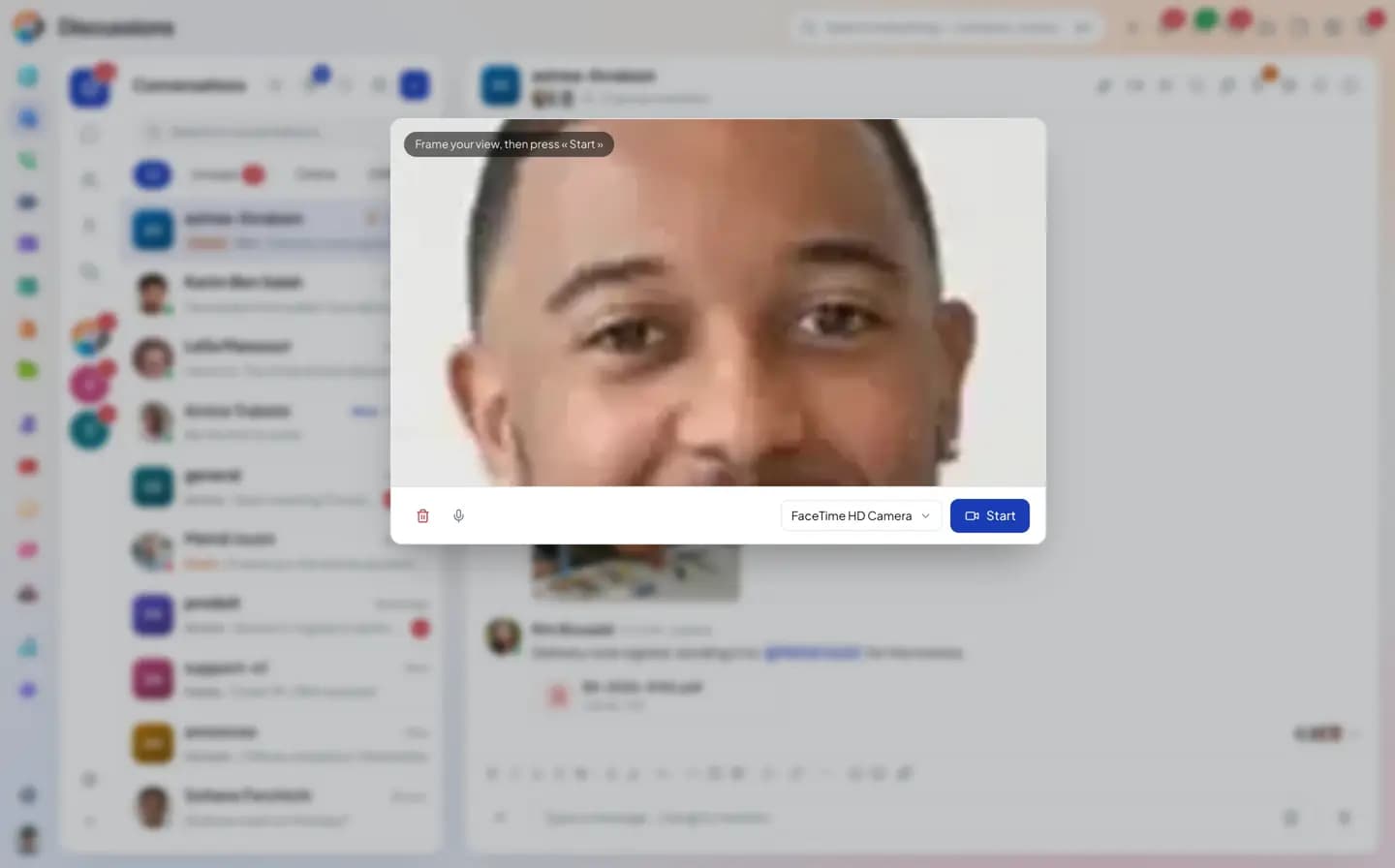
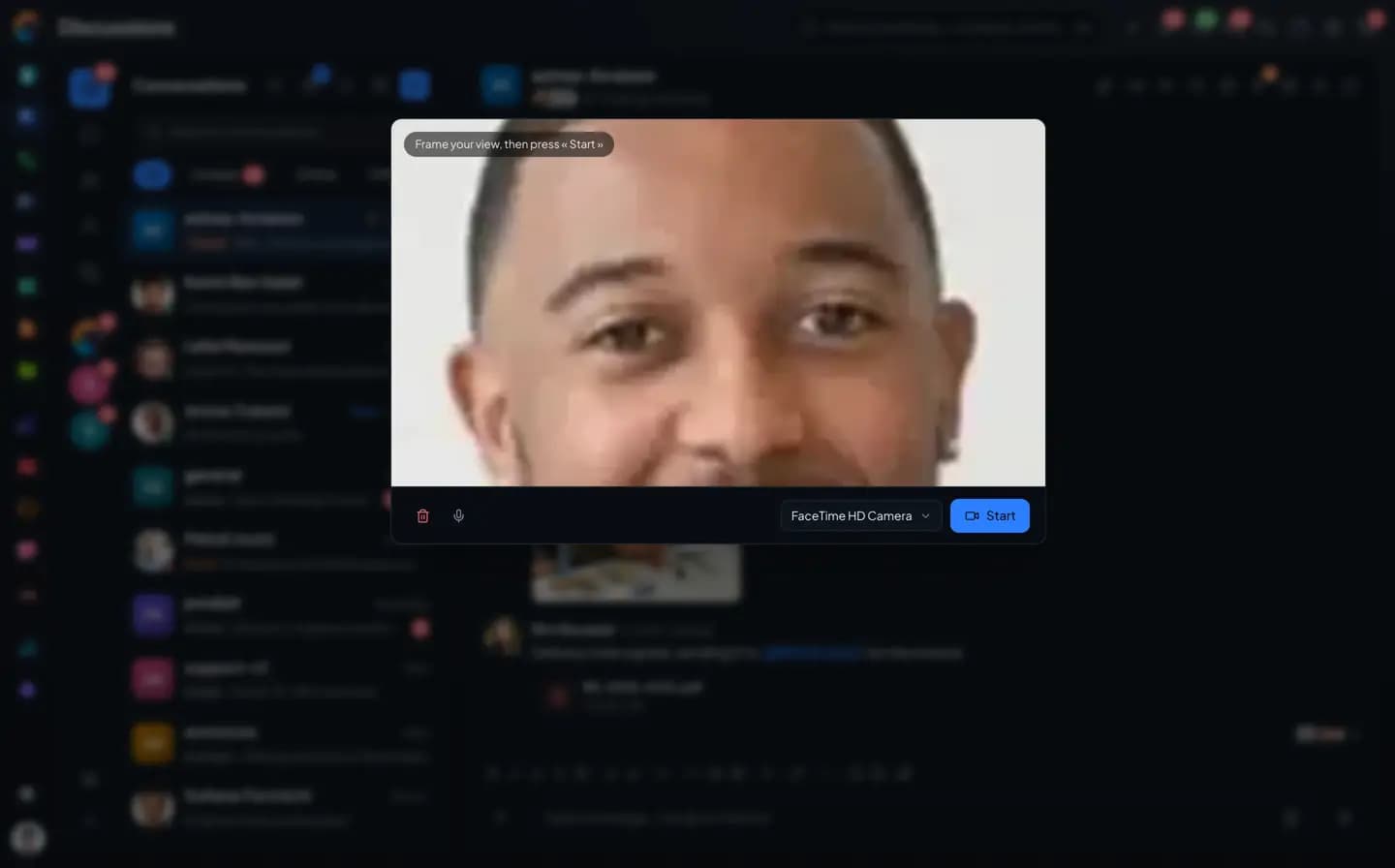
Thirty seconds
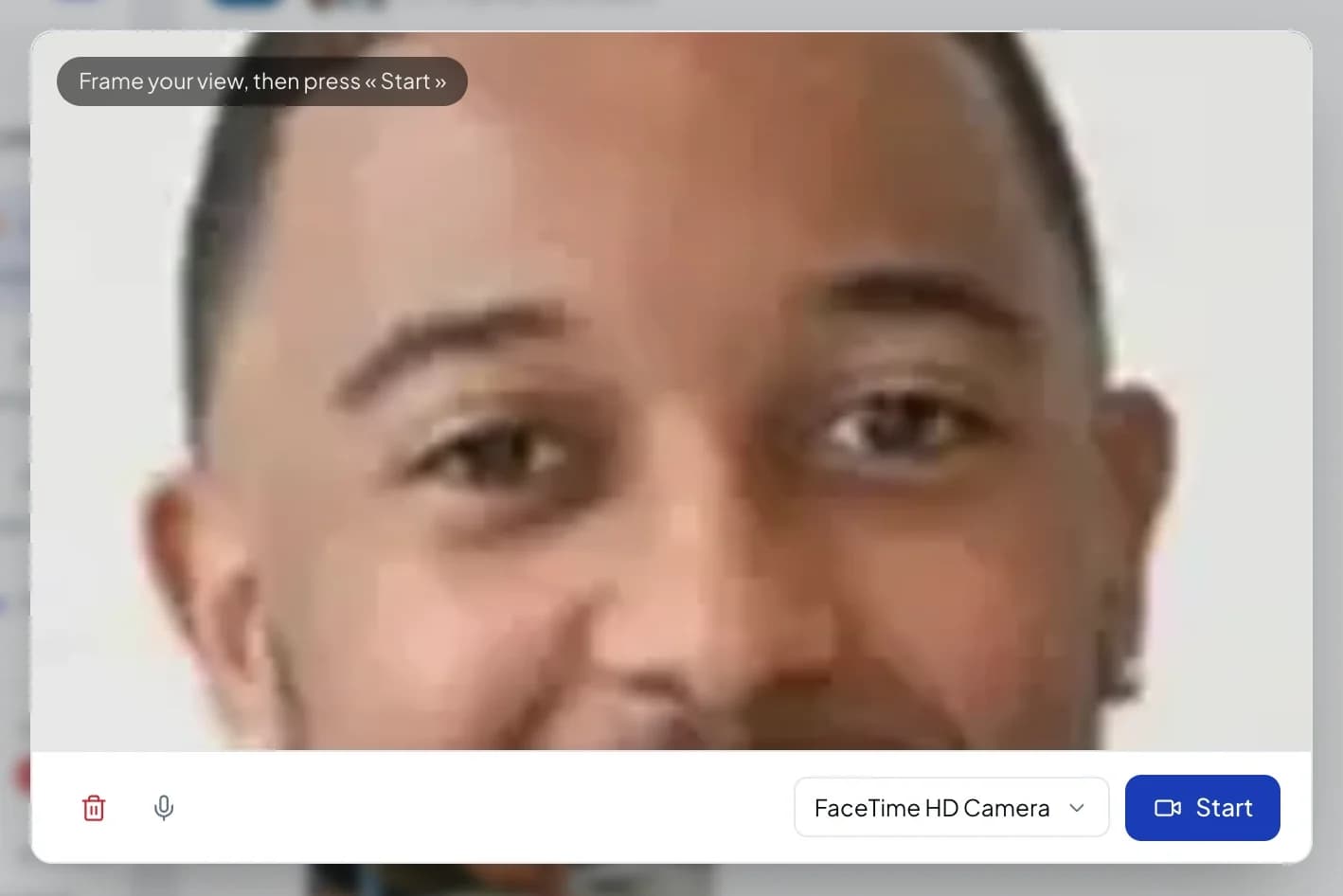
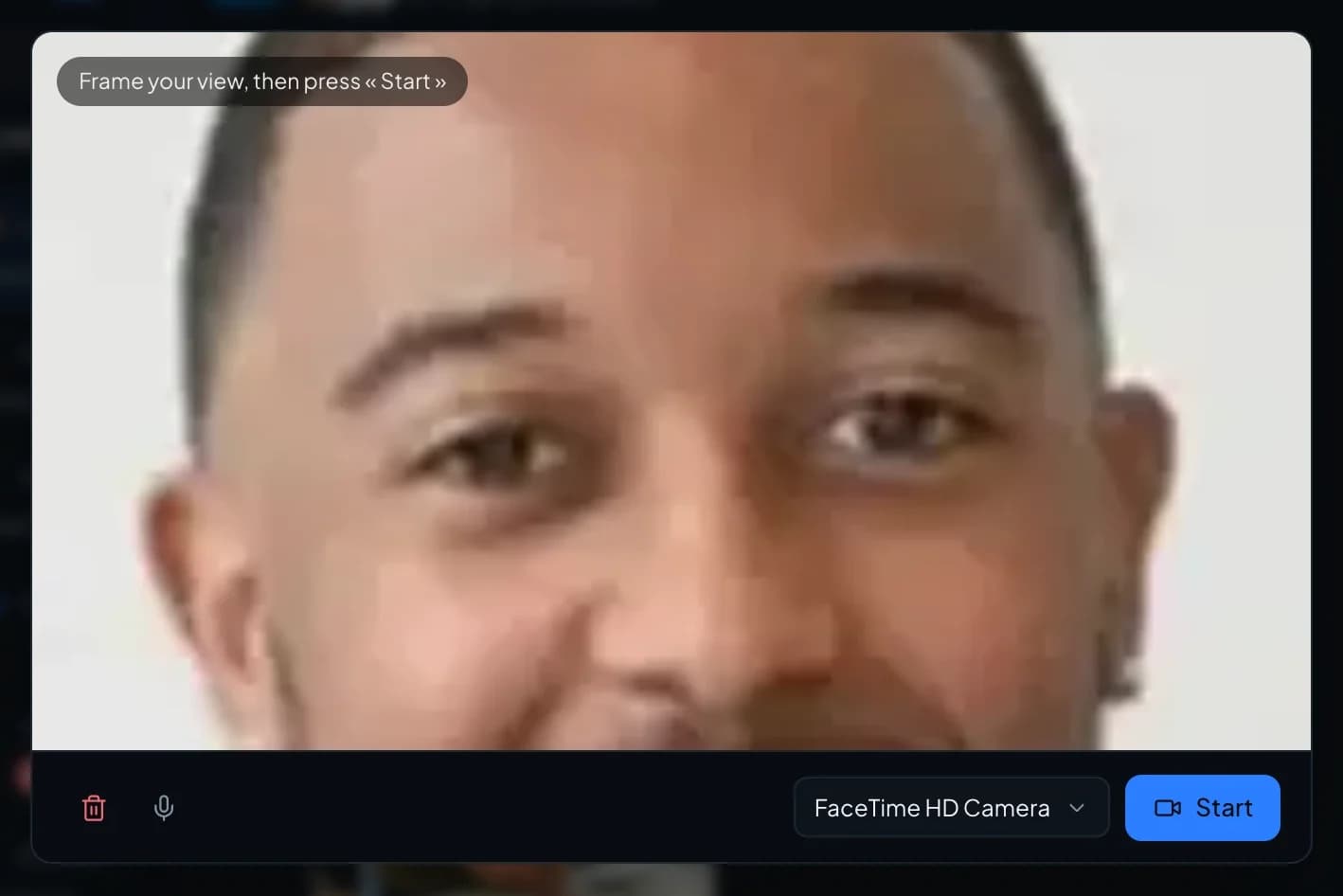
on camera.The "Record a video message" window frames the shot before you start. Watch it back, start over or send it.
- Camera choice
- Start over
- Send
Poll
One question,
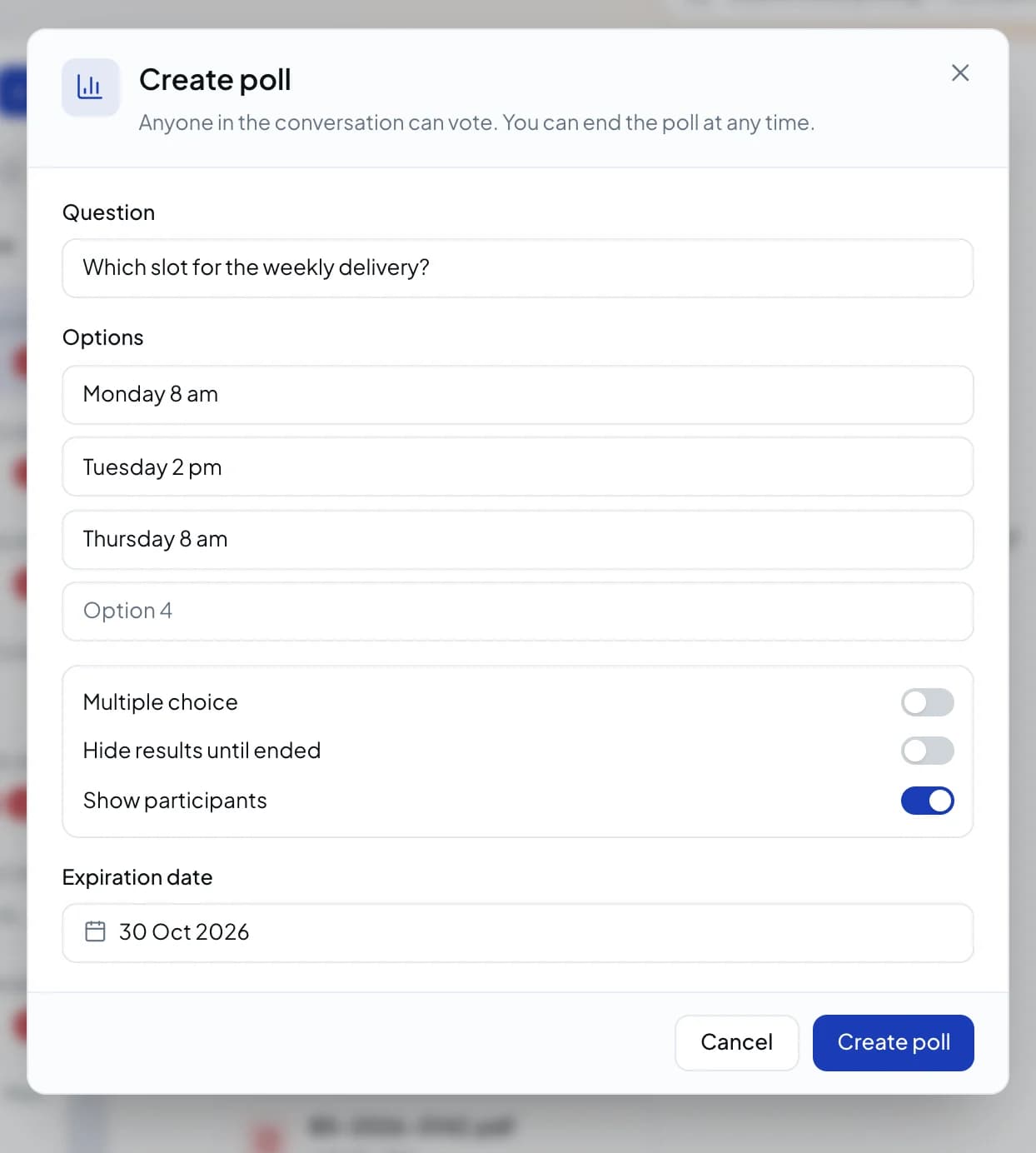
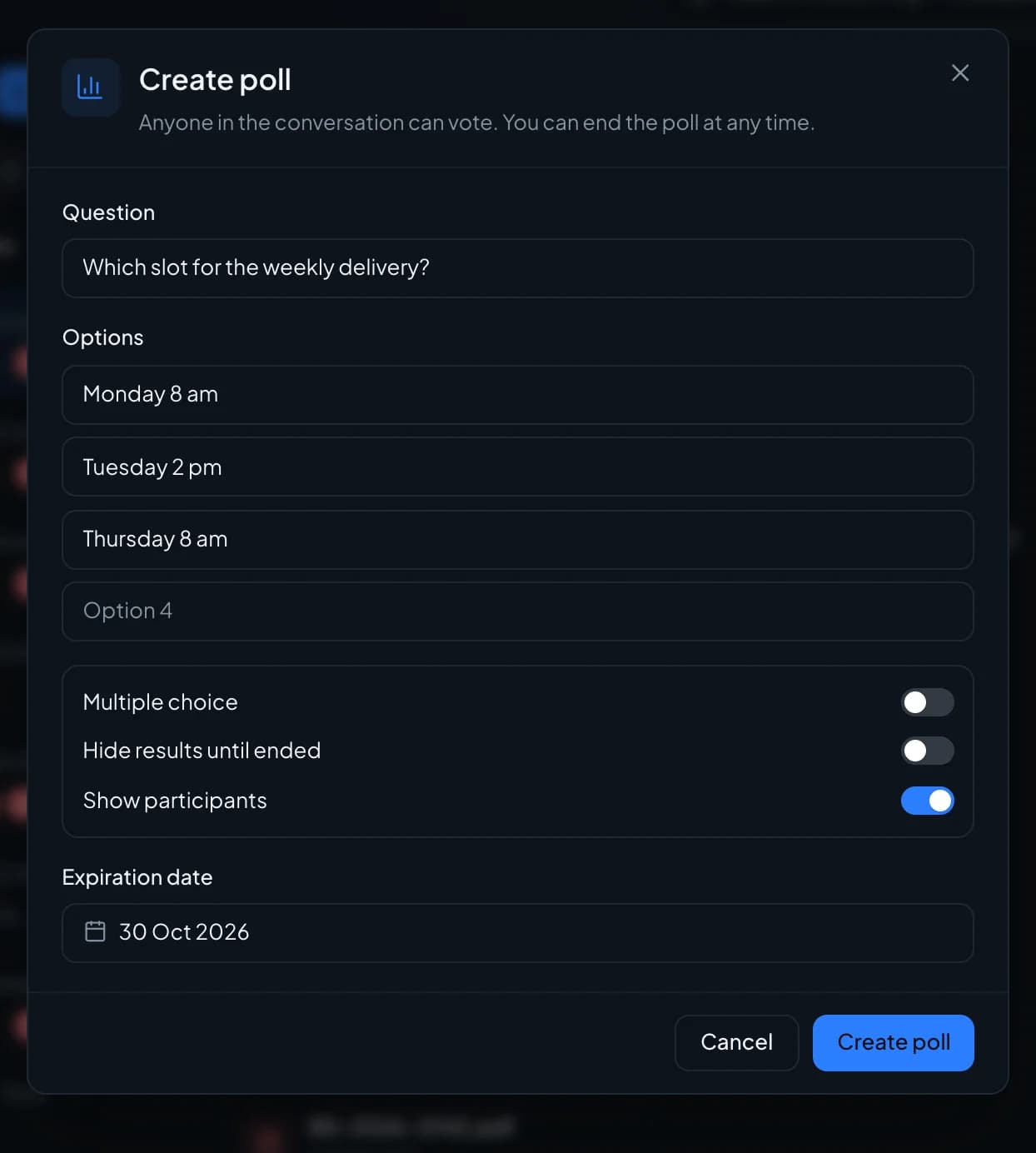
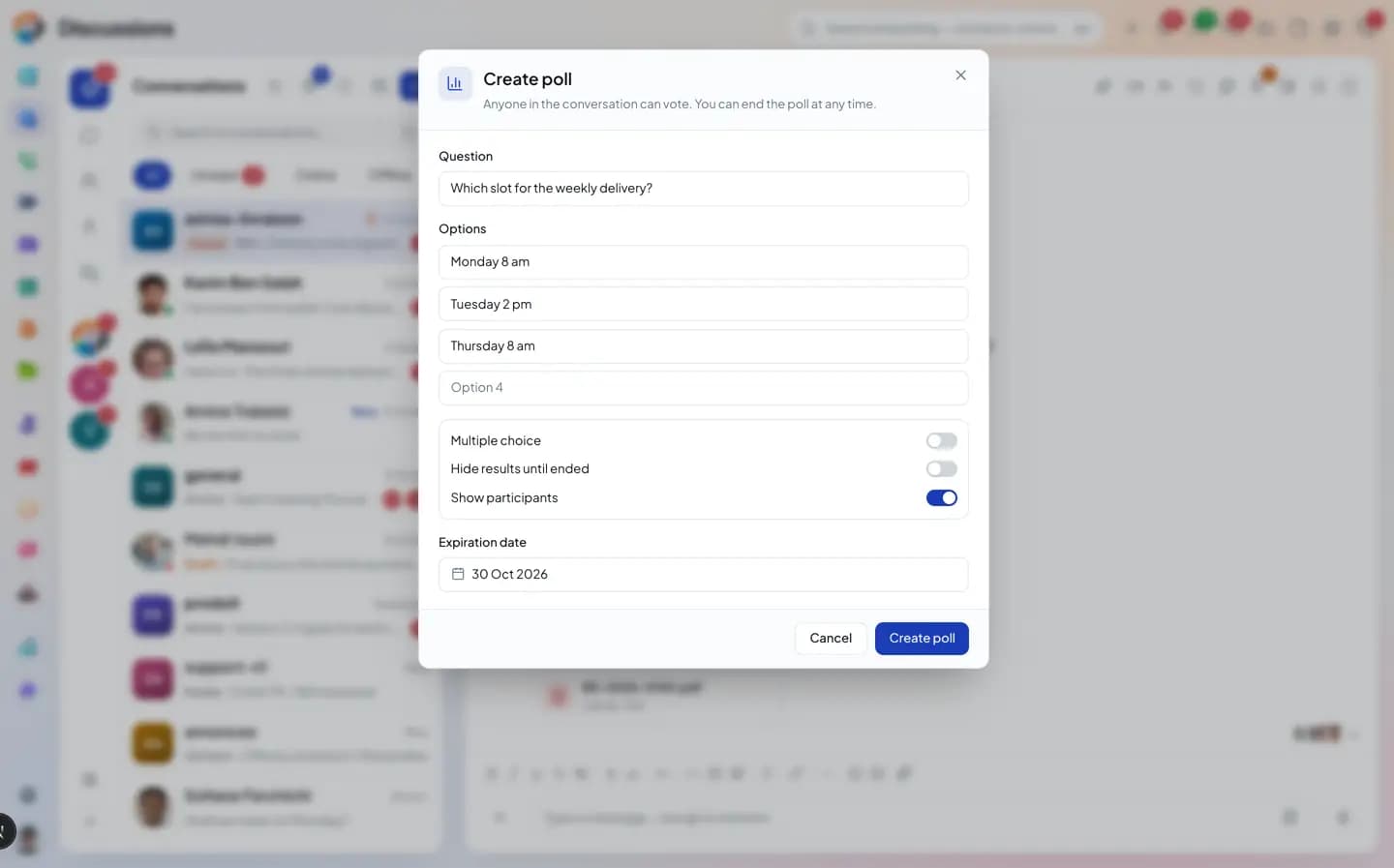
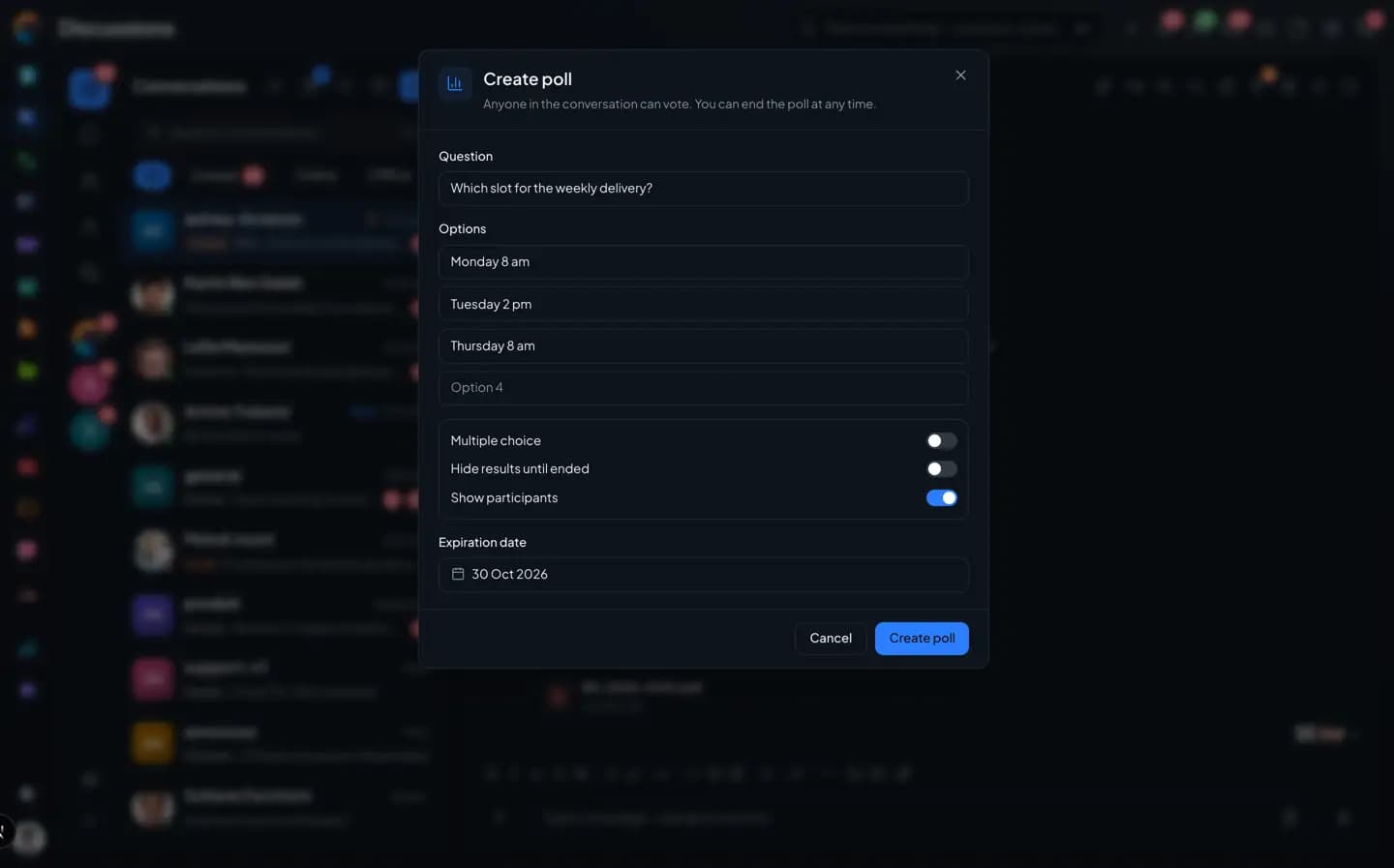
everyone votes.Single or multiple choice, results hidden until the poll closes, voters shown or not, an end date. Results can be exported.
- Multiple choice
- Hidden results
- Closing date
Location
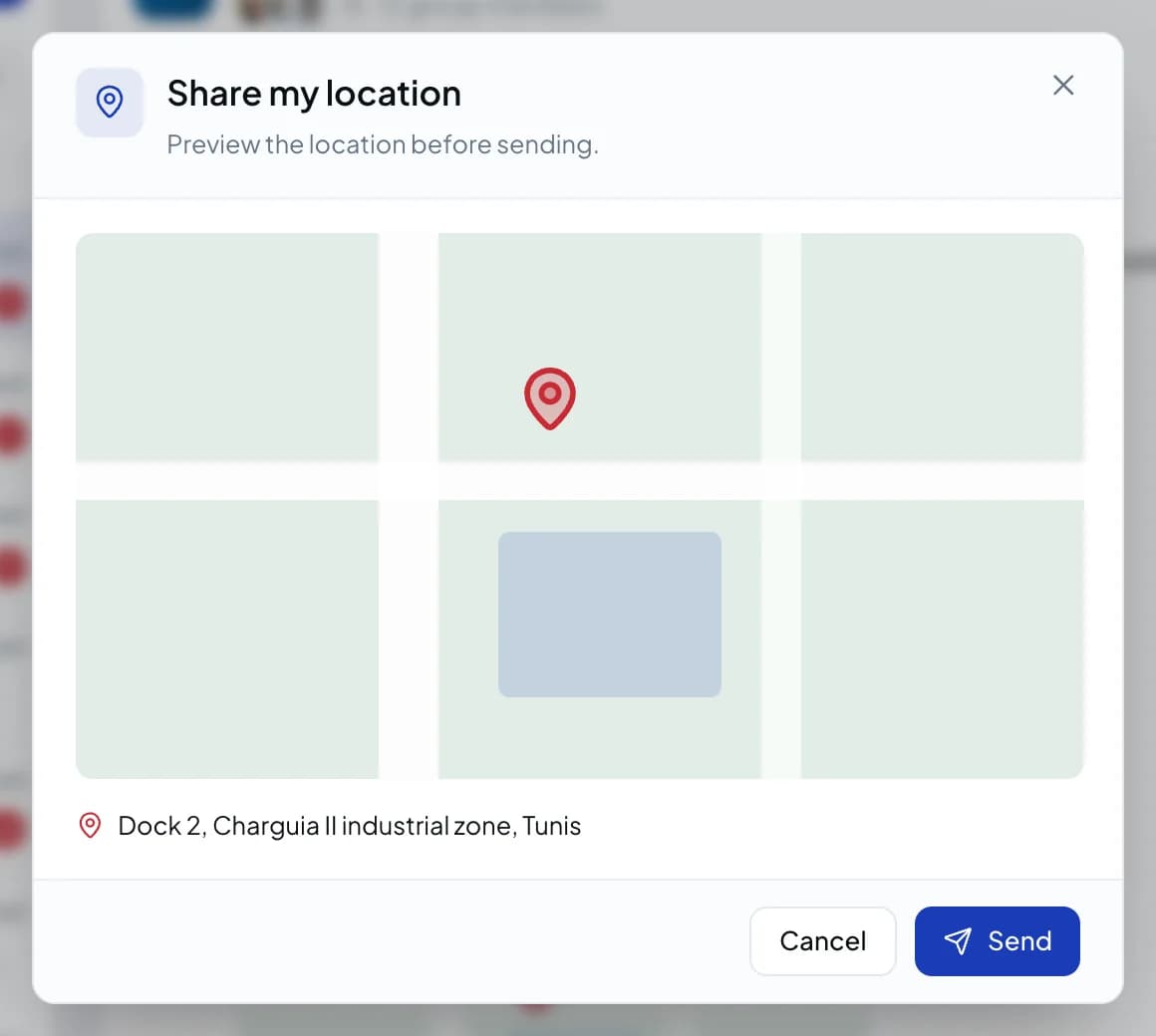
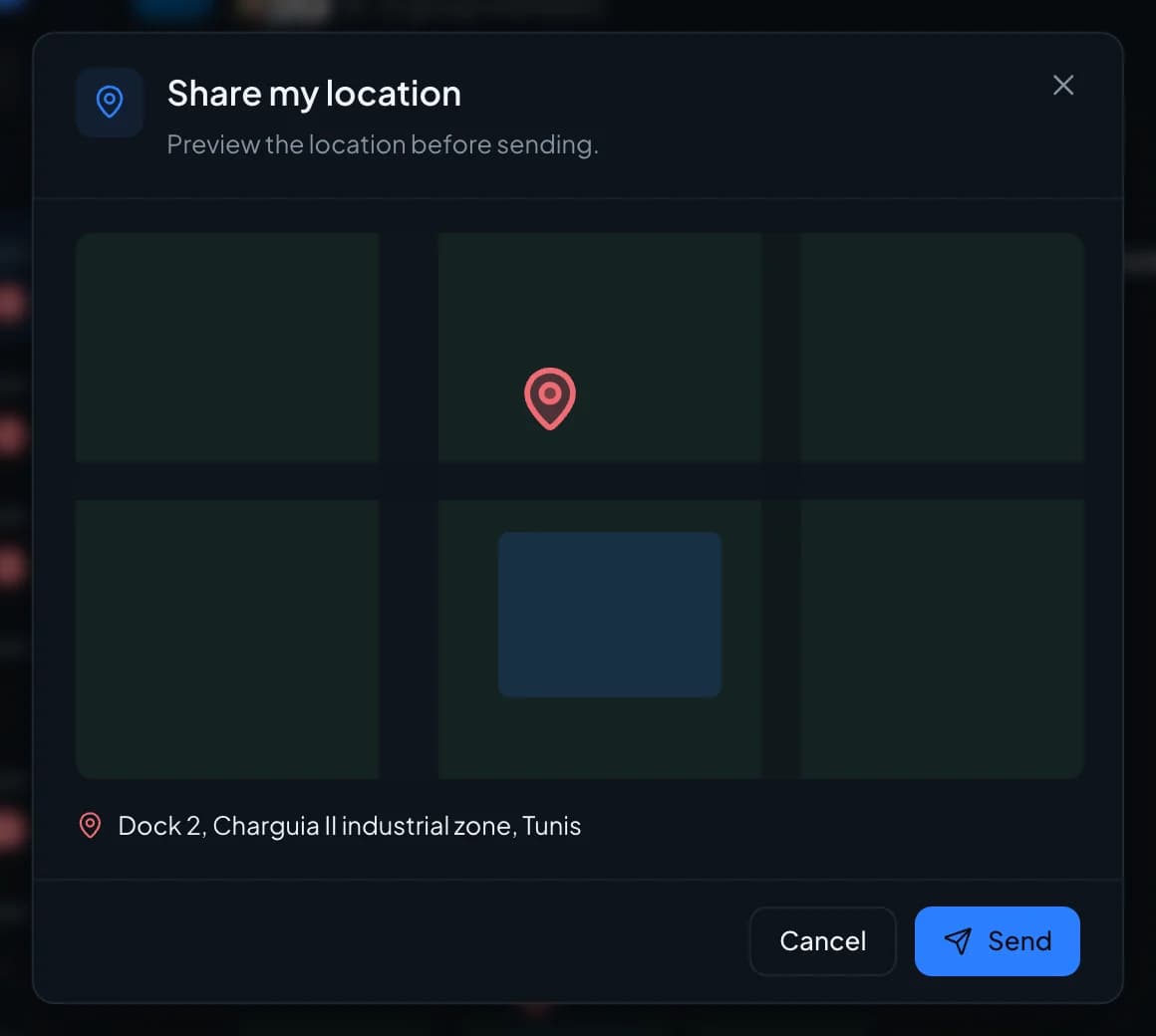
The exact address,
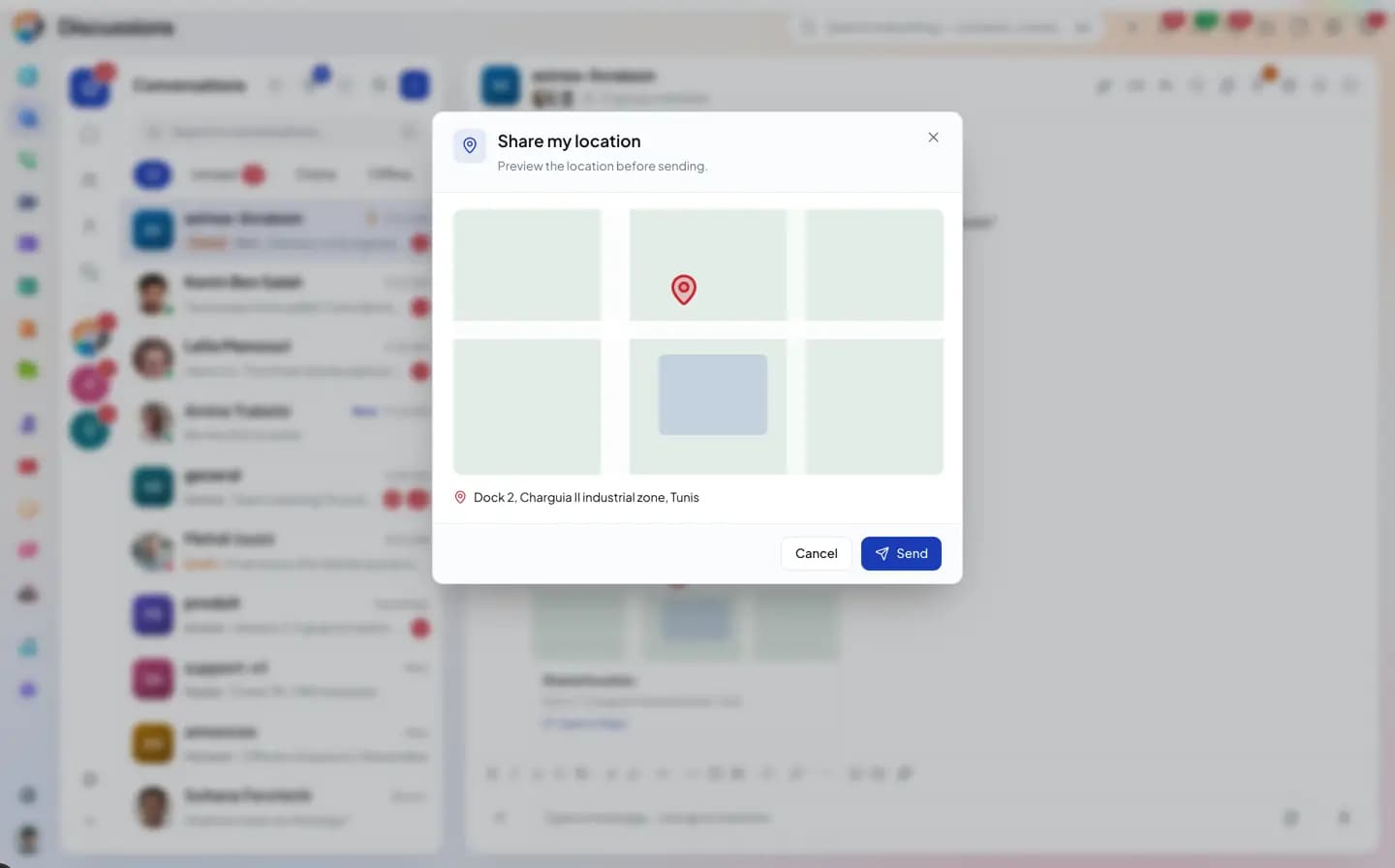
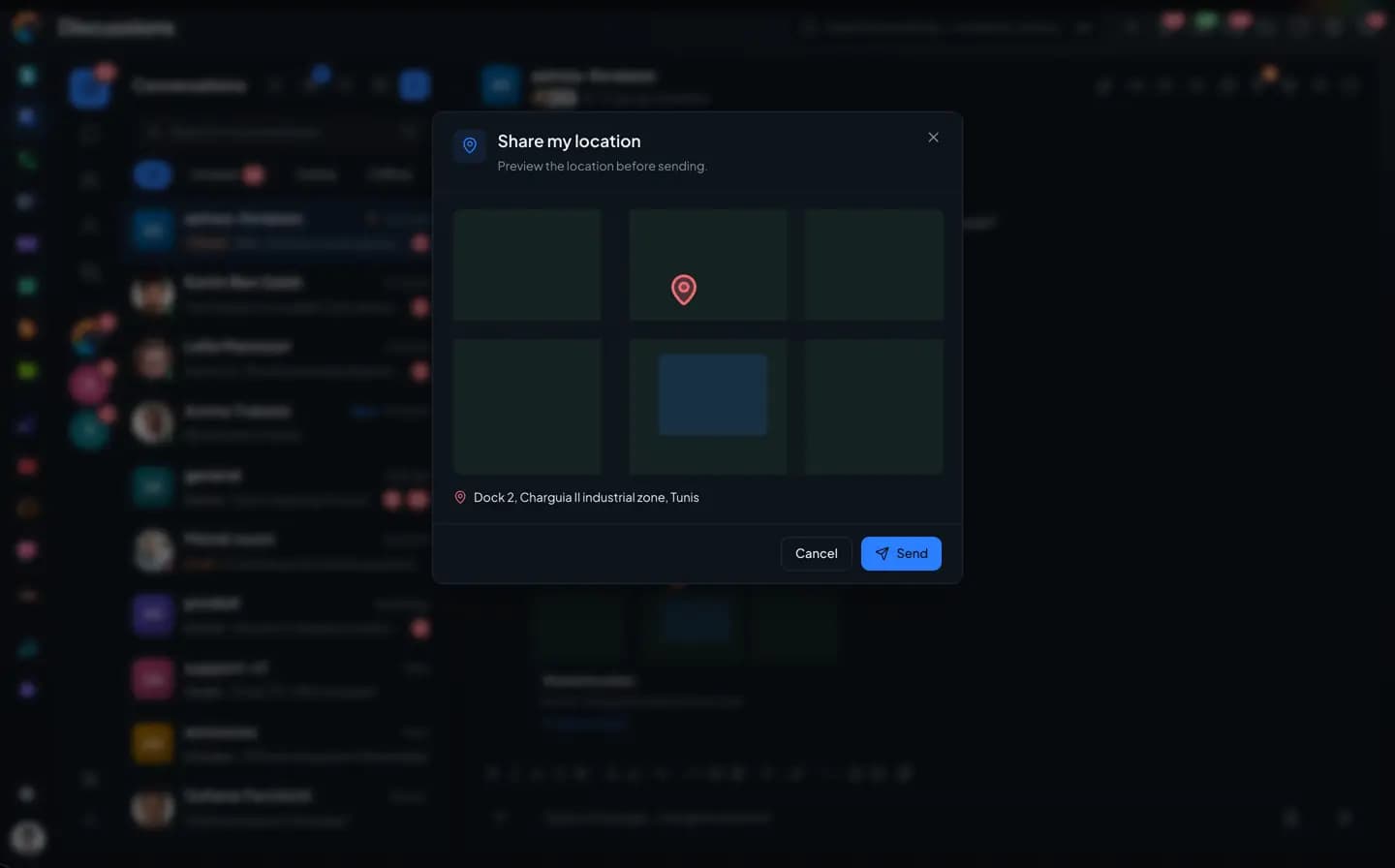
instead of directions.Share your location with its address. The map opens in the recipient's own maps app.
- Preview before sending
- Open in Maps
- Address included
Voice
A voice note
you can also read.
Record, pause, or lock to talk without holding the button. On the receiving end, the AI transcription unfolds under the player.
- Pause and lock
- Transcription · AI
- Playback speed
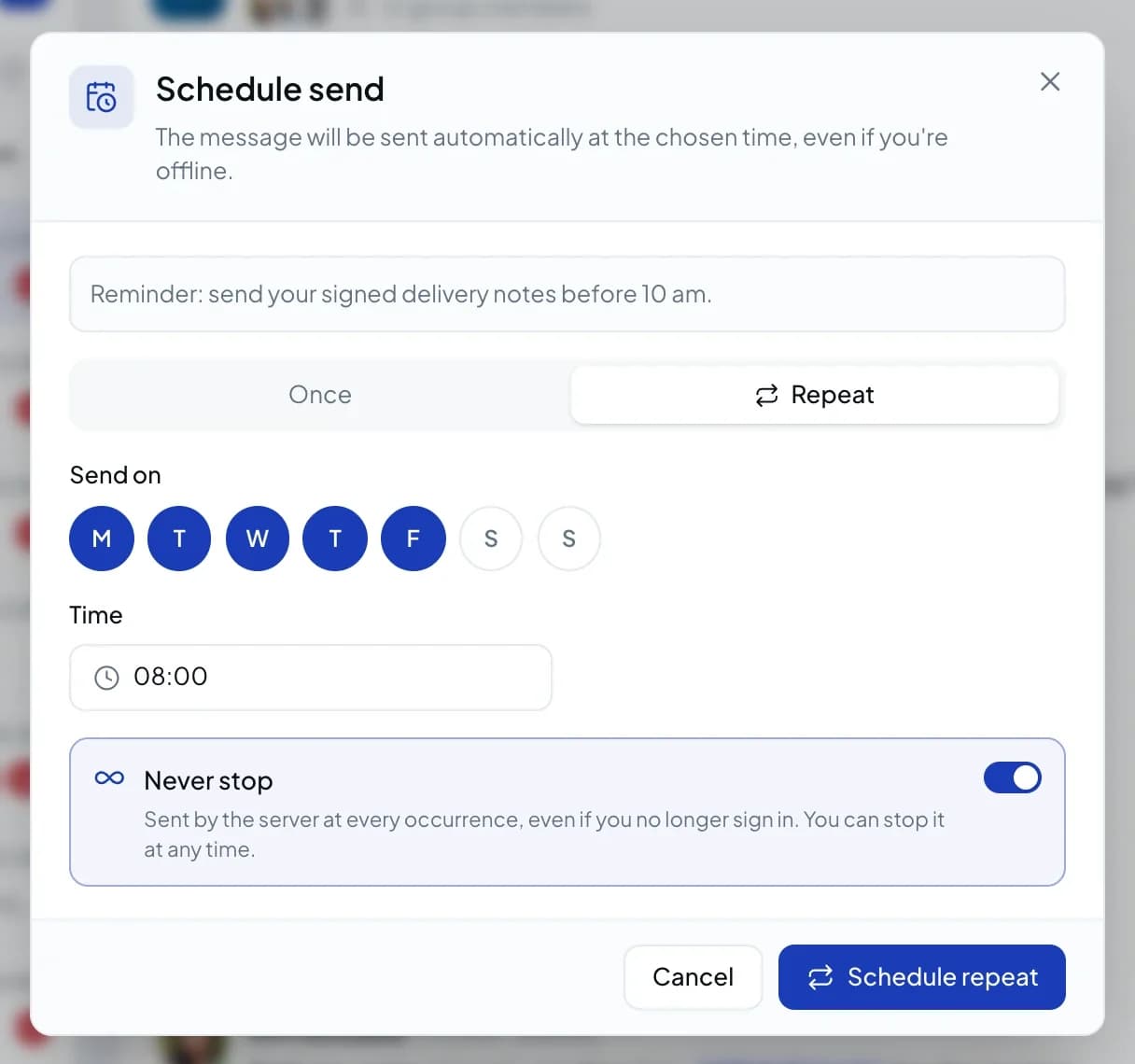
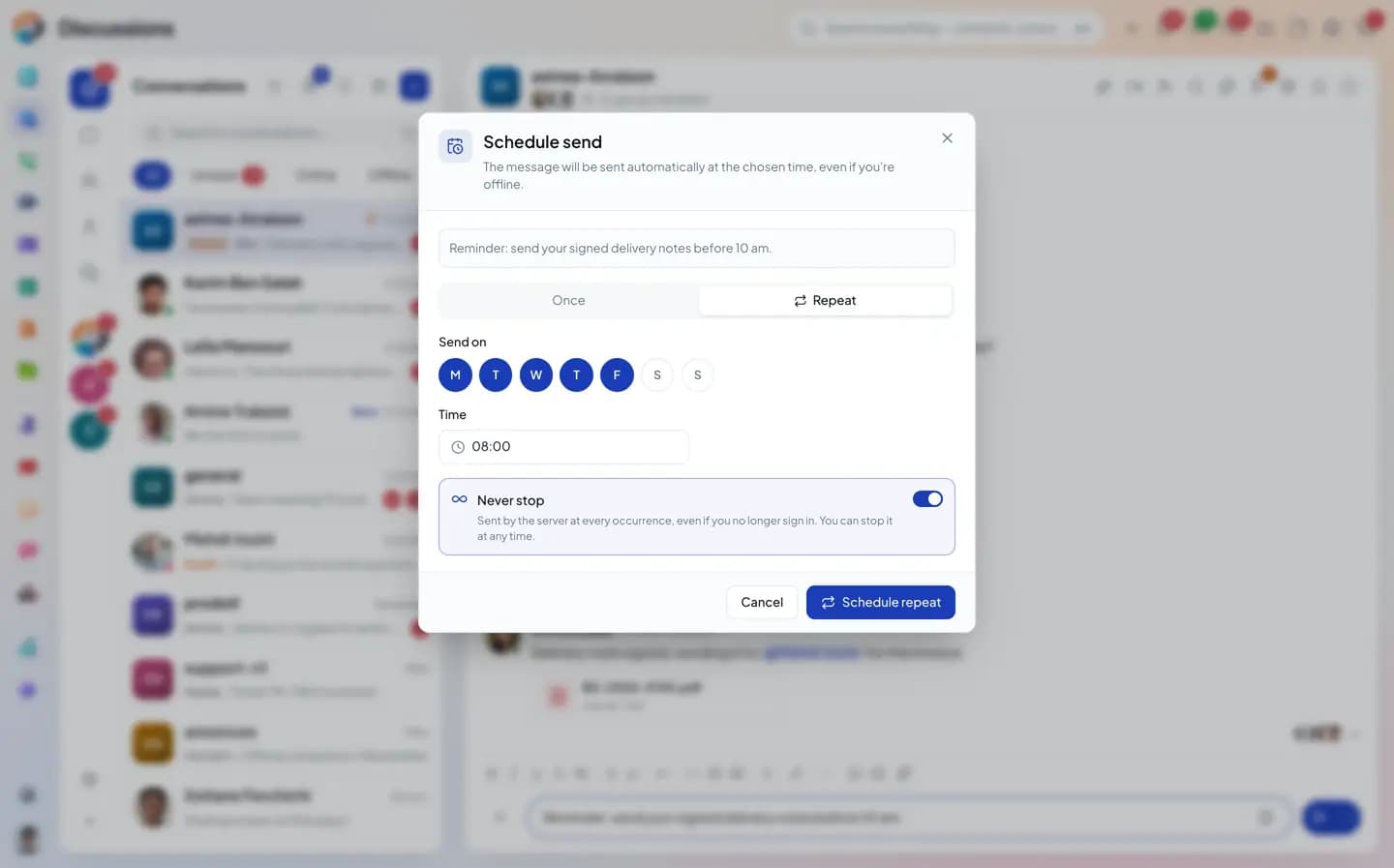
Schedule send
The Monday reminder
goes out by itself.
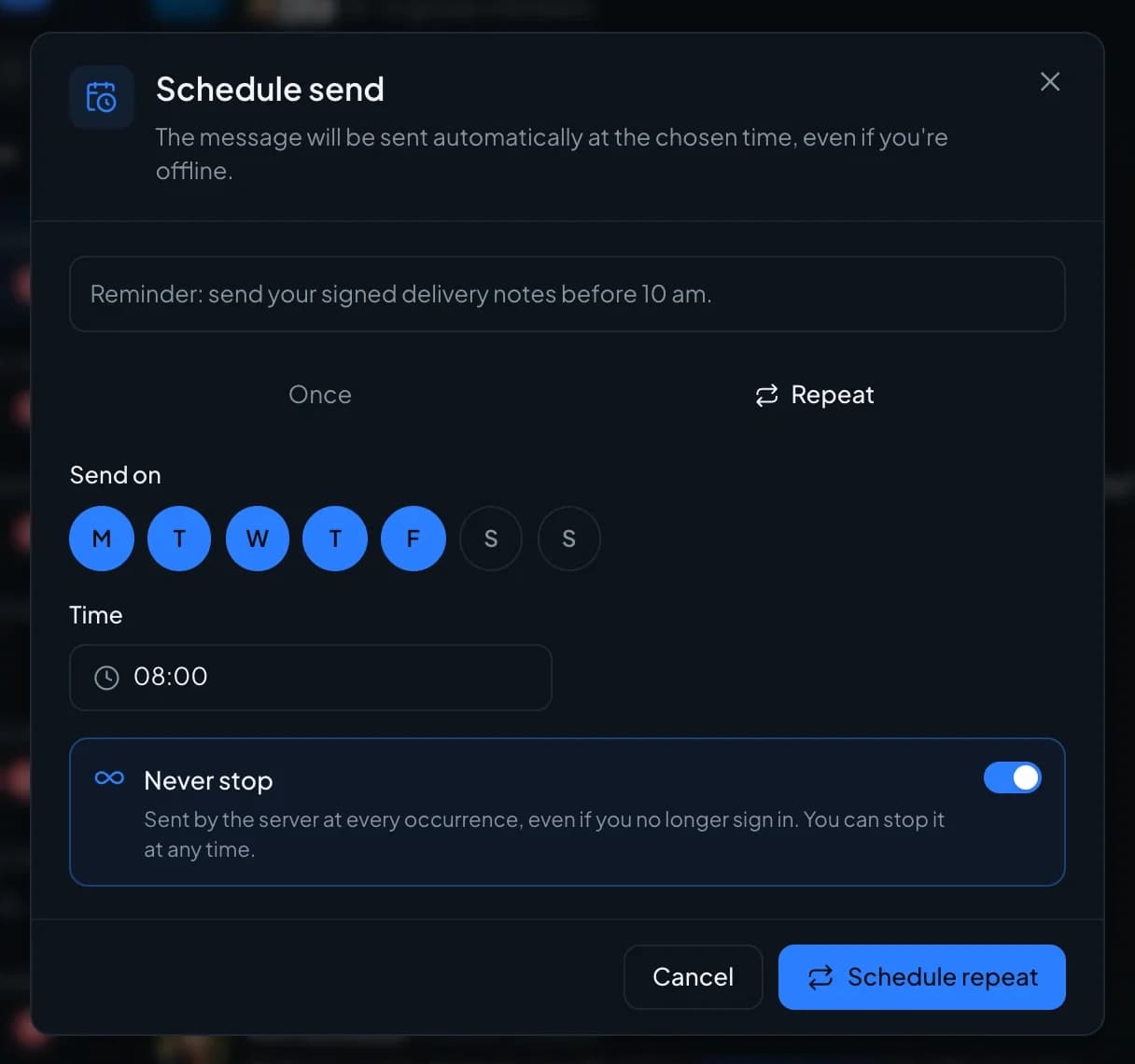
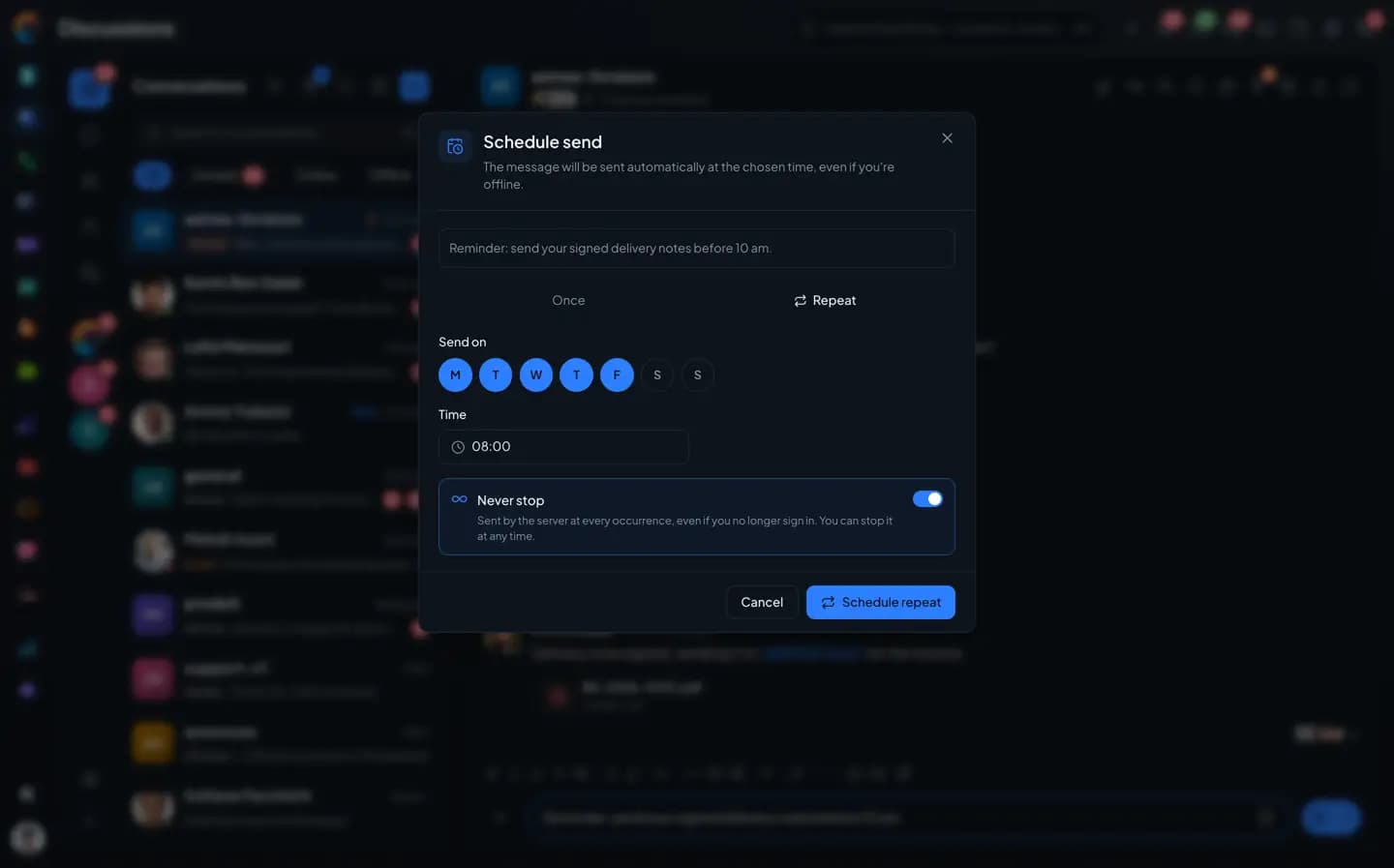
Write the message once, pick the days and the time. The server sends it every time, even when you are signed out. The scheduled messages list shows them all, one-off and recurring.
- Tomorrow at 8 a.m., next Monday, or a time you choose
- Repeated on selected weekdays
- "Never stop", until you stop it yourself
- Reschedule, edit, send now, pause
The inventory
What you can send, and what's missing.
What's in gray doesn't exist yet, or not everywhere (web or phone). We'd rather say so.
Not yet, or not everywhere
Talk
- Direct messages, public or private groups, announcement channels
- Spaces to organize groups and channels, each with its own "general" channel
- Directory of public channels, with search
- Public spaces, open without an invitation
- Threads, quoted replies, reactions, forwarding a message
- @name and @everyone mentions, with a confirmation before @everyone in a large group
- Bold, italic, strikethrough, code, hidden text, code snippets
- Colors, highlighting, lists, tables and alignment: on the web only
- Presence, "typing…" and "Read by" for each message
- Edit history of a message: on the web only
- Start a group from a direct message, turn a group into a channel and back
- A pinned conversation with the support team: AI answers, a person takes over on request
Files and media
- Photo albums with captions, viewer, videos
- Voice message (pause, resume, lock) and recorded video message
- Preview PDFs and office documents without downloading them
- Attach a Drive file, or save a received file to your Drive, on the web and on the phone
- File too large: it goes as a Drive link, opened with each person's own rights
- A group's media, files, links and audio, sorted and filtered
- Pin a file, download several files as one zip: on the web only
- Location sharing, with the address
- Polls: single or multiple choice, secret vote, closing date, export
- Link previews, YouTube videos played in the thread
- Share a contact, an event, a ticket or an opportunity from the + button: on the phone; on the web, you share from the record
Questions
Messages and voice notes, frequently asked questions.
Short answers to the questions people ask us before a trial.
The Chat in detail
The other pages about the Chat.
Groups, channels and spaces
Direct messages, threads, directory, guests.
Files and media
Albums, PDF preview, Drive, the group gallery.
Search and saved messages
Operators, hashtags, pinned messages, mentions.
Connected to your apps
Ticket, deal, activity, email, video call, bots.
Koukou in the Chat
Catch up, translate, transcribe, write.
Mentions and notifications
Levels, mute, pause, announcement channel.
Administration and security
Encryption, roles, settings, statistics.
Send your first transcribed voice note.
The trial opens the full Chat: formatting, voice notes, video, polls and scheduled sending.