Chat — The message becomes a ticket.
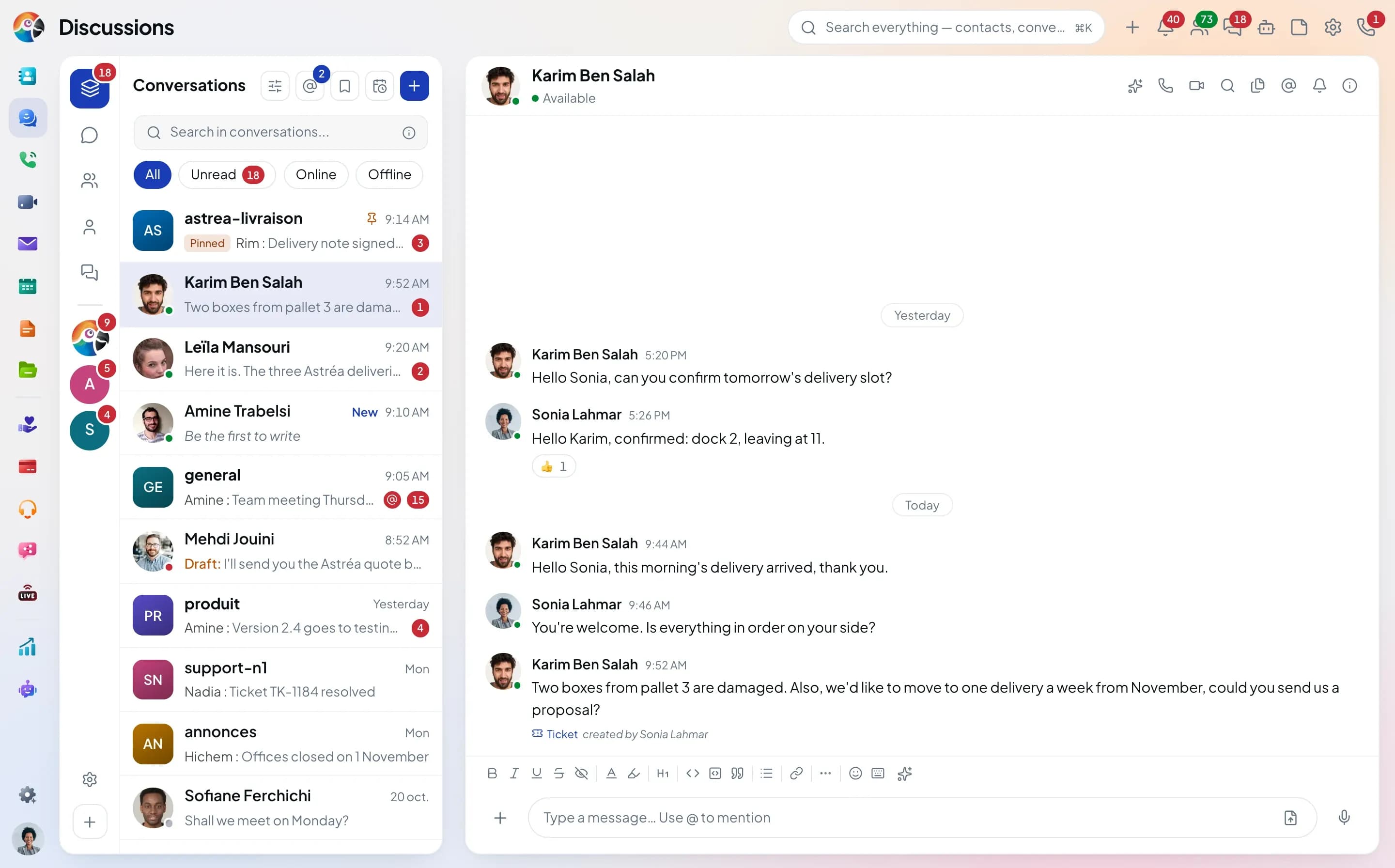
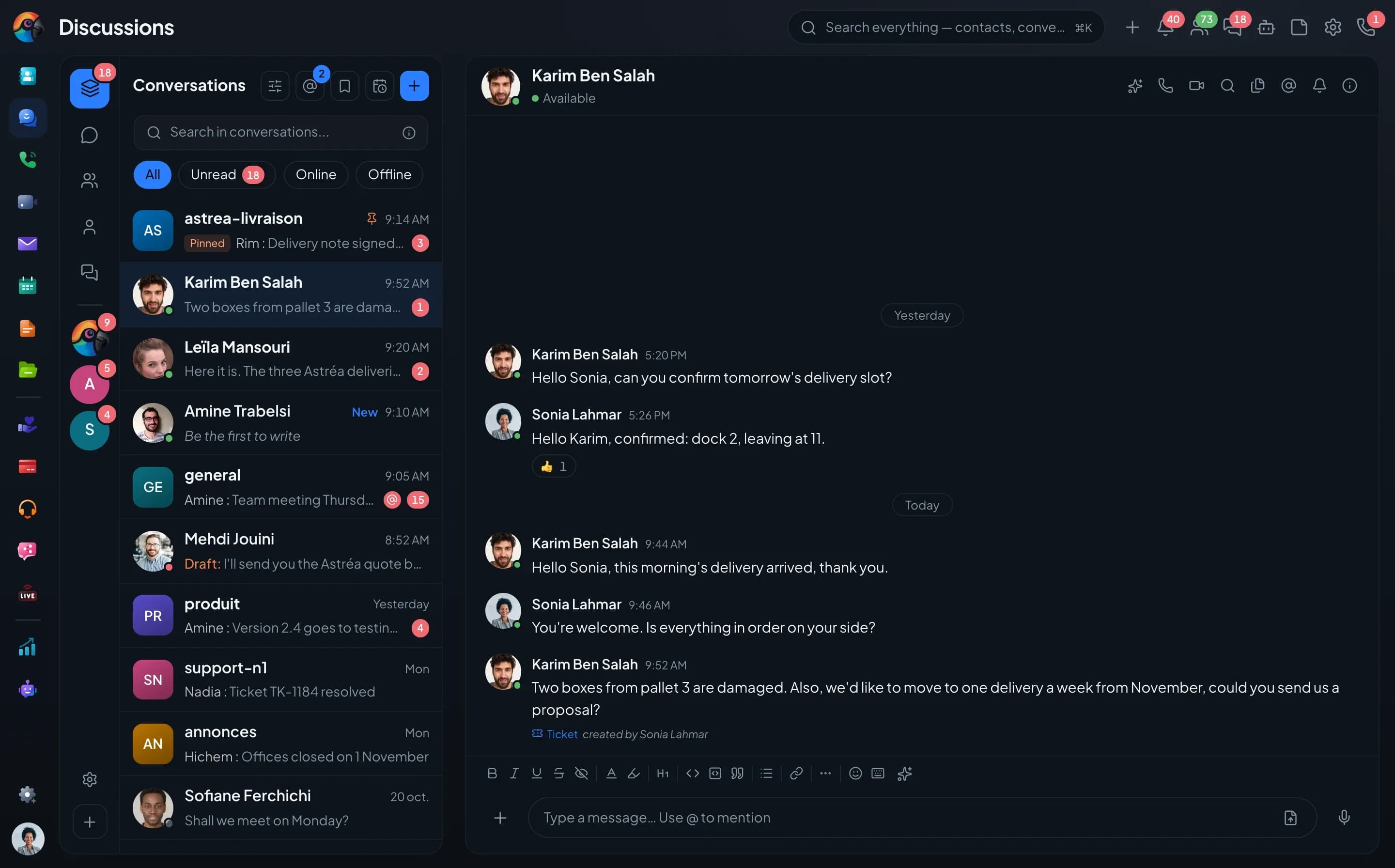
In Comunik Sphere, the Chat talks to the other apps. A message reports a problem? It becomes a ticket or an activity, with no copying. An email, a client record or a video call is shared in the thread, and the badge under the message shows who created it.
Create from a message
The Create menu, under every message.
A message's menu offers Activity, Ticket and Opportunity. The form opens filled in with the message text.
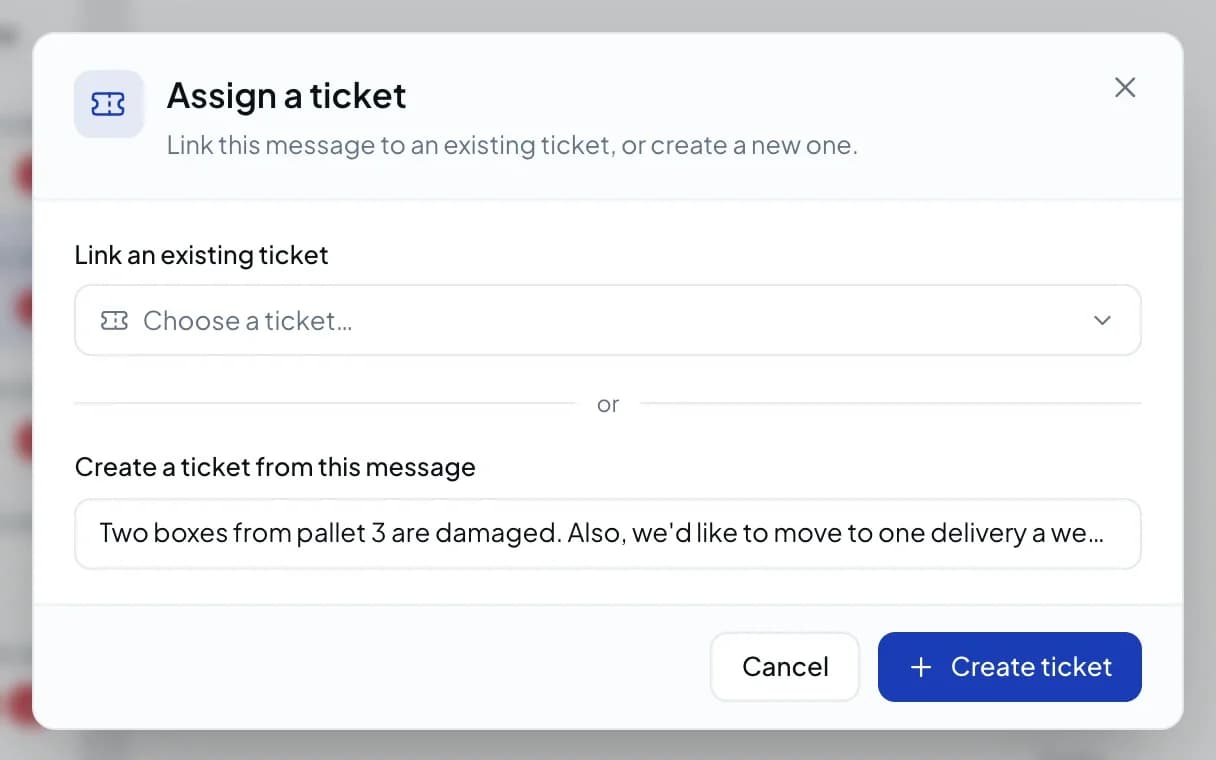
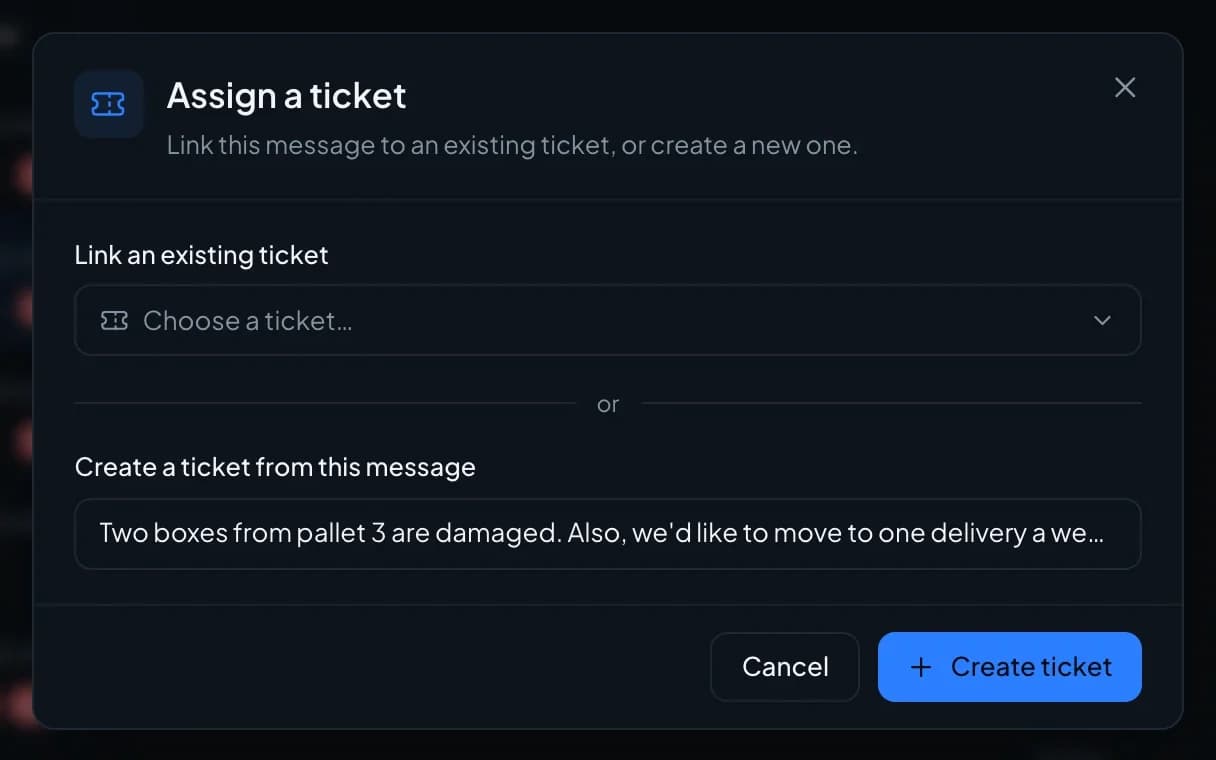
 Ticket
A ticket filled in
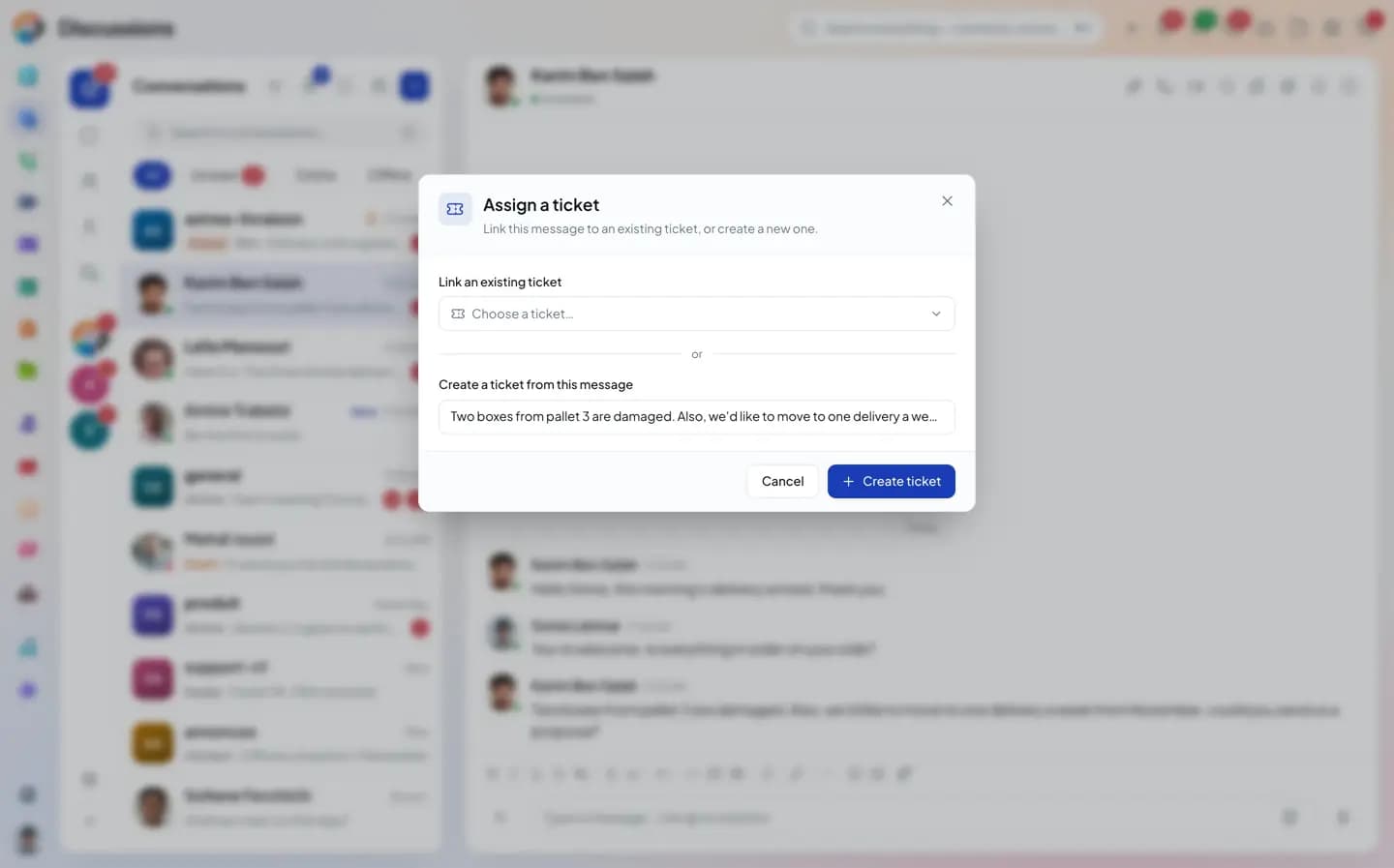
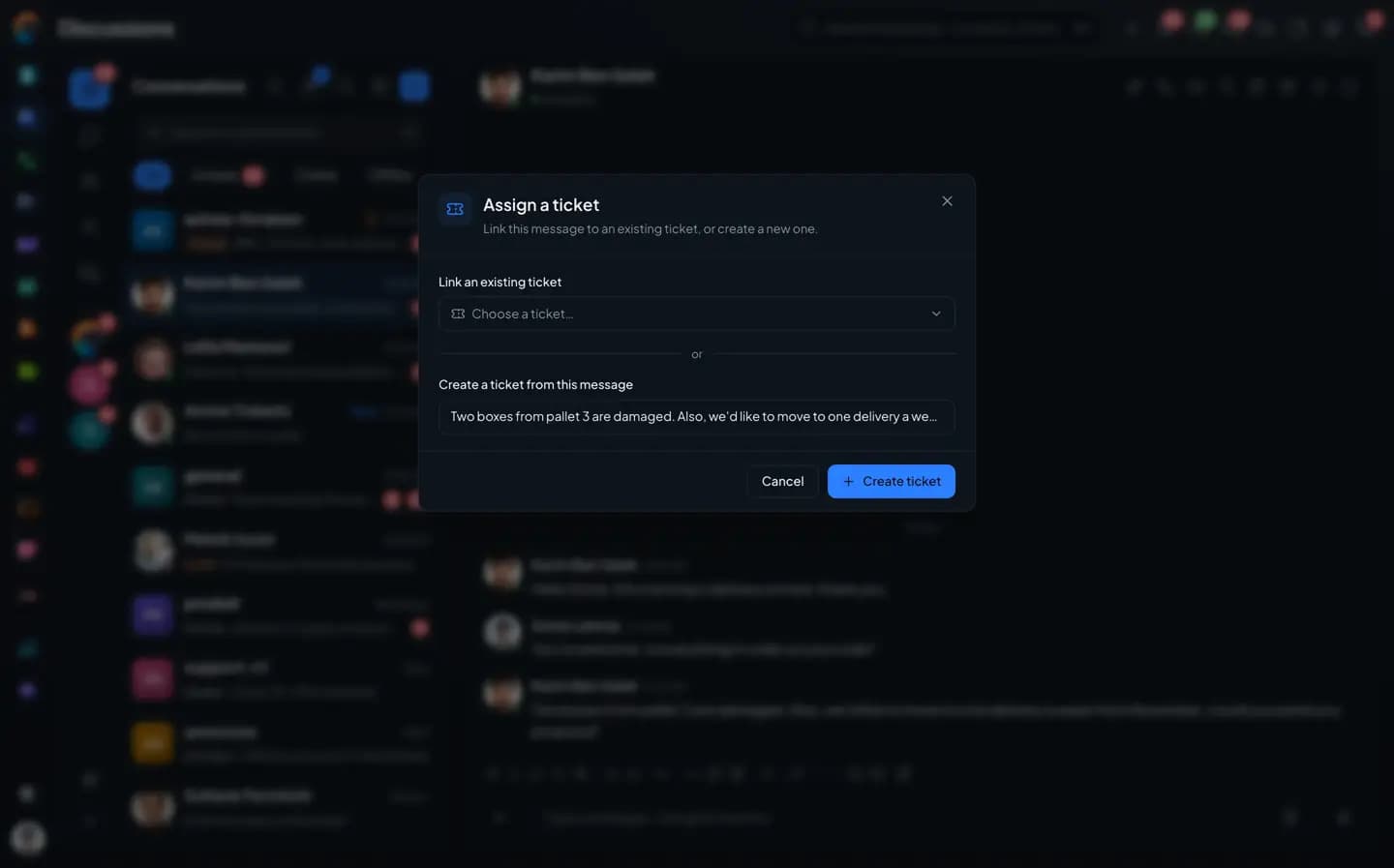
by the message."Assign a ticket" links the message to an existing ticket or creates a new one, with the client's text as the description.
- Create a ticket
- Link to an existing ticket
- "Ticket · created by" badge
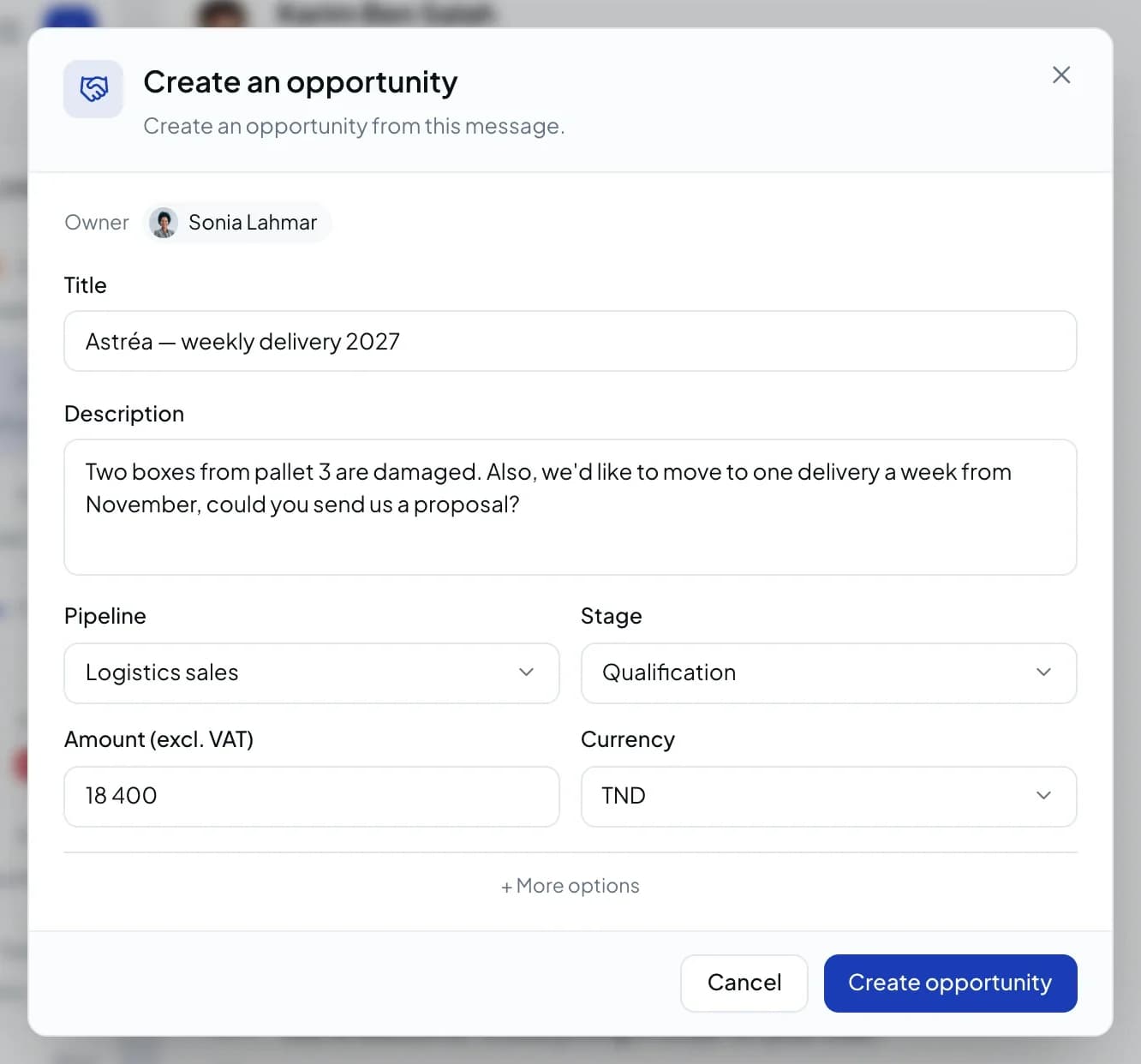
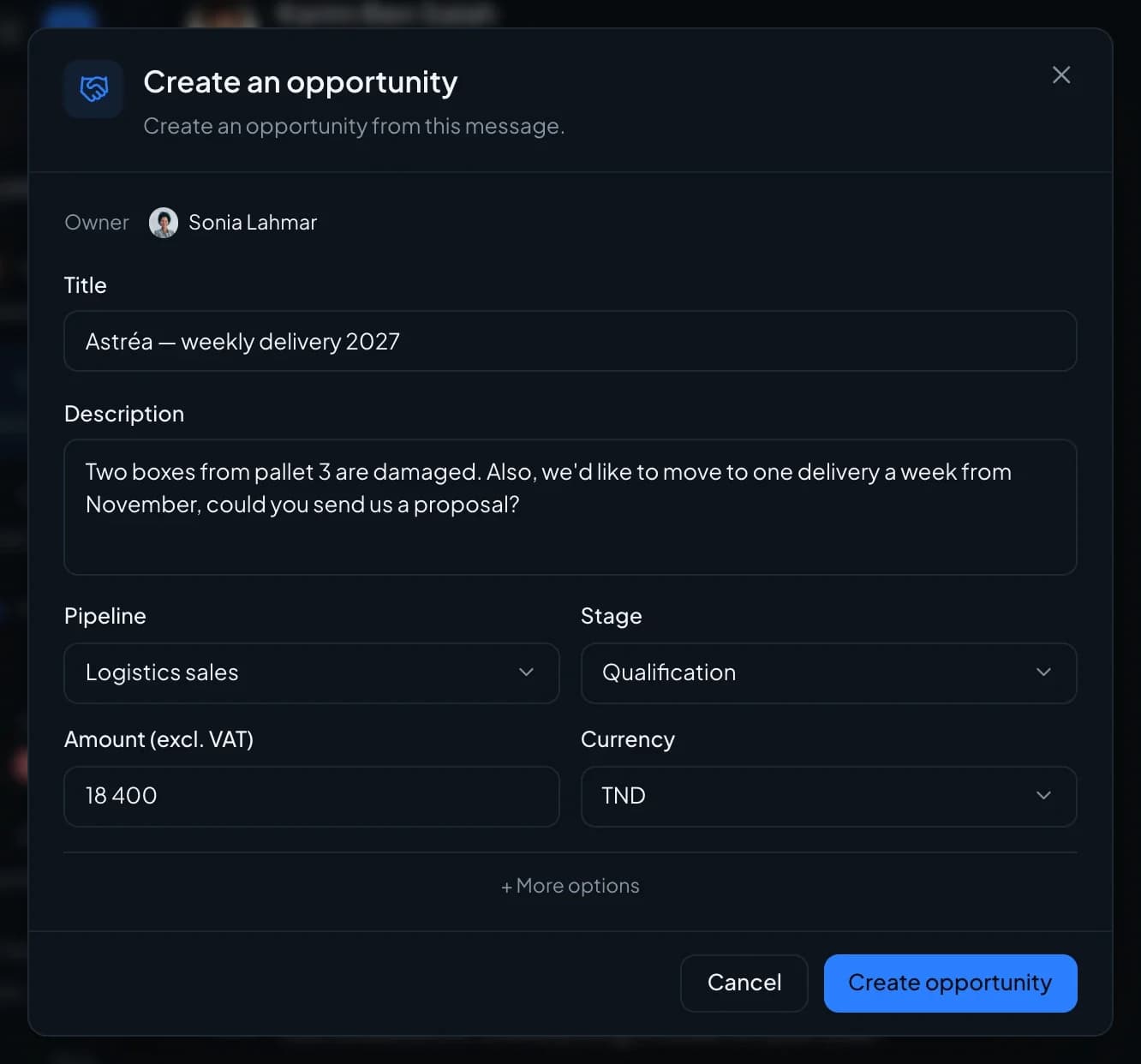
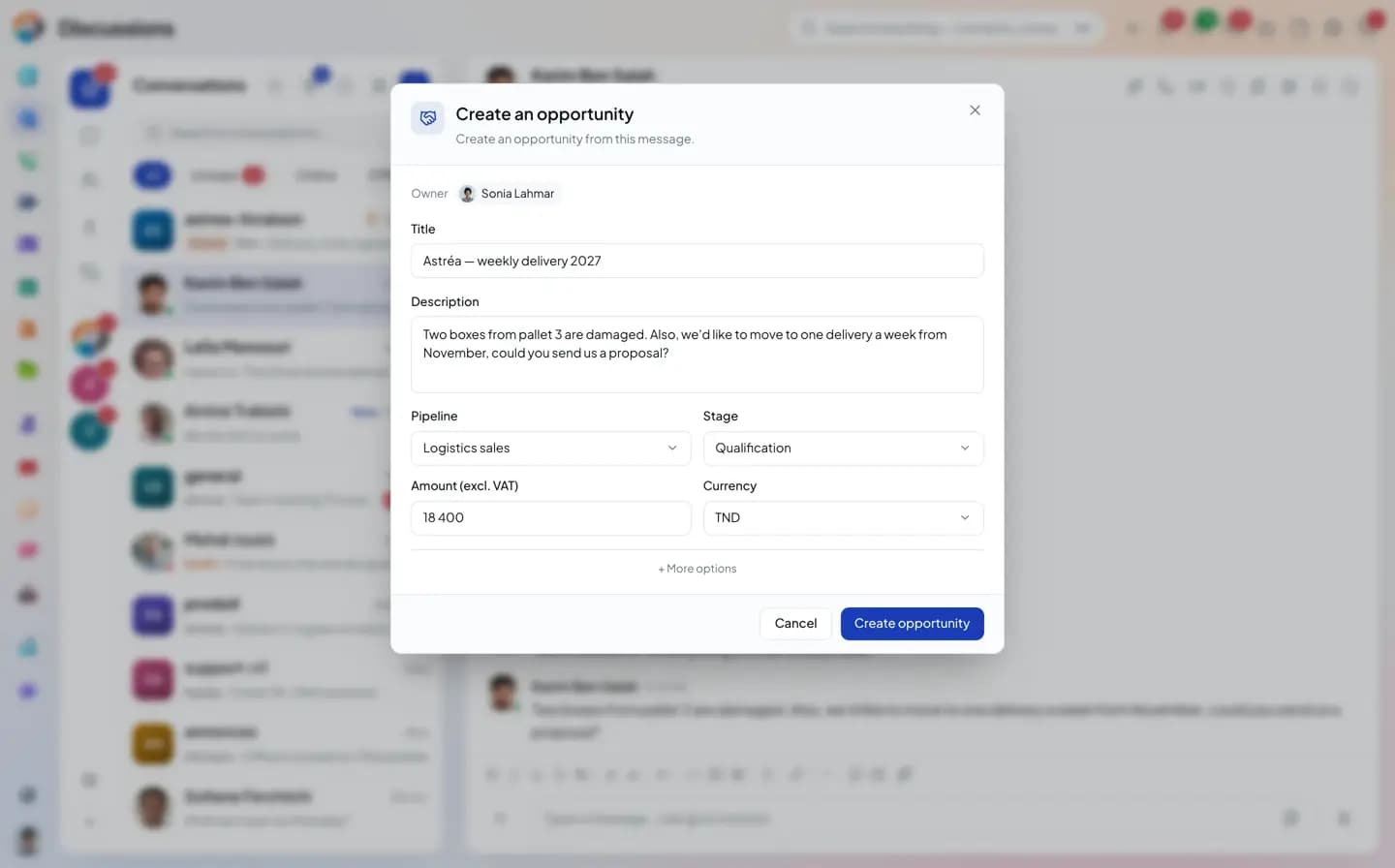
 Deal
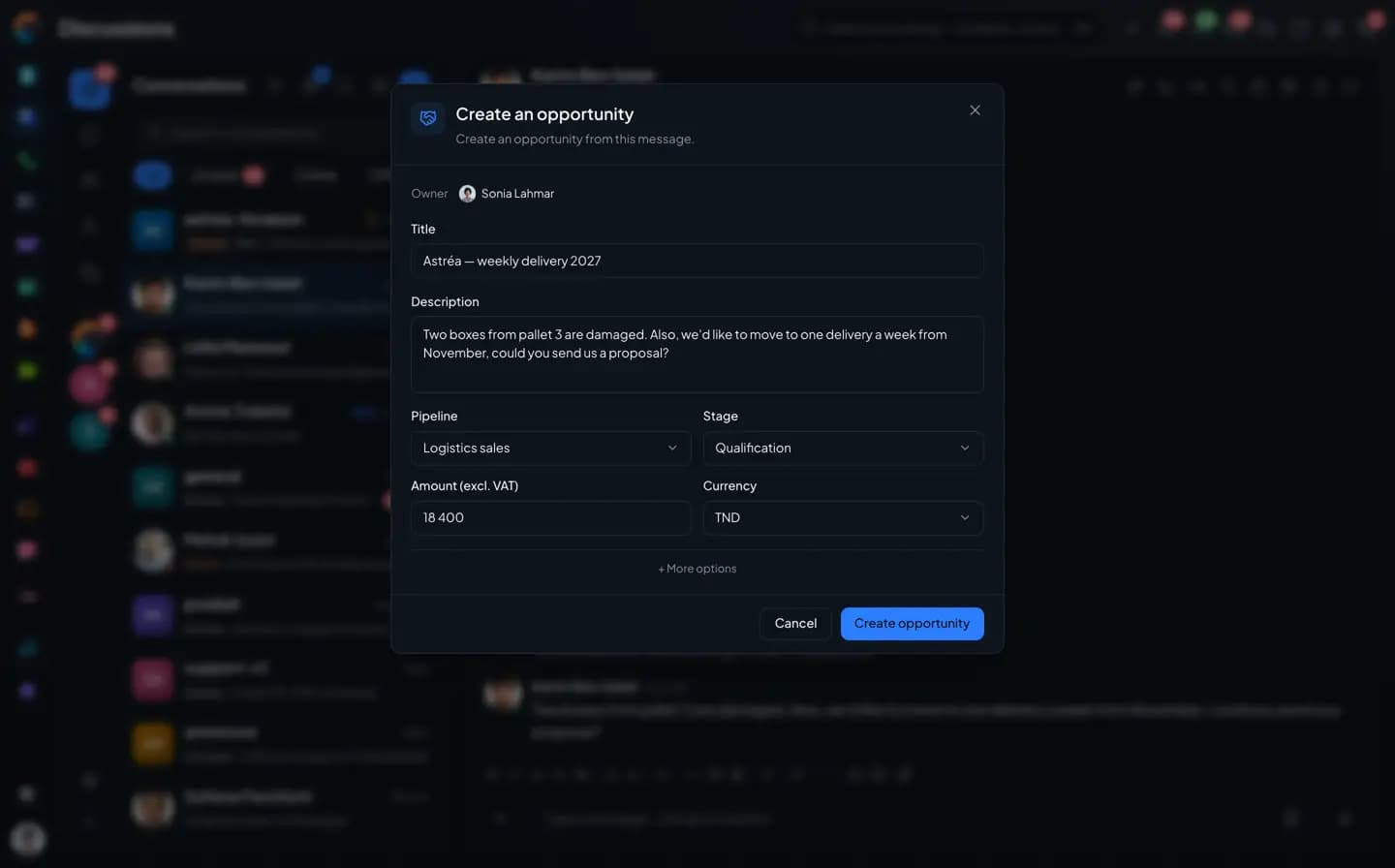
A deal
spotted in the thread.Owner, title, description taken from the message, pipeline, stage, amount and currency: the opportunity is created without leaving the conversation.
- Amount and currency
- Pipeline and stage
- Badge under the message
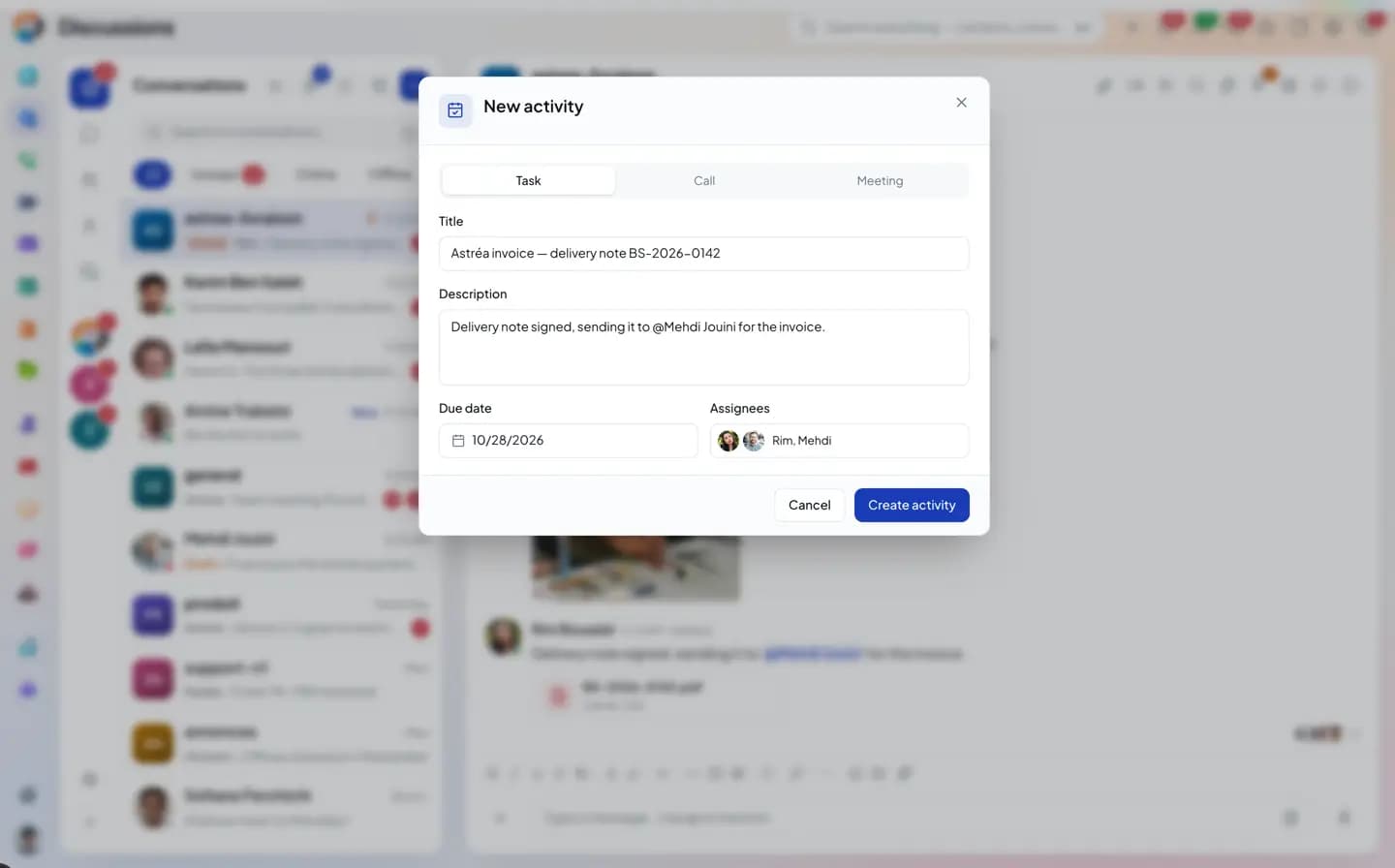
 Activity
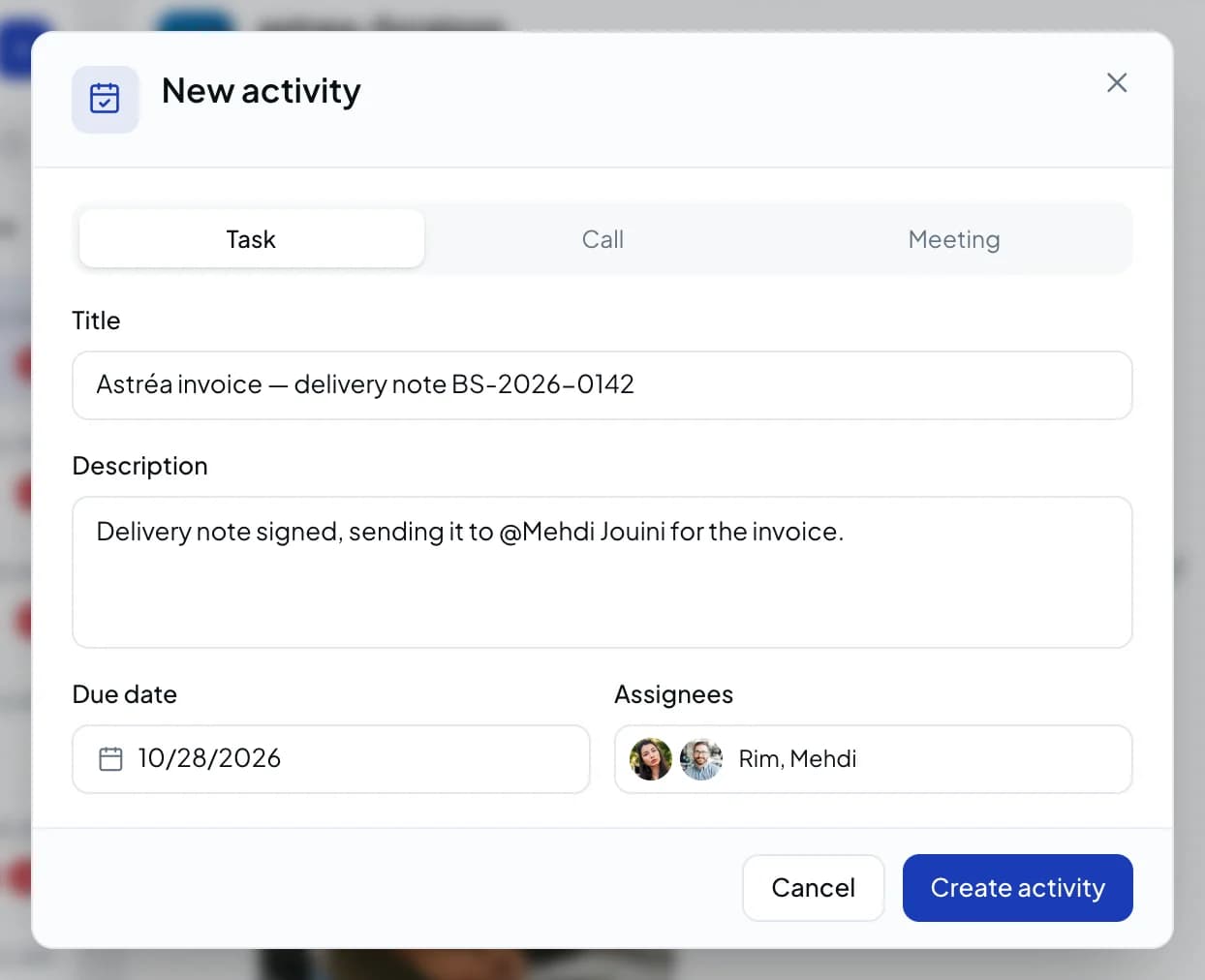
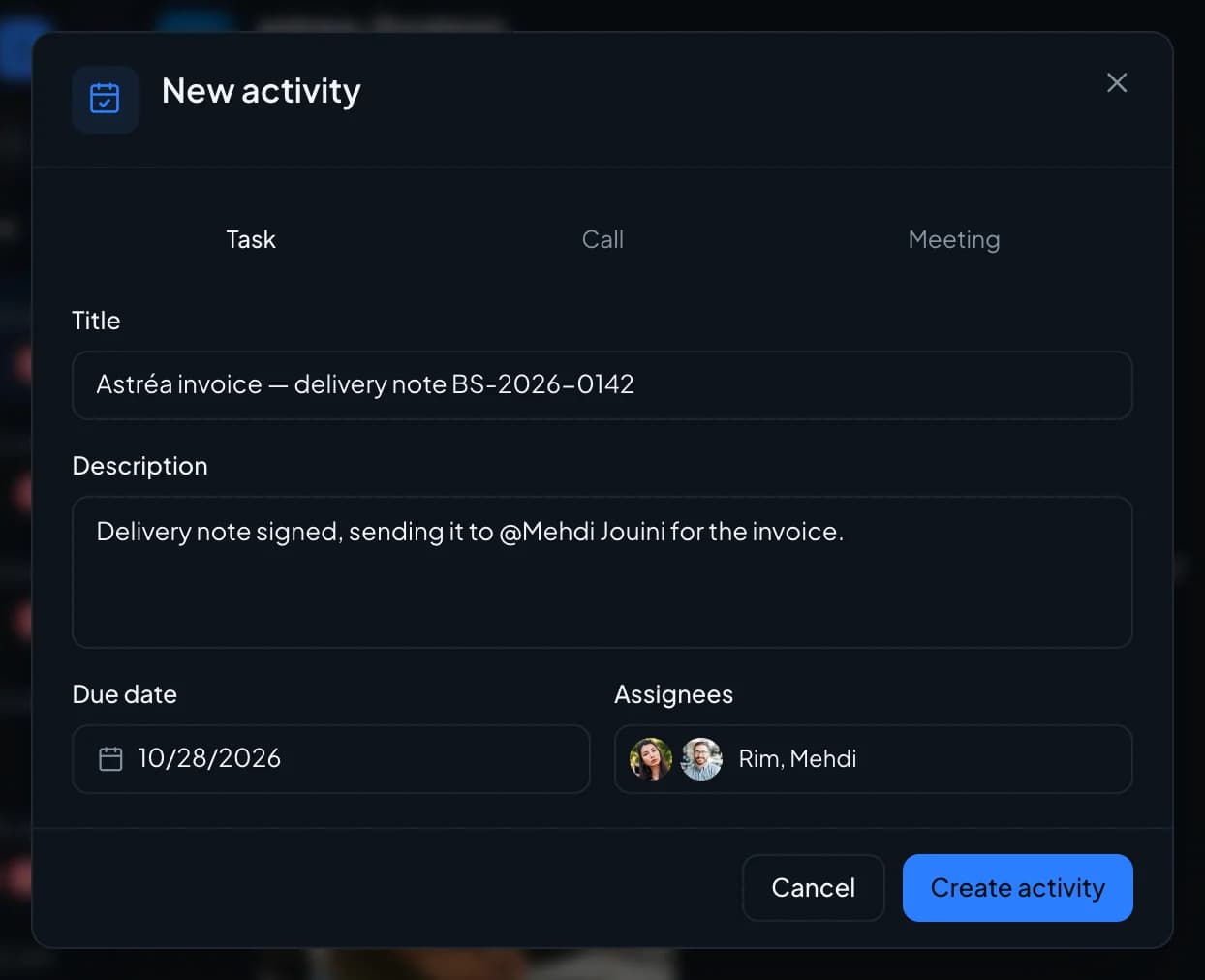
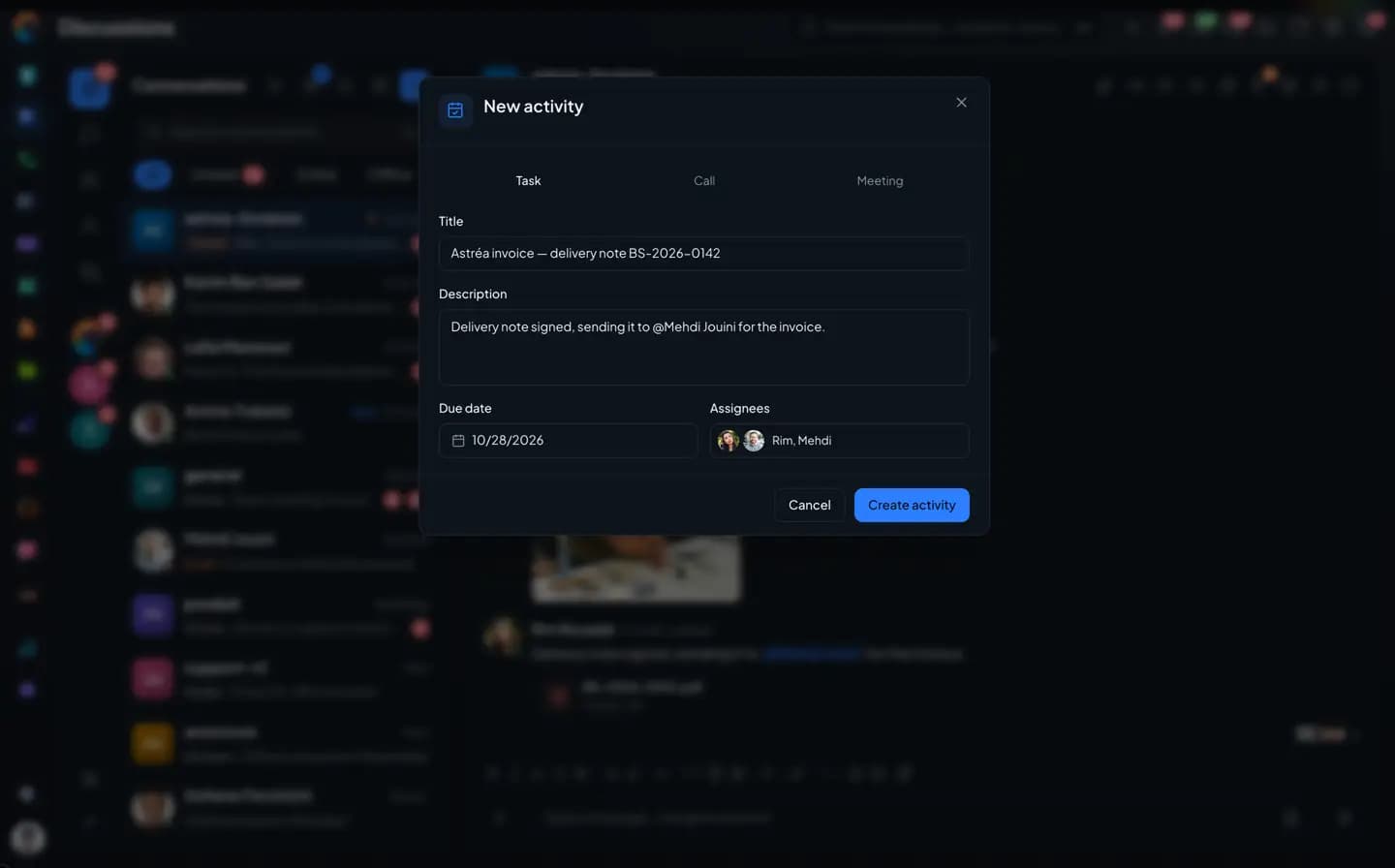
The task to do,
with its assignees.The Activities form opens as a task, with the message text as the description and members as assignees. A message confirms the link.
- Task, call, meeting
- Assignees
- Link to the message
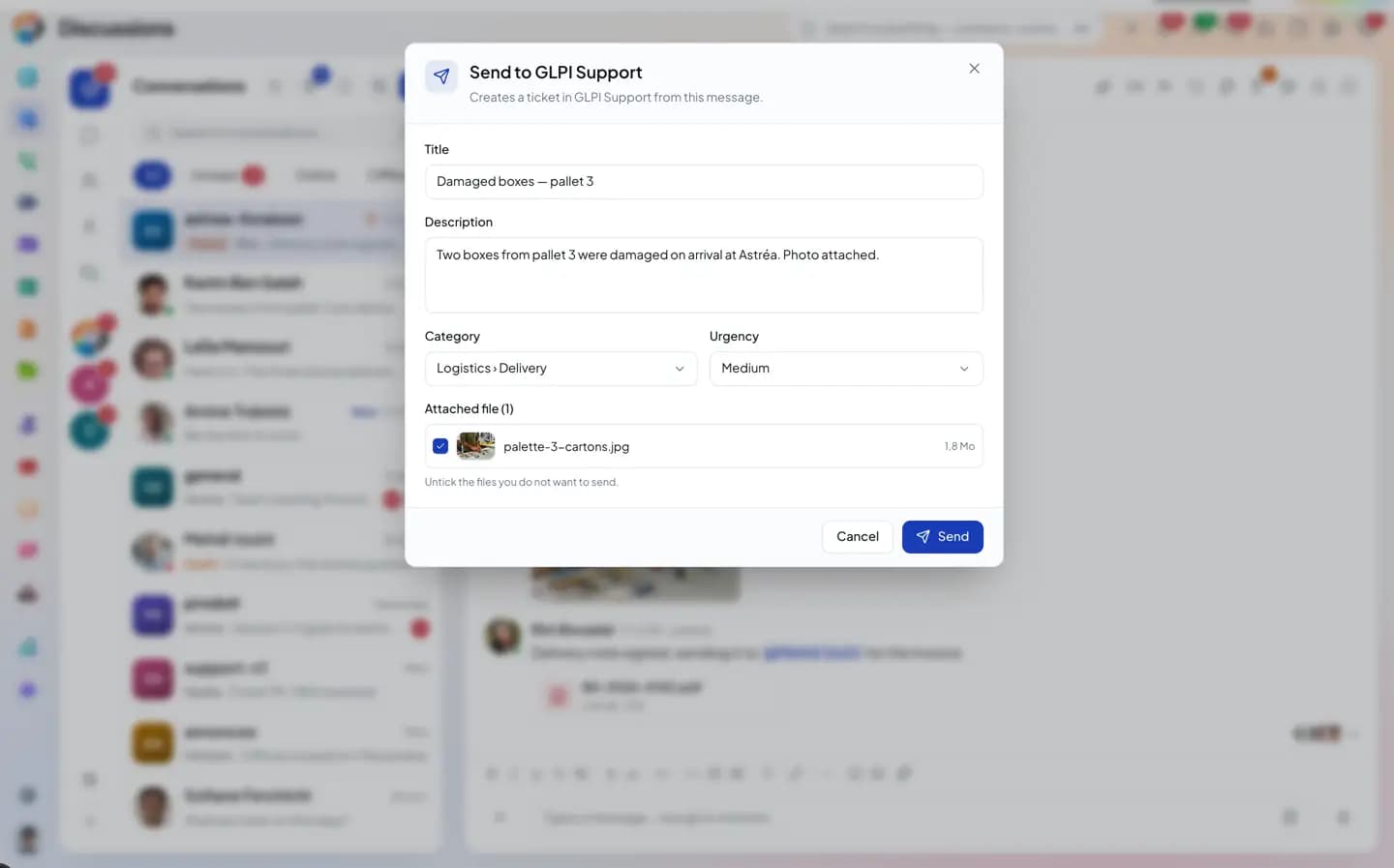
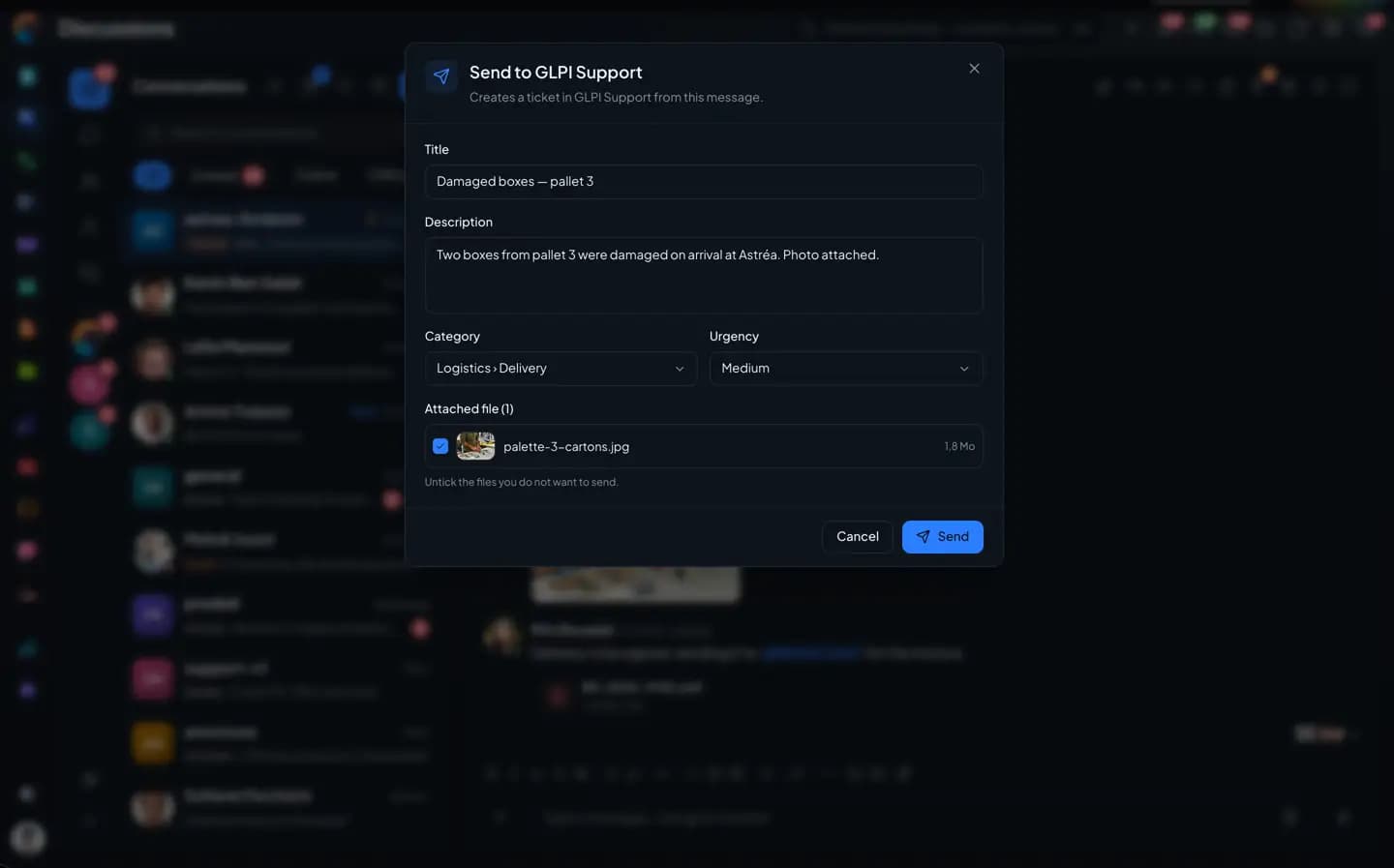
GLPI and Odoo
To your
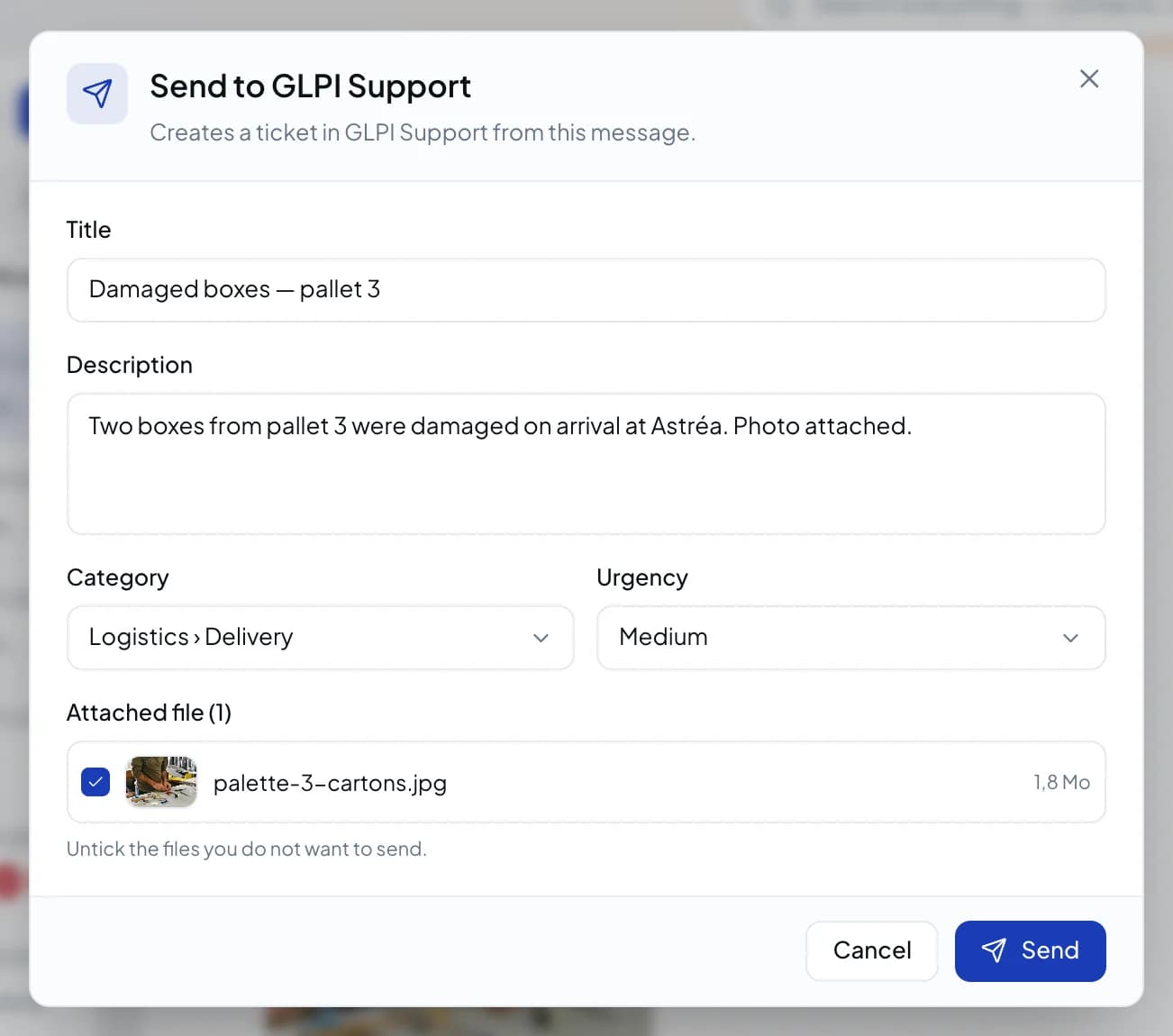
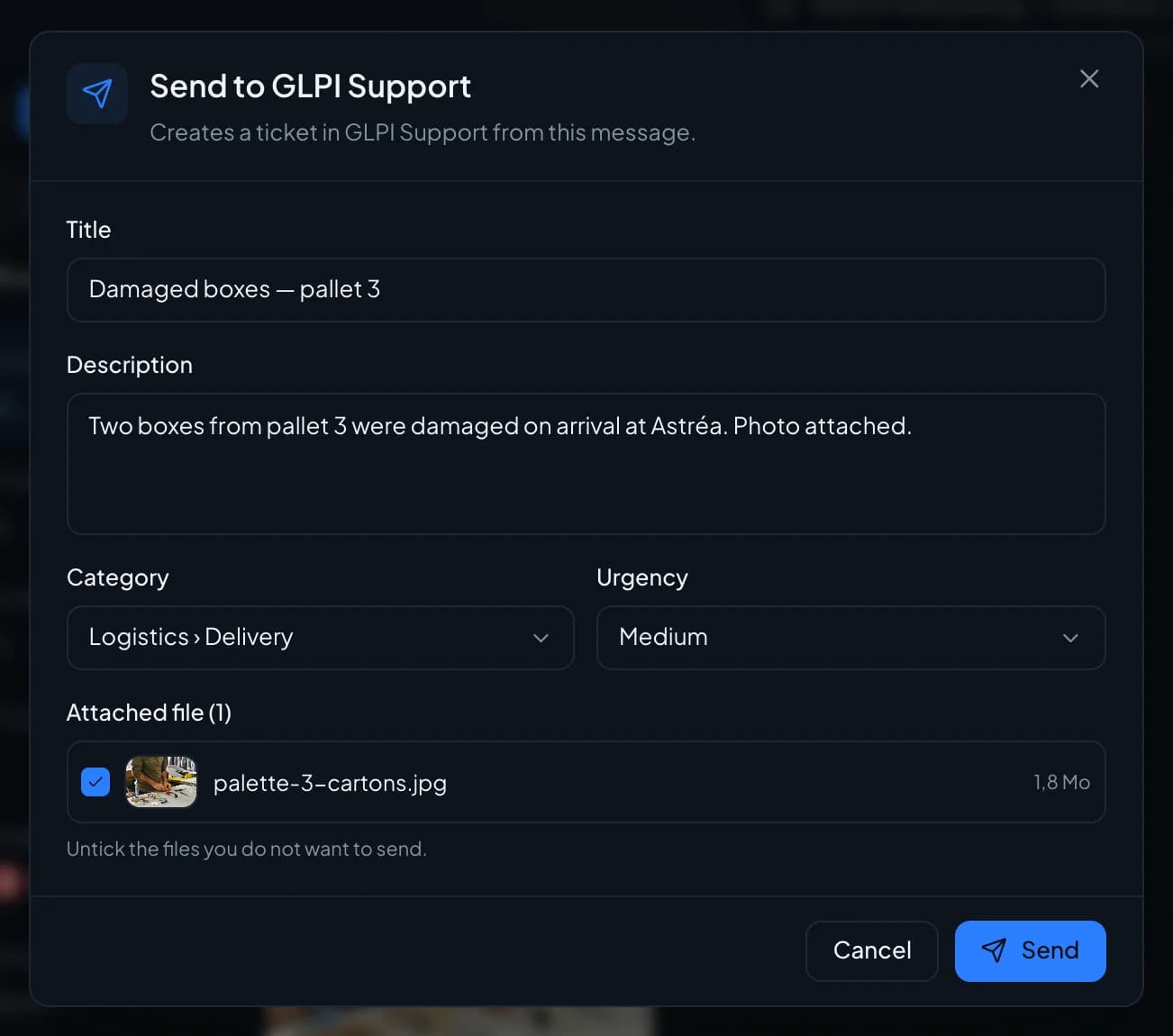
support tool."Send to…" pushes the message to GLPI or Odoo, with a category, an urgency level and the attached files.
- Send to GLPI or Odoo
- Attached files
- Tracking badge
Ticket
A ticket filled in
by the message.
"Assign a ticket" links the message to an existing ticket or creates a new one, with the client's text as the description.
- Create a ticket
- Link to an existing ticket
- "Ticket · created by" badge
Share
The client comes
into the conversation.
An email, a record, a ticket or a report can be shared in the thread. Each one appears as a card, with a button to open it in its app.
- Email shared with its content and attachments
- Contact or company record, with its badge
- Shared ticket, opened in one click
- Drive file and social conversation
- Statistics report as PDF or CSV
Video and voice calls
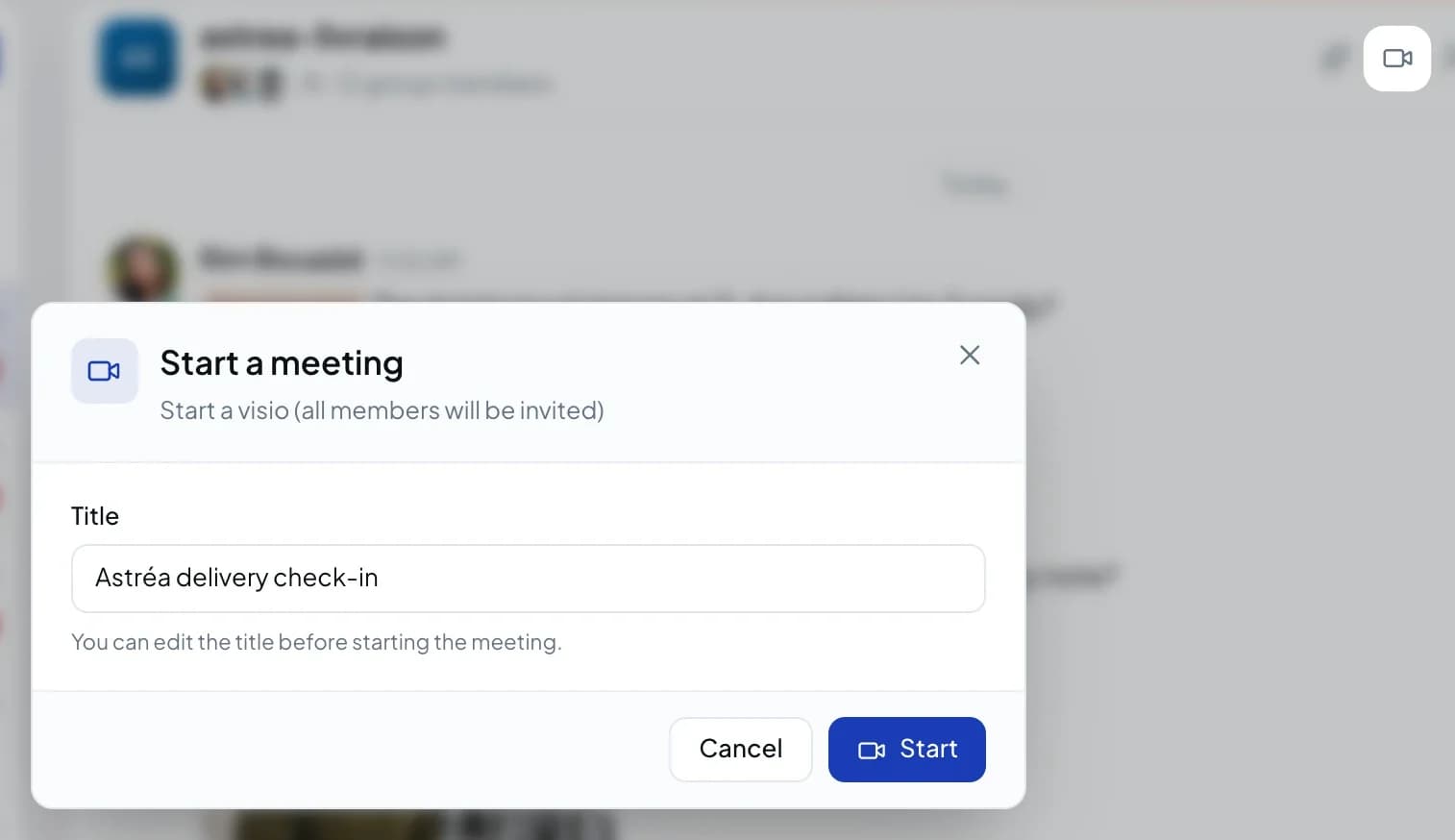
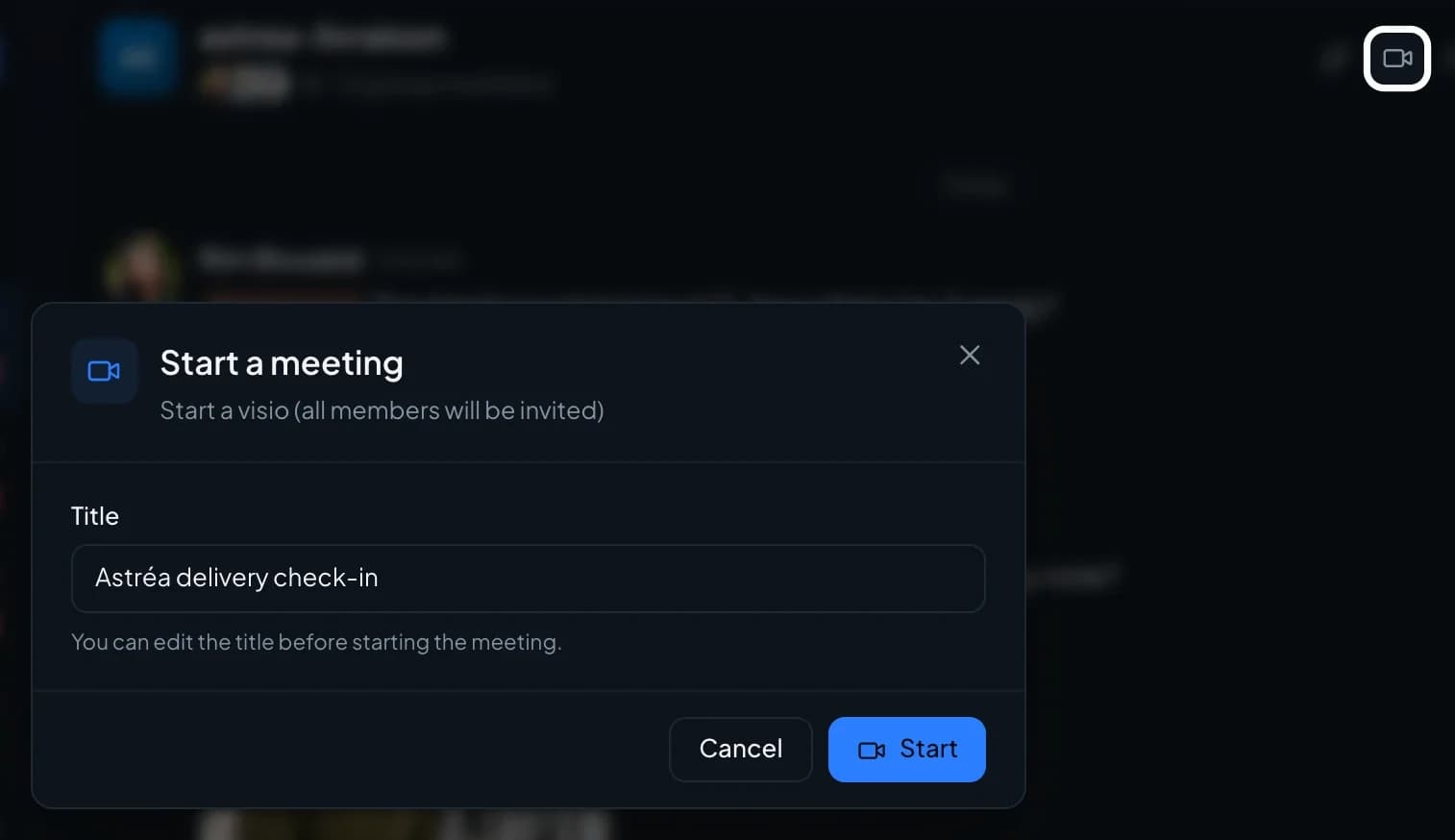
From the group to a video call,
with no link to send.
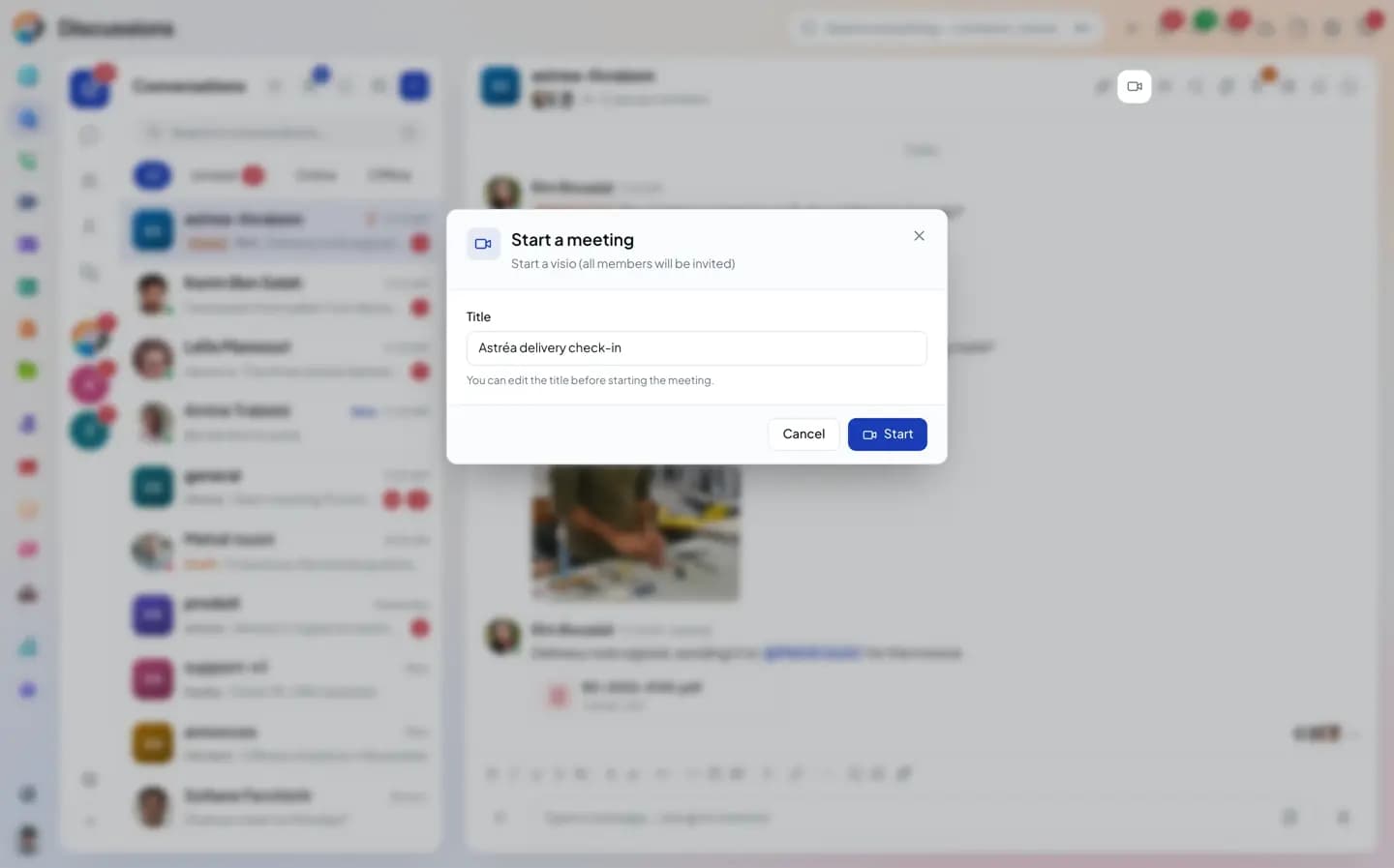
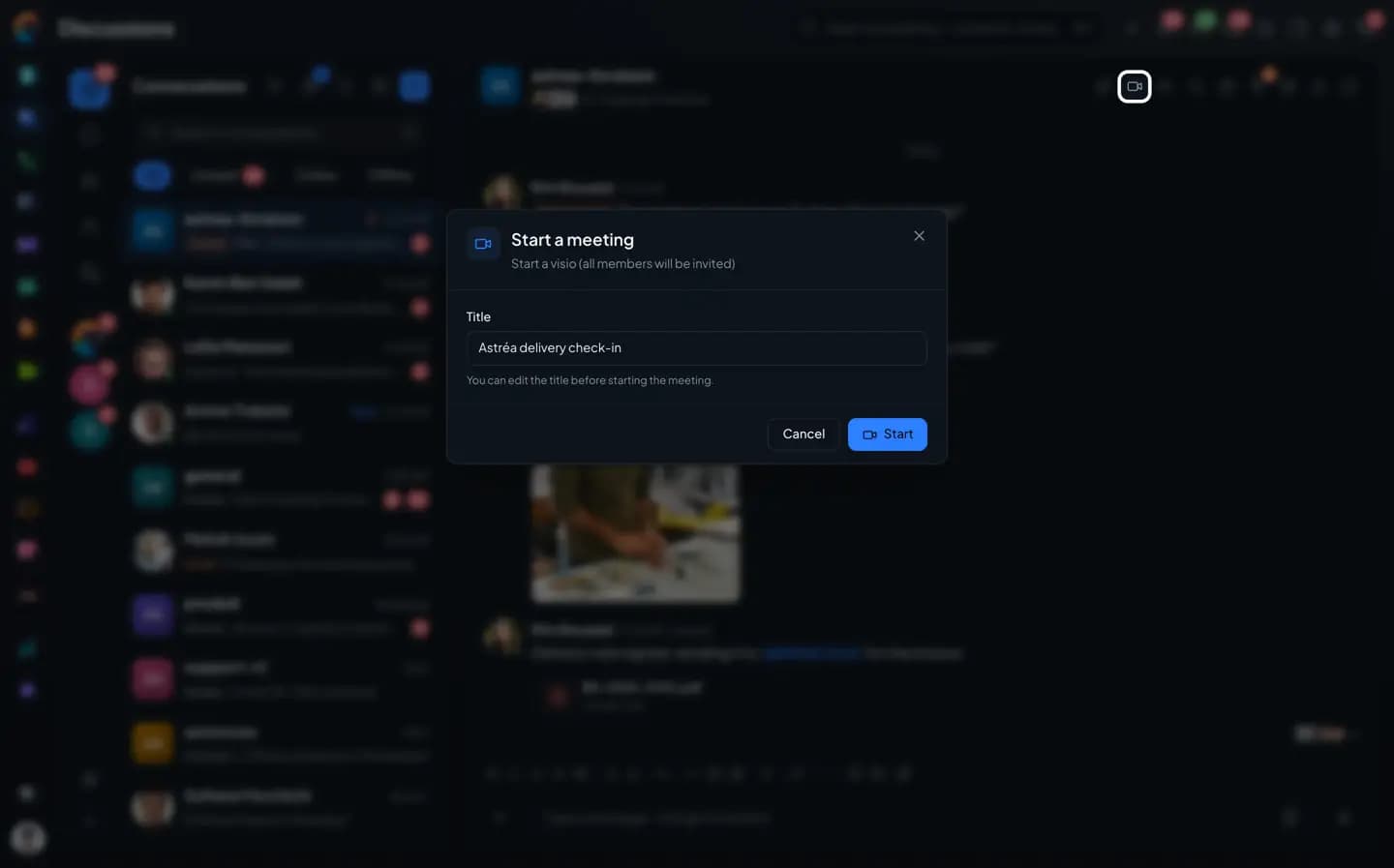
The video button in the header starts a call with a title. A card appears in the thread, members join from it, and the meeting recap is added after the call.
- Video call started from the group, with an editable title
- "Join" card in the thread
- Call from a direct message, recorded in the thread
- Meeting recap in the thread
Bots & integrations
Your software
posts in the group.
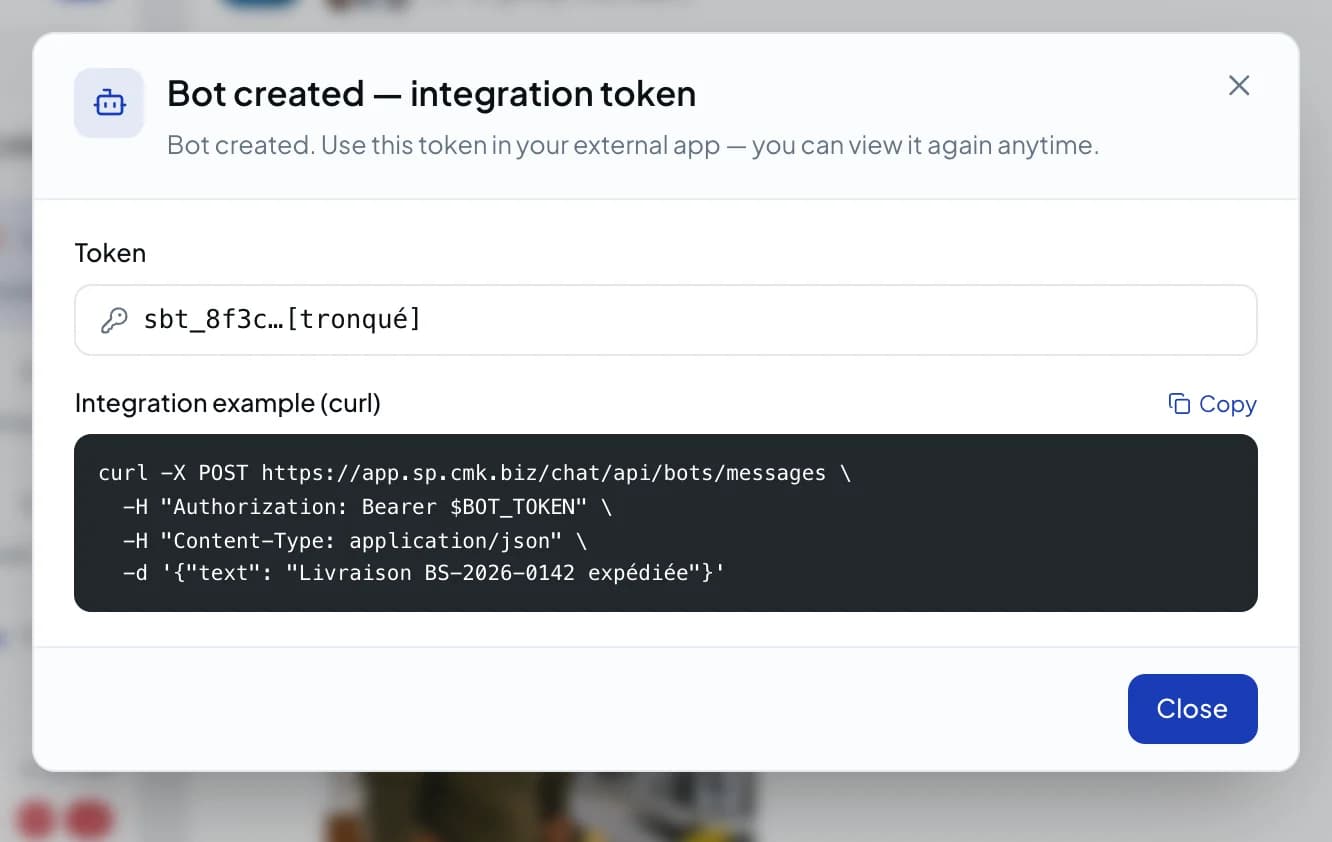
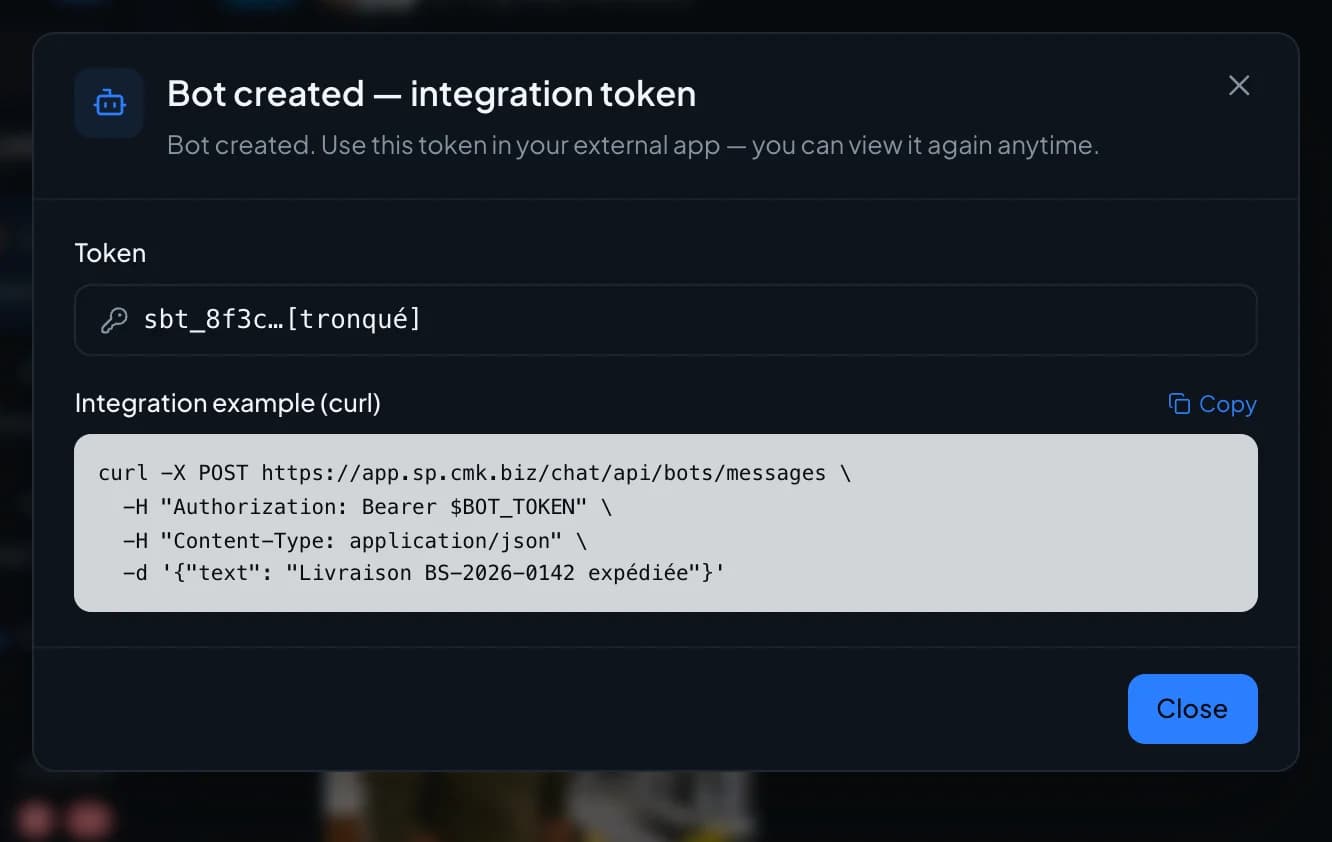
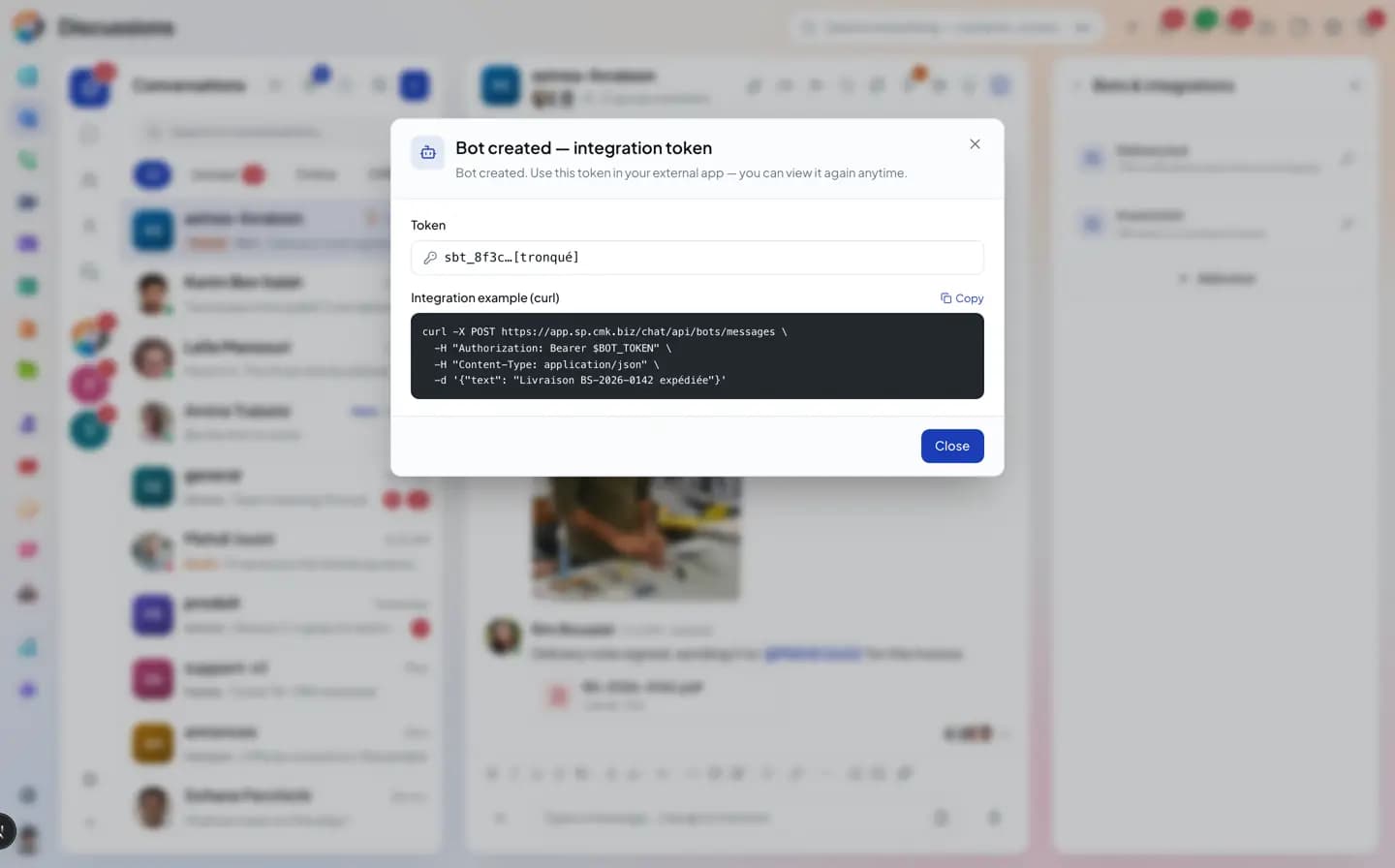
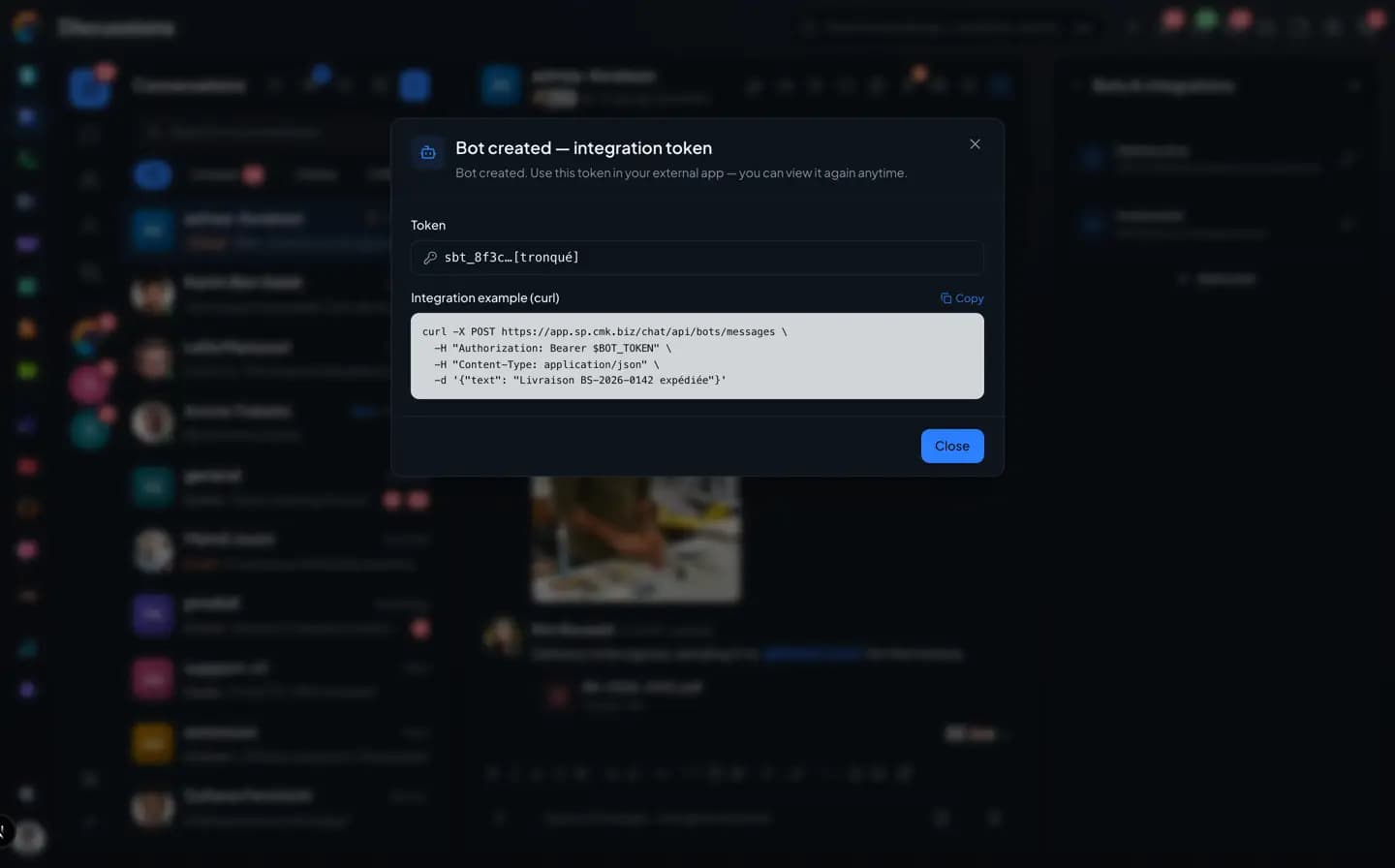
A bot lets an external app post its notifications in a conversation. You create it in the group info and get its token, with a sample call ready to copy.
- One bot per need, in the group of your choice
- An integration token
- The sample call in curl
The inventory
What the Chat connects, and what's missing.
What's in gray doesn't exist yet, or not everywhere (web or phone). We'd rather say so.
Not yet, or not everywhere
With the other apps
- Email shared in the thread, with its full content
- Ticket created from a message, or a message linked to an existing ticket
- Activity created from a message; a phone number found in it can be called in one tap, a date added to the calendar
- Create an opportunity from a message: on the web; the phone links the message to an existing opportunity
- Ticket, contact, company, opportunity, social conversation and Drive file cards in the thread
- Video meeting started from the group, and its recap in the thread
- Call from a direct message, logged in the thread
- Statistics report shared in the thread, to download as PDF or CSV
- Send a message to GLPI or Odoo: on the web only
- Bots: an external tool posts into a conversation with a token, set up on the web only
- Outgoing webhooks to another tool: ready on the server, with no screen to set them up
Questions
The Chat and your apps, frequently asked questions.
Short answers to the questions people ask us before a trial.
The Chat in detail
The other pages about the Chat.
Groups, channels and spaces
Direct messages, threads, directory, guests.
Messages, voice and video
Formatting, transcribed voice notes, polls, scheduled sending.
Files and media
Albums, PDF preview, Drive, the group gallery.
Search and saved messages
Operators, hashtags, pinned messages, mentions.
Koukou in the Chat
Catch up, translate, transcribe, write.
Mentions and notifications
Levels, mute, pause, announcement channel.
Administration and security
Encryption, roles, settings, statistics.
Less copy and paste between your tools.
The trial connects the Chat to Comunik Sphere Tickets, Directory, Mail and Video.