HTTPS at the office, and when working from home.
Each phone has its own transport. TFTP stays limited to the local network.
 Servers and provisioning — Your IP phones, set up remotely.
In our cloud or on your servers, the console sets up each phone and follows it live.
Where it runs
Three ways to install Comunik VOIP. The console and its features stay the same; only the place where the servers run changes.
Plug in a phone
The phone is plugged in and asks for its configuration. The console hands it over.
Profiles
A profile holds the settings shared by one model. One of them is the default for the whole sphere.
Import
A four-column CSV: MAC address, model, name, extension. The default profile applies on its own.
Keys
BLF keys, lines and speed dials are set from the console. Key 1 stays the line.
Settings
Each phone has its own transport. TFTP stays limited to the local network.
"Resync" sends the configuration again to one phone, or to all of them at once.
Its connection goes offline, with the time it was last seen.
Secure TFTP
Older phones on the local network fetch their configuration over TFTP, unencrypted. The console frames every opening.
Inventory
What exists is ticked. What is missing, or switched off, is in grey.
Not yet, or switched off
Comunik VOIP
Numbers, ring groups, queues and opening hours, set in the console.
The "press 1, press 2" menu, built block by block.
Every call with its outcome, its recording and the contact record.
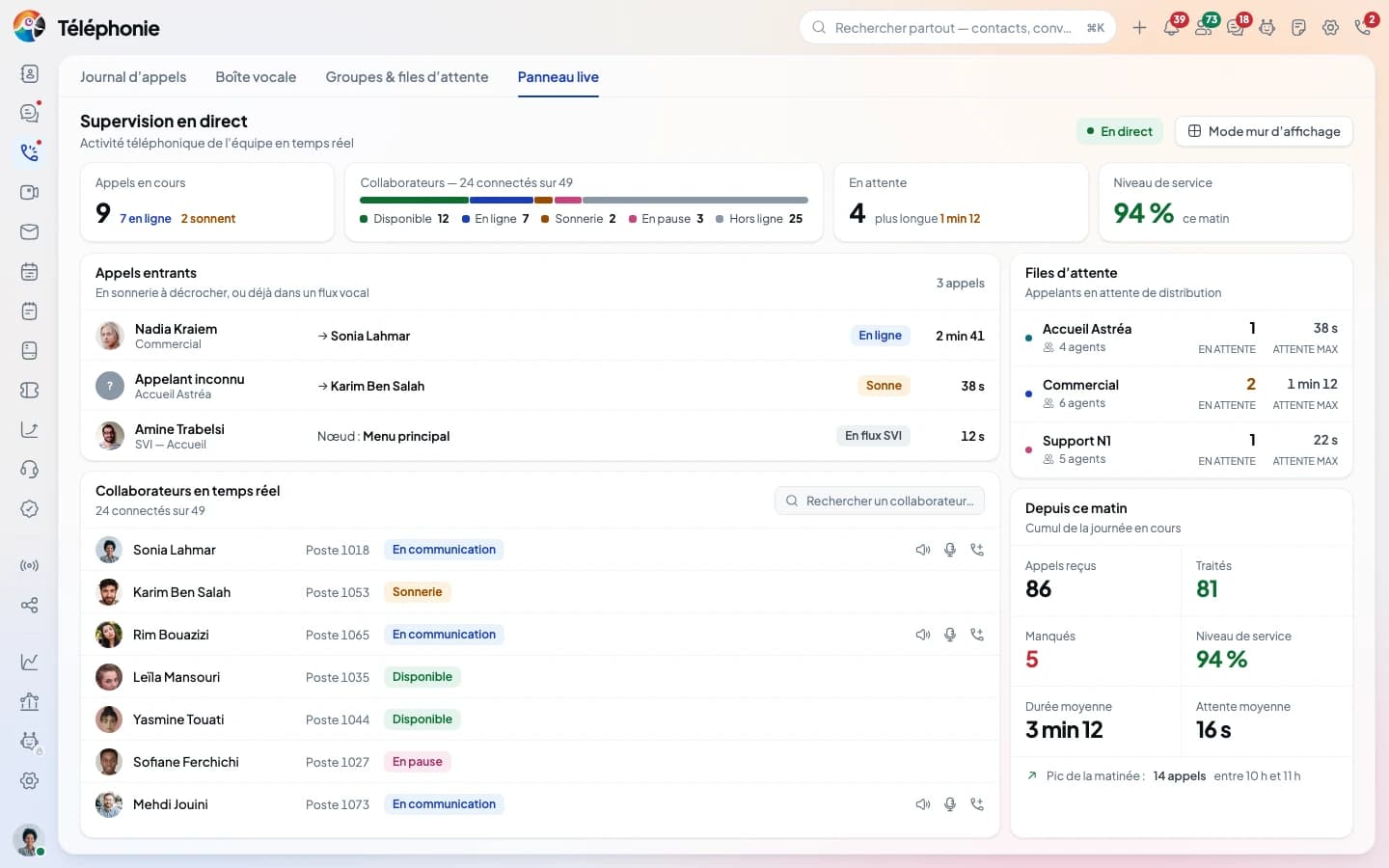
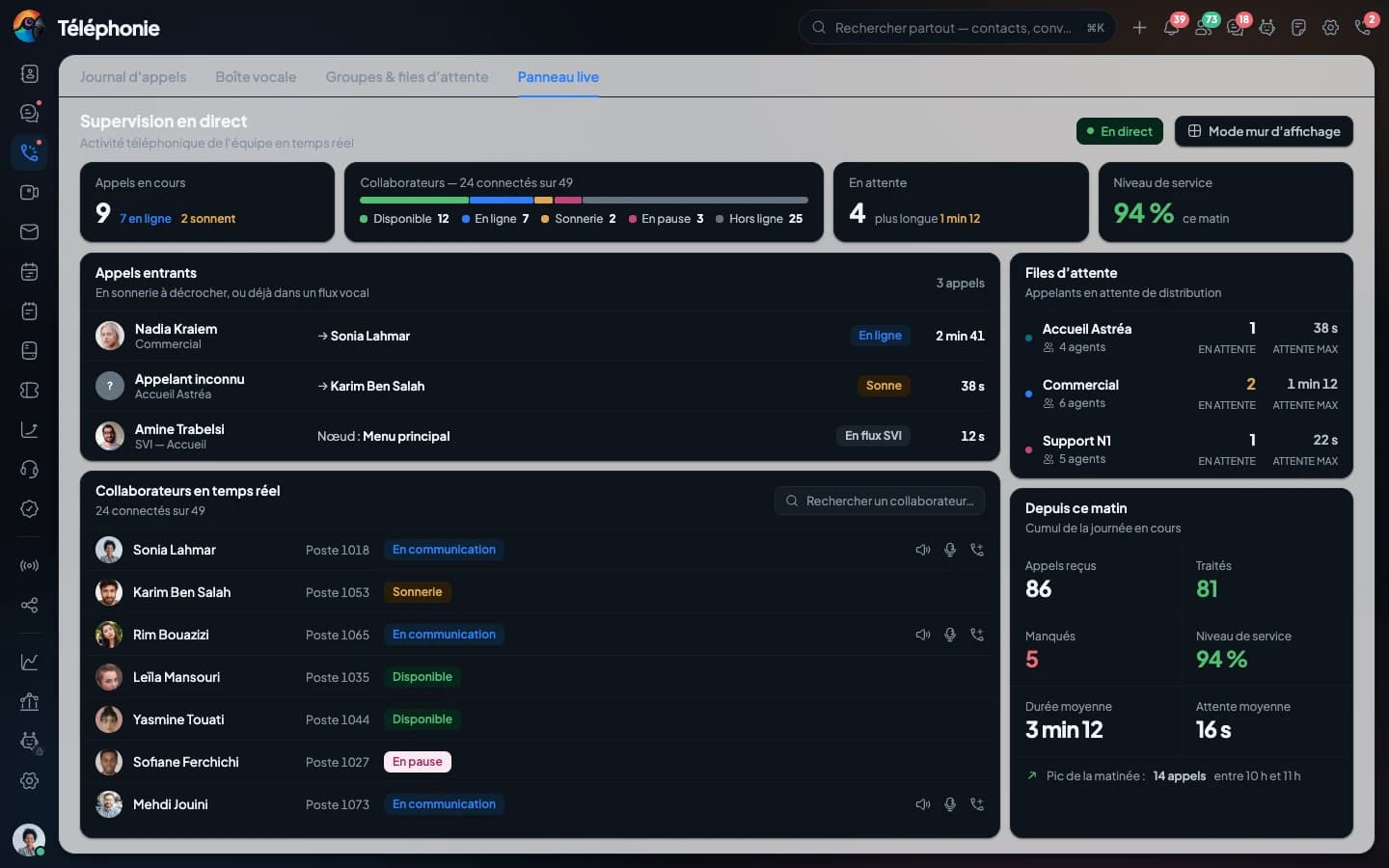
Queues, agents and calls in progress, live.
Your extension in the browser, open on every page.
The same extension rings on your phone, even when it is locked.
Your carriers, your numbers, and the route of every outbound call.
Seven models, from the spare handset to the three-screen reception phone.
Questions
The answers stick to what the console does today.
Send us the list of your phones: we import it with you and plug in the first one together.