




Three forwarding rules
Immediate, when busy, no answer: to an extension, a number, a queue or voicemail.
 Mobile app — Your extension rings in your pocket.
Your extension rings on your phone, even when it's locked. The people you call see the company number.
On the phone
Take calls, make them, switch the audio, hand over to a colleague.
The system call screen on iPhone, full screen on Android. You can also answer with a message.
Three digits of an extension are enough to find a colleague. The call can also start as video.
Phone, speaker, Bluetooth or headset: switch the output during the call.
Direct, or attended: you speak to the colleague first, then hand the call over.
Call handoff
A call taken at the desk or in the browser can be picked up on the mobile, without hanging up.
After the call
Every call has its record in the app: the recording, what Koukou made of it, what you noted.
The call page
The three durations, the direction and the outcome, then the call's route.
Comunik VOIPKoukou
Transcribe gives the text per speaker. Analyse draws the summary, the next steps and the sentiment from it.
 Koukou AI
Qualify
After an answered call, a window offers a note, tags or a reminder. It can be turned off in the settings.
Comunik VOIPTicket
A ticket opened during the call shows on its line in Recent, with its number.
 Comunik HelpDesk
Settings
Your line settings live in the app, in the same place as your calls.
Immediate, when busy, no answer: to an extension, a number, a queue or voicemail.
Ring time, the message attached to the email, a greeting recorded on the mic.
Missed call, transcript ready, voicemail: everyone picks their channels.
Extension connected, video, mic and notifications: the line's status on one screen.
Statistics
Your team's figures or your own over 7, 30 or 90 days, next to messages and emails.
Inventory
The user side of the phone system is on the phone. What is missing is written in gray.
Not on the phone yet
Questions
The answers stick to what the app does today.
Comunik VOIP
Back to the business phone page: the phone system, the console and the devices.
Numbers, ring groups, queues and opening hours, set in the console.
The "press 1, press 2" menu, built block by block.
Every call with its outcome, its recording and the contact record.
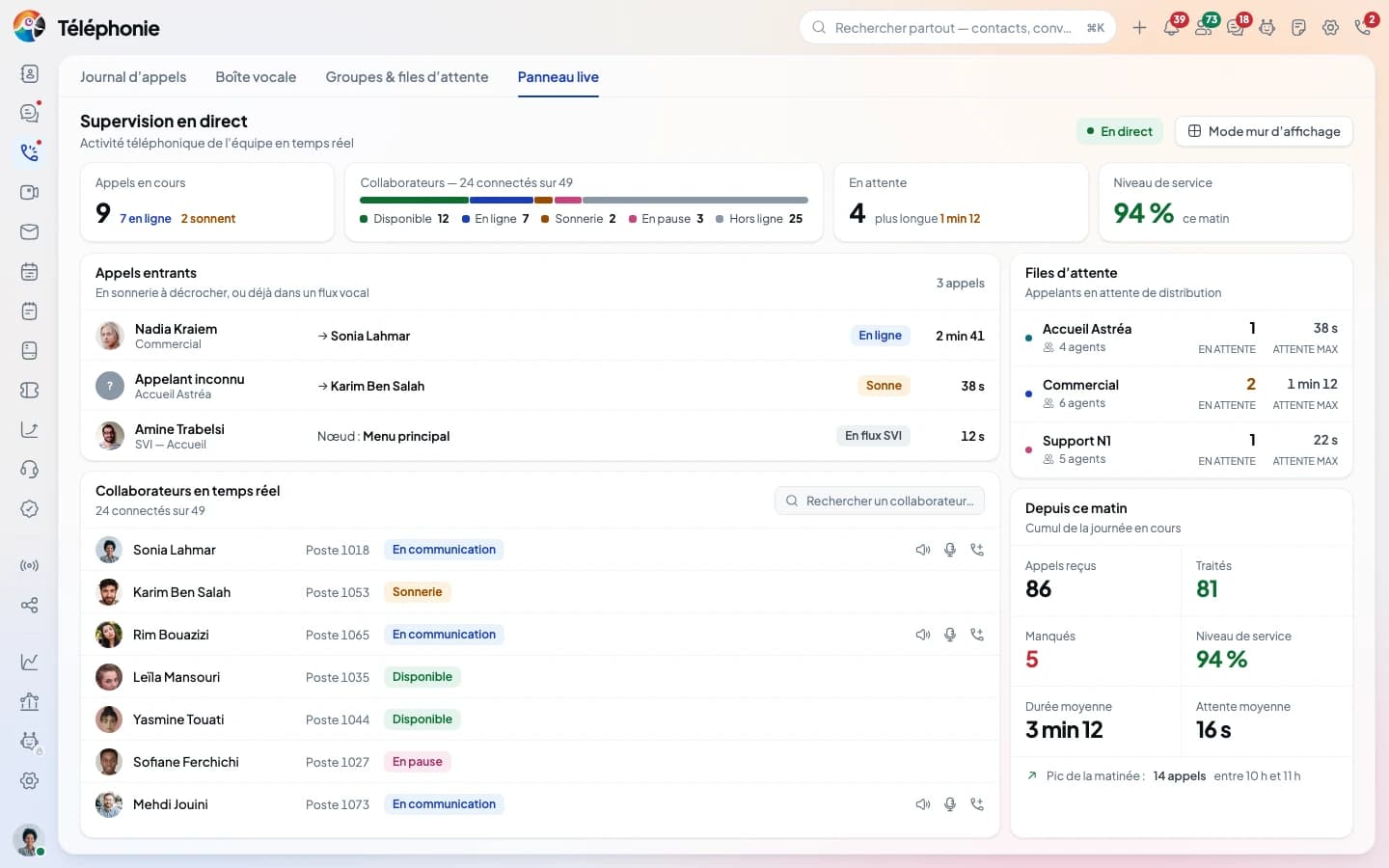
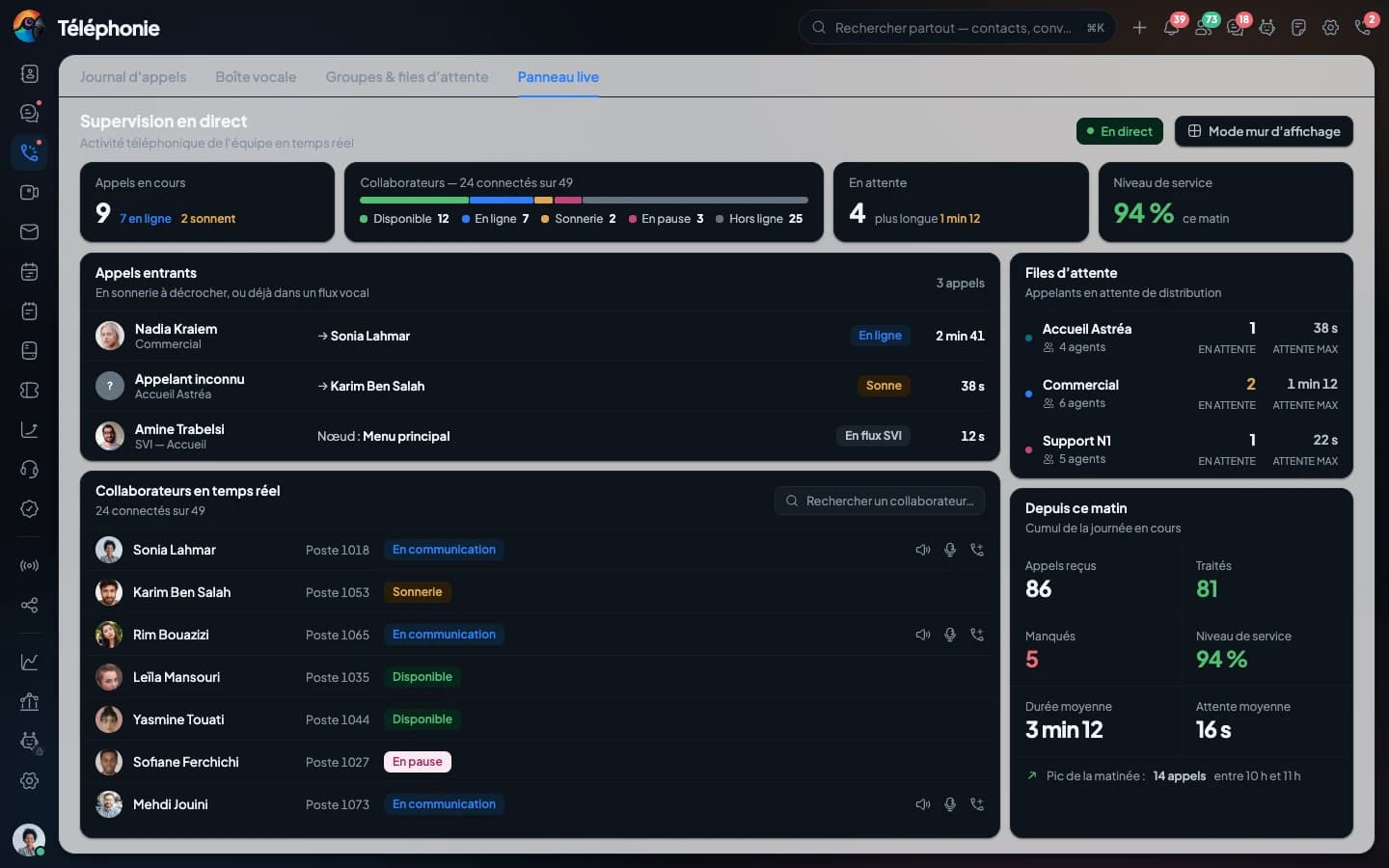
Queues, agents and calls in progress, live.
Your extension in the browser, open on every page.
Your carriers, your numbers, and the route of every outbound call.
Your IP phone fleet, configured from the console.
Seven models, from the spare handset to the three-screen reception phone.
We install the app with you, then call your extension to check that it rings, even when the phone is locked.