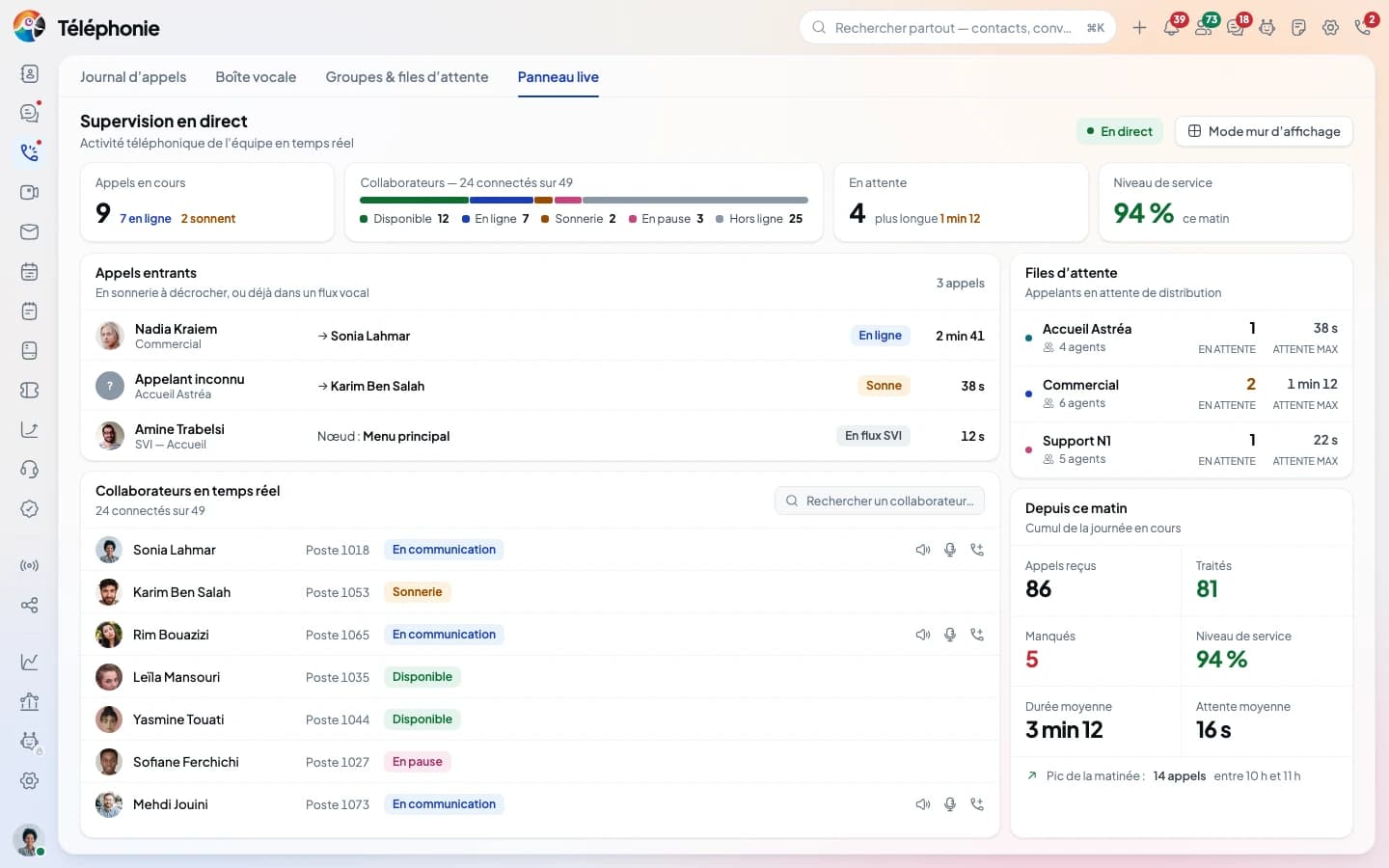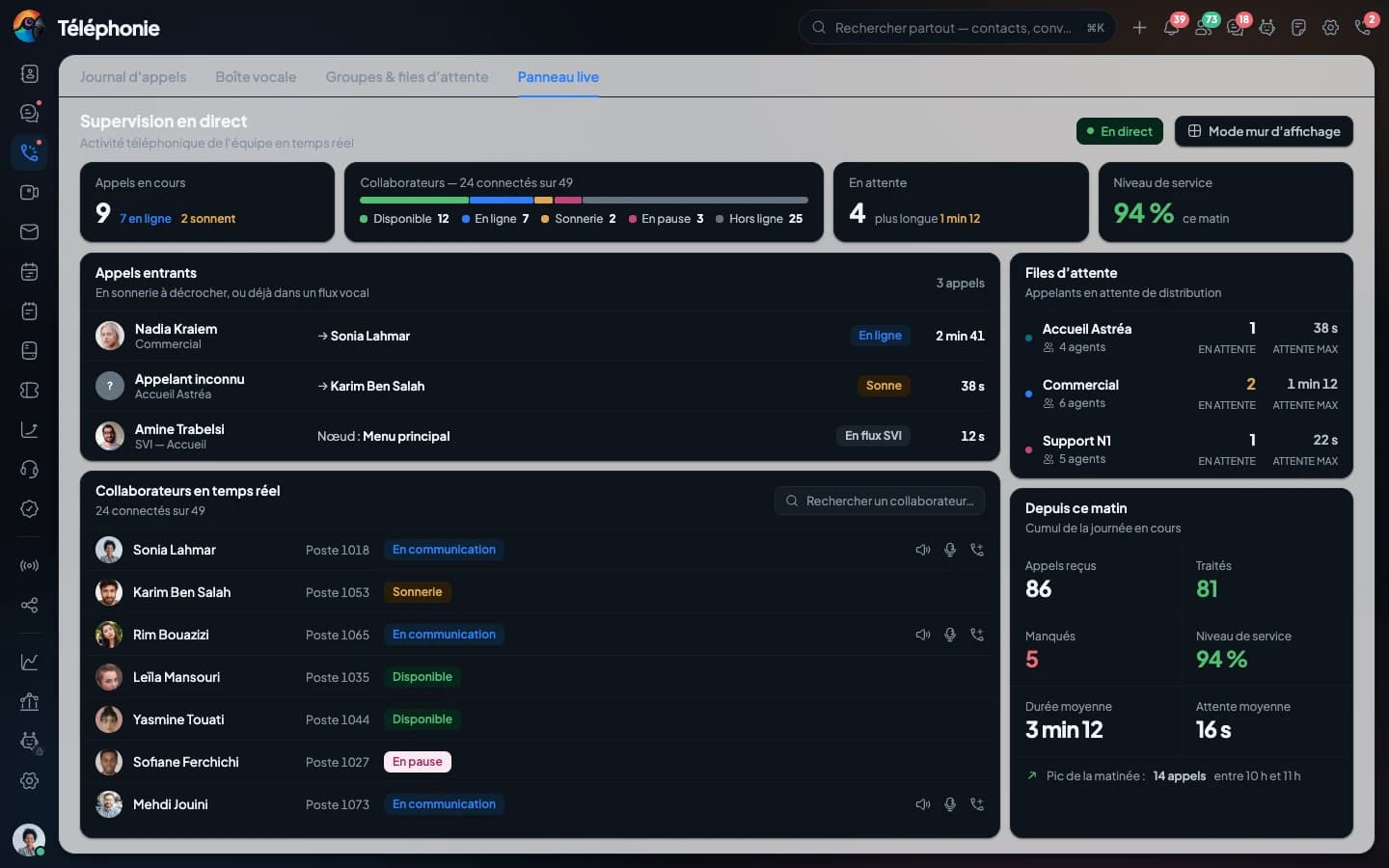
























It rings, even when locked
The system call screen, even with the app closed. The call holds when you move from Wi-Fi to 4G.
 Mobile app — You leave the office. Your work comes along.
The Comunik Sphere app for iPhone and Android opens the same groups, the same mailboxes, the same folders and your phone extension, with the same account and the same permissions as at the office.
From desk to phone
A call, a mail thread, a file or a message: what you leave on the computer waits for you on the phone, in the same place.
Comunik VOIP
A call answered on the desk phone or in the browser is picked up on the mobile without hanging up. One tap on “Pick up the call here” is enough.
The shared mailboxes of the web open with the same roles. You assign a thread to a colleague and see who is reading it.
Drive
The same folders, the same permissions. You search for a document, open it in preview and share it without downloading it.
Chat
Long press on the message, a subject, and the ticket is created in HelpDesk. The message stays attached to it.
 Comunik HelpDesk
The apps
Tap a logo: the app opens in the phone, as it is in the Comunik Sphere app.
Your groups, threads and favourites
The Unread, Messages, Groups and Channels filters sort the list. You reply between two meetings, you record a voice message.
See the Chat pageWhat the phone does
The app uses what is in your pocket: the ringtone, the notifications, the camera and the microphone.
The system call screen, even with the app closed. The call holds when you move from Wi-Fi to 4G.
A mention or an approaching deadline arrives as a notification, even with the app closed.
A photographed document becomes a multi-page PDF, filed in the right Drive folder. A business card becomes a contact record.
Record, listen, send. The voice message can also be read as text, with its transcription.
Questions
The short answers. For the rest, a demo with your team.
A 30-minute demo with your team: we open the app on your phones and pick up a call, an email and a file live.