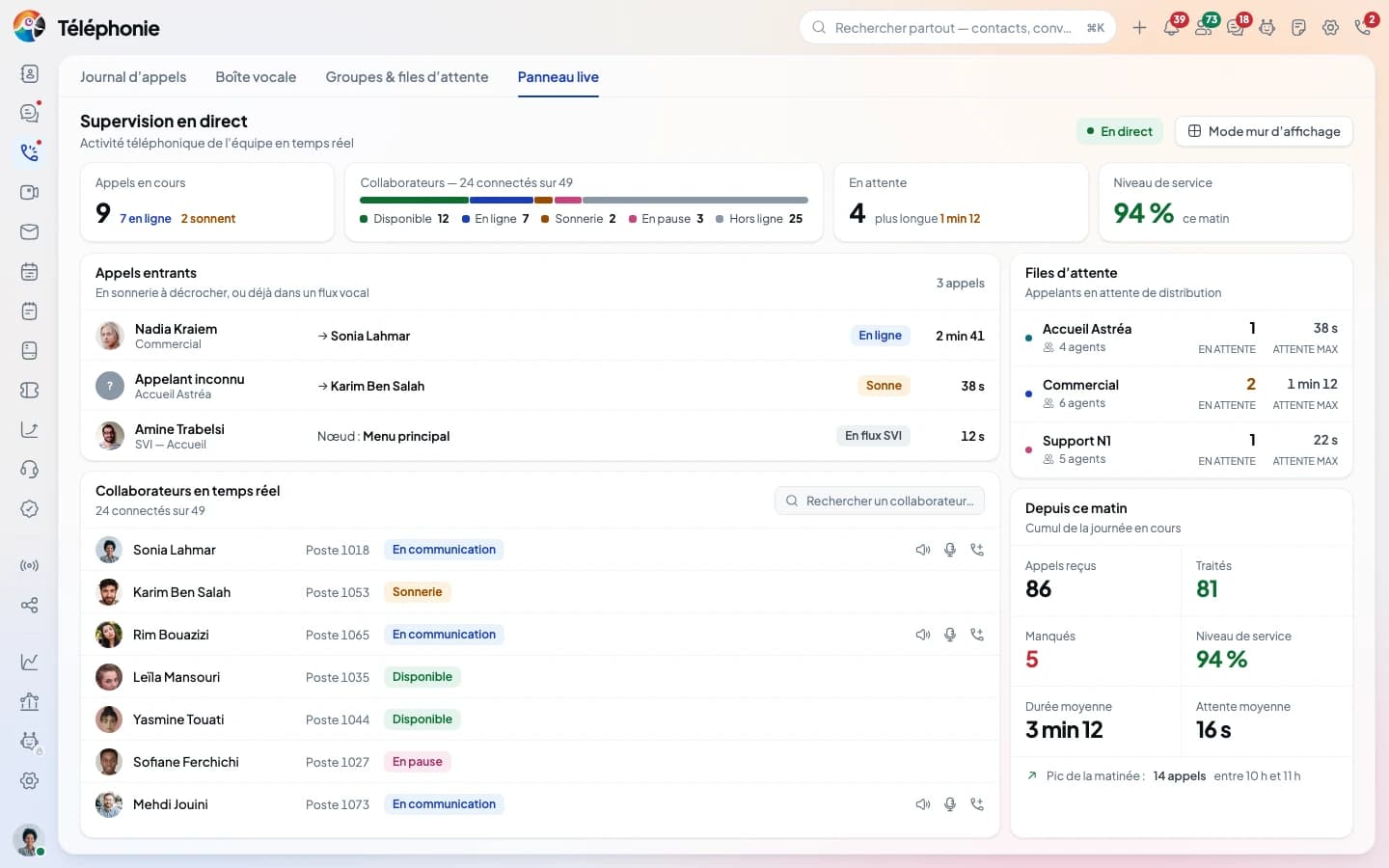
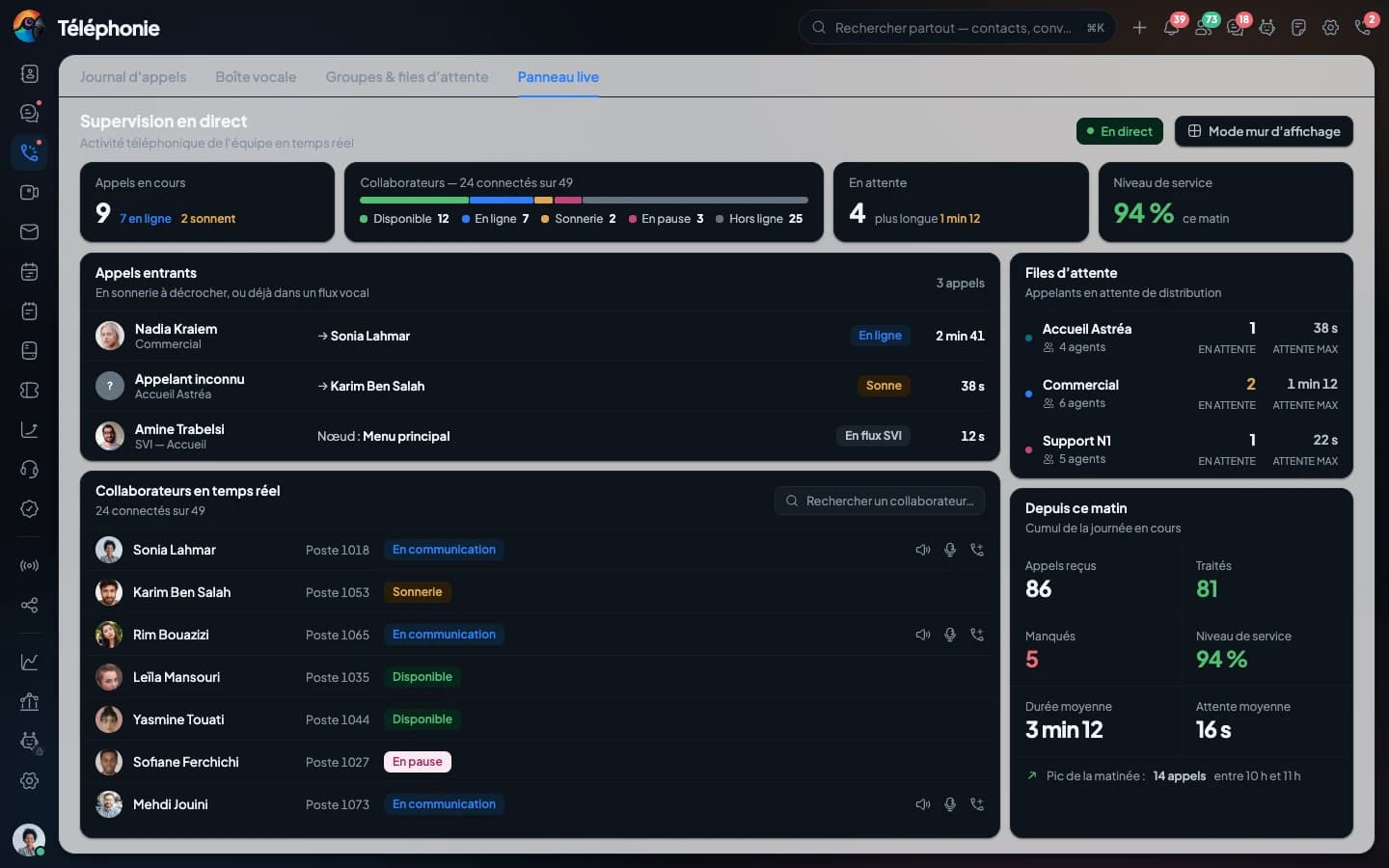
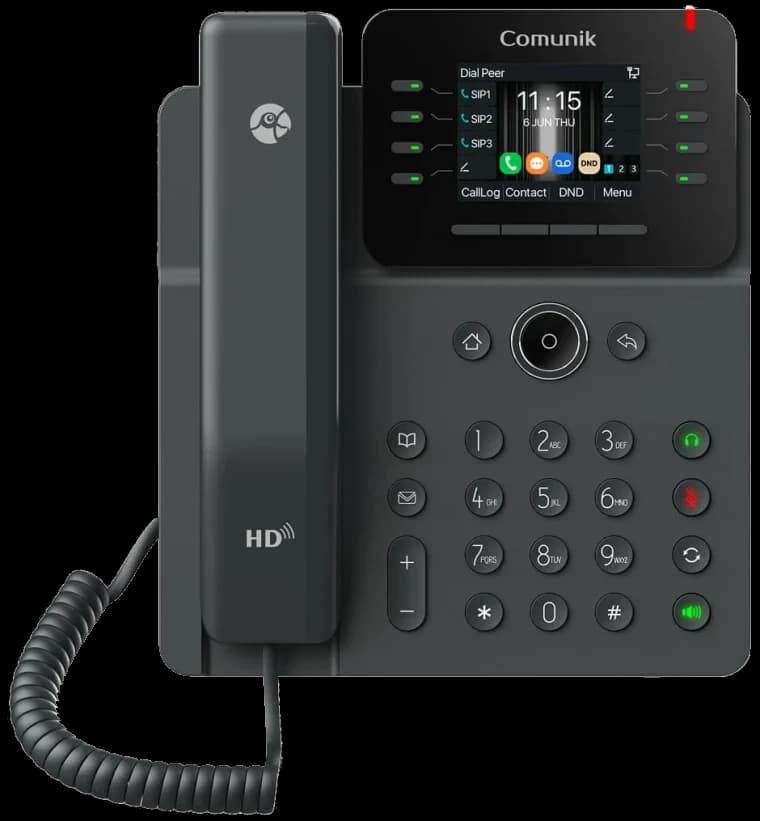
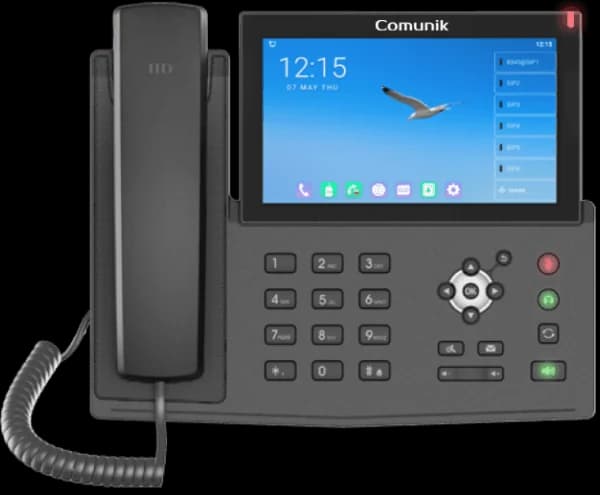
IP phone CMK15 — Sixty-four keys, on a touchscreen.
The first phone in the range with a touchscreen. The IPS panel keeps its colours when seen from the side, which matters on a phone you check standing up, holding something else. Ten SIP accounts and sixty-four BLF keys.
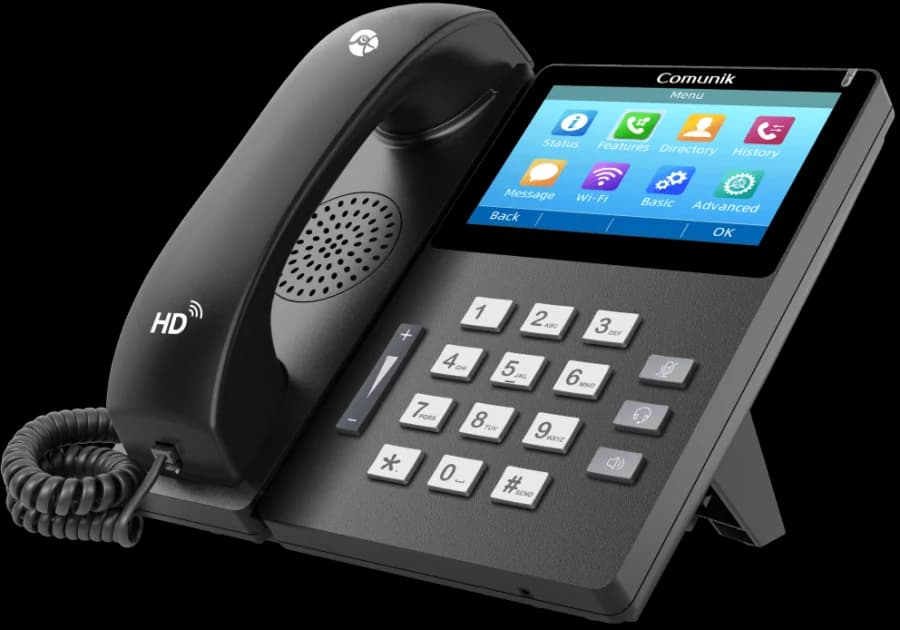
- IPS touchscreen 4.3″
- 64 BLF keys
- 10 lines
- EHS and Bluetooth headset
- USB port
- PoE
- IPv6
Advantages
Four reasons to choose this model.
What this phone does well. The other models in the range cover the rest.
An IPS panel, readable from the side
Wide viewing angles, and the colours hold when you look from an angle: a 4.3-inch touchscreen at 480 × 272.
Sixty-four keys, no add-on
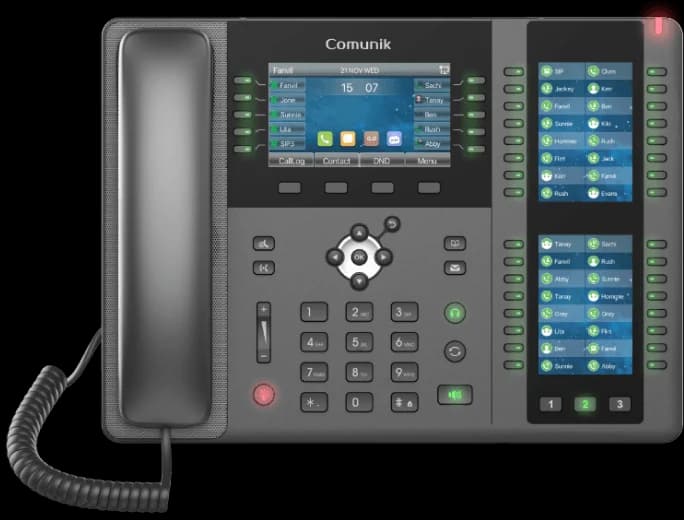
The first phone in the range that covers a whole floor without an expansion module. Ten SIP accounts behind it, and each key's status on screen.
A USB port that earns its place
Two gigabit ports, 2.4 GHz Wi-Fi and PoE, plus a USB port for a Bluetooth headset or to record a call on a stick, without going through the server.
Encrypted, and compatible
Configuration and calls encrypted with AES, SRTP and TLS. RJ9, EHS or Bluetooth headset. The phone speaks SIP: it works on our platform and will work on another.
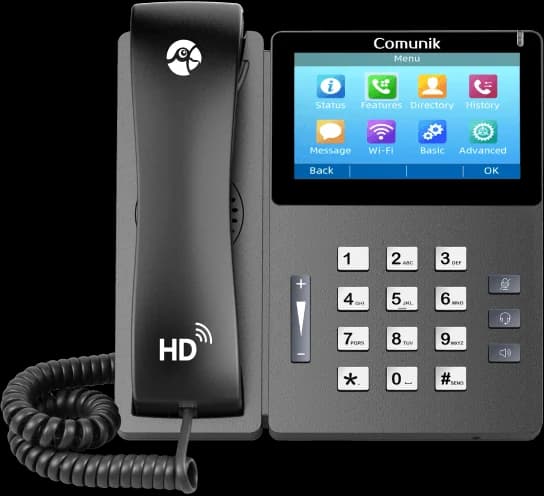
Spec sheet
Everything it has under the hood.
- IPS touchscreen 4.3″, 480 × 272
- 10 SIP accounts
- 64 DSS/BLF keys
- 2 gigabit Ethernet ports
- Wi-Fi 2.4 GHz
- 1 USB port: Bluetooth headset, or call recording on a stick
- Powered by the network cable (PoE)
- HD voice, Opus codec
- RJ9, EHS and Bluetooth headset
The manufacturer's PDF sheet (dimensions, weight, power supply, box contents) is not online yet. Ask a sales rep for it
Compare with the other sixOn three devices
The desk phone, the browser and your pocket.
One number, three places to answer. All three share the same account, the same call log and the same customer record.
On the desk: the CMK15
It rings, you answer. The BLF keys show who is free, and you transfer without putting the handset down.
In the browser: the softphone
One tab, nothing to install. The customer record opens with the call, and the note lands in the right folder.
See the consoleIn your pocket: the app
The same number rings on the phone. The call log fills up in one place, whichever device answered.
See the app
How many phones, and which ones?
The CMK15 is not right for everyone. We look together at what each person does all day, match a model to it, and tell you when an extra desk phone is enough.